How to Check Wallet History for Address Poisoning Before You Swap


A lookalike in wallet history can wreck a swap. Address poisoning plants a vanity address (a fake string that copies the first and last characters of a real one) via unsolicited dust, a zero-value token, or NFT spam. Treat Recent as read-only. Copy the Bitsz You send deposit only from this live order, copy Recipient’s address only from Receive, then check the full pasted string including the middle before you sign.
Quick answer: Do not copy a swap address from Recent, Activity, or an explorer From/To chip. Unexpected dust is bait, not a Bitsz test deposit. Copy the You send deposit from this live bitsz.io order, copy Recipient’s address from Receive, then compare the full string. If only the first and last 4–6 characters match, stop. If a TxID already went to a lookalike, stop a second send and pack Order ID plus TxID for support.
Bitsz is a non-custodial instant exchange (it does not hold your coins), live since 2023. The widget asks for You send, You receive, Network, Floating or Fixed rate, then Recipient’s address, then Exchange. After Exchange you get a unique one-time deposit. The widget has no “address verified” or “poisoning detected” chip.
Incoming dust does not steal your seed. Ledger: keys stay yours; the scammer paid a fee to appear in your list. The loss happens only if you copy that string and sign. Many wallets hide the middle. MetaMask often shows the first four and last four characters. Trust Wallet cites 4–6.
Checking unexpected dust in wallet history as bait
Unsolicited dust in Recent is bait, not a test.
Dust is a tiny unsolicited amount, like 0.0001 USDT, sent so a lookalike lands in Recent. A zero-value transfer looks like a token moved even though no coins arrived. NFT spam is a junk collectible in the same list. All three are bait for the next Copy, not a Bitsz test deposit.
Blockaid’s March 2026 write-up, also cited by MetaMask, flagged 65.4 million address-poisoning transactions between January 2025 and February 2026. Bitquery (figures verified 11 October 2026) found a $50 million USDT theft on 19 December 2025 UTC to a fake that matched only the first three and last four characters. 28.3% of those thefts impersonated an exchange deposit.
Do: leave unexpected dust, zero-value tokens, and NFT spam untouched. Read history. Do not Send, Approve, or hide the row and then copy it. Don’t: treat unsolicited 0.0001 USDT as a Bitsz test.
Copying the Bitsz deposit and Recipient only from live screens
Take both strings from this live order UI.
A Bitsz swap has two paste surfaces. Recipient’s address is the payout (You receive): paste it before Exchange, taken only from Receive for the same ticker and receive network. The You send deposit is the pay-to address: copy it after Exchange, only from this live order. Terms 2.4 assign a unique address to each transaction. Last week’s real Bitsz string is the wrong source.
How the check runs:
First open Recent and mark unexpected dust as bait. Then copy Recipient’s address from Receive. Next, after Exchange, copy the You send deposit from this live Bitsz order. After that, compare the full pasted line including the middle, and only then sign once.
- Leave unexpected dust, zero-value tokens, and NFT spam untouched in Recent.
- Copy Recipient’s address only from Receive for the same ticker and receive network.
- After Exchange, copy the You send deposit only from this live Bitsz order screen.
- Never copy either string from Recent, Activity, or an explorer From/To chip.
- After paste, compare the full string including the middle, then sign once if every character matches.
- After a tiny test, recopy from the live source and open a new Bitsz order for a large send.
- If a TxID already went to a lookalike, stop a second send and pack Order ID plus TxID for support.
- Save your own Receive address in Contacts if you want; never save a Bitsz one-time deposit.
Do: make two fresh copies from live screens for this order. Don’t: use Recent as a shortcut, and do not save a Bitsz pay-to string in Contacts. That is one-time deposit reuse; see the one-time swap address checklist.
Compare the full pasted string, including the middle
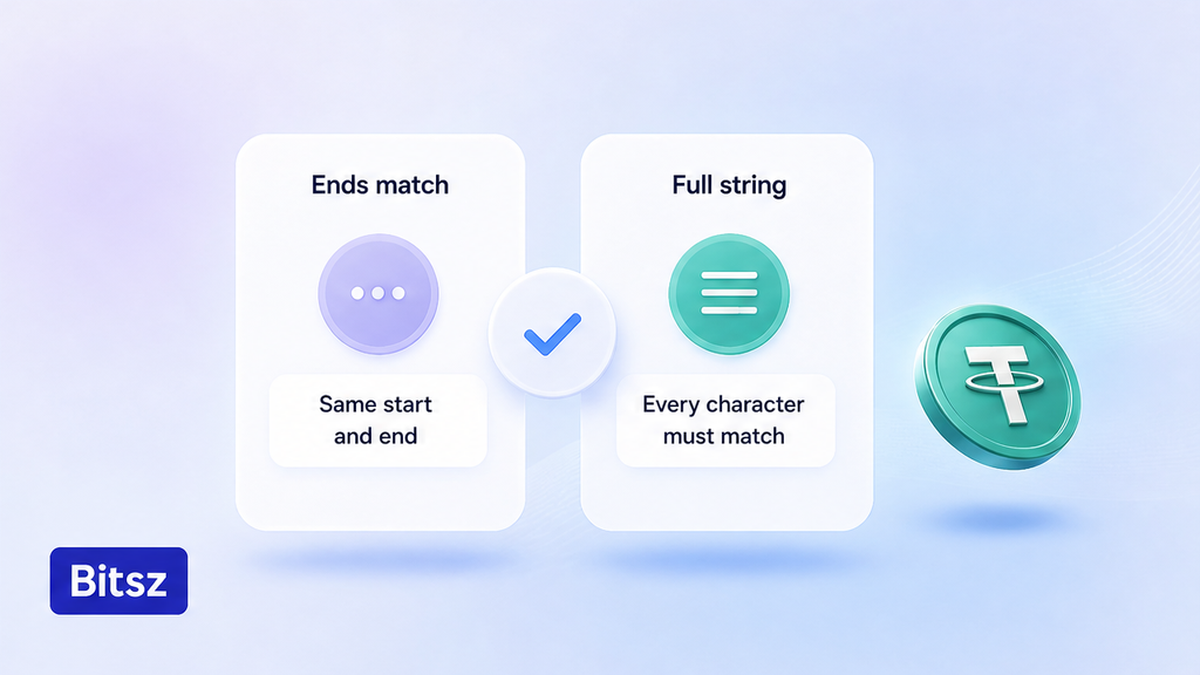
Ends matching is the trap, not the pass.
Ends matching is the trap, not the pass. MetaMask warns when the first four and last four match but the middle differs. After paste, put the live source next to the pasted line. For a Bitsz deposit, that source is this order screen. For payout, it is Receive. On a hardware wallet, read the full destination on the device.
Do: compare the full string, middle included, then sign once. Don’t: accept “the ends look like last time.” Do not invent a Bitsz verified chip. Do not test-send to a string you already know is different.
Avoid copying history after a tiny test
A tiny test can prove the route. It does not prove the next paste. Blockaid documented a 19 December 2025 pattern: a $50 test, then 49,999,950 USDT to a lookalike about 26 minutes later. Recopy from the live source for the real send. On Bitsz, a large follow-up is a new order and a new unique deposit. See the test swap before a large transfer guide.
Do: recopy payout from live Receive, and copy the large-send deposit from the new order UI. Don’t: grab “the same” destination from Activity because the test arrived. Do not open a Fixed quote until the string check is done; Fixed can freeze for 12 minutes.
Fix a send that already went to a lookalike
If the explorer already shows your TxID to a To that is not the live Bitsz deposit or your Receive address, stop. Do not send the rest “to the correct address” on the same coins. Do not open a second Exchange hoping Bitsz will merge the two. Terms 2.5 and 6.3 put address checks on you. Terms 6.5 may return coins to the sender of a valid order (30 minutes to 72 hours). That is not a clawback from an attacker.
Pack Order ID, TxID, intended versus pasted To, Network chip, ticker, and explorer URL. Send that pack through official Bitsz support (support@bitsz.io). Do not expect recovery. Anyone in chat who offers a reverse for your seed is fake support.
Do: freeze the second send and file one official ticket with Order ID plus TxID. Don’t: broadcast again “to make it right.” Bitsz cannot reverse a third-party lookalike.
Compare poisoning vs clipper, reuse, and invalid format
Several failures can look like “the address was wrong.” Only one is a lookalike sitting in history. Name it first.
| What you see | What it is | What to do |
|---|---|---|
| Clipboard changed after a good Copy | Clipper malware | Recopy from the live screen; clipboard hijack checklist |
| History looks familiar; first and last match; middle differs | Address poisoning | This checklist; never copy Recent or Activity |
| History shows last week’s real Bitsz deposit | One-time address reuse | Open a new order; copy that deposit only |
| Recipient flags invalid or truncated before Exchange | Format error, not a lookalike | Fix it before Exchange; invalid Recipient checklist |
Verdict: If the clipboard never changed, and the paste matches history but not the live Bitsz order or Receive screen, abort. That is address poisoning. Stay here until the pasted string matches the live source in full.
Do: pick the matching row, then follow that checklist. Don’t: copy from history “because the ends match” and call it a format issue.
Next steps checklist before you swap
When the pasted deposit matches this live order and Recipient matches Receive, you are clear to create one order. Bitsz is not available to EU/EEA persons. Keep history read-only on the next swap.
- Confirm Recent has no row you plan to copy from.
- Paste Recipient from Receive, then paste the You send deposit from this live order.
- Read the middle of both strings against the live source.
- Sign once, then watch the order by Order ID, not by a history chip.
- If anything already went to a lookalike, stop; use official support, not a second send.
When both full strings match, open one swap on bitsz.io. If you still want a tiny test first, recopy from the live source afterward.
FAQ
Is checking the first and last characters enough against poisoning?
No. Lookalikes are built to match those ends. MetaMask warns when the first four and last four match but the middle differs. Compare the full string to the live Bitsz order or to Receive.
Is unsolicited dust a Bitsz test deposit?
No. Bitsz does not plant dust to activate an order. Unexpected dust, a zero-value token, or NFT spam is bait. Leave it. Copy the pay-to string only from this live order on bitsz.io.
Can I copy last week’s Bitsz address from history if the ends match?
No. The string may be a lookalike, or a real expired unique deposit (Terms 2.4). Open a new order and copy that deposit. Ends matching is not a pass.
Can Bitsz reverse a send to a lookalike?
No. Terms 2.5 and 6.3 put address checks on you. Terms 6.5 may return coins to the sender of a valid order, not claw back from an attacker. Stop a second send. Pack Order ID plus TxID for official support.
Is address poisoning the same as clipboard malware?
No. A clipper changes the paste after you copied the right screen. Poisoning plants a lookalike in history; the clipboard never had to change. If the paste matches history but not the live Bitsz or Receive screen, abort.
Does receiving dust mean my wallet is hacked?
No. Incoming dust is a list injection, not a stolen seed. The loss happens only if you send to that string. Do not interact with the bait token.
I already ran a tiny test. Can I copy that destination from Activity for the large send?
No. Recopy from the live source. Attackers watch tests and poison the gap. For Bitsz, the large send needs a new order and a new unique deposit.
Disclaimer: The material in this article is not financial or investment advice. Everything stated here reflects the author's personal view and should not be treated as a recommendation to trade or invest. We make no warranties regarding the accuracy, reliability or completeness of the information presented. Cryptocurrency markets are highly volatile and can move unpredictably. Before committing any funds, every investor, trader or crypto user should study several independent sources and check the regulations that apply in their own jurisdiction.