How to Check Native Gas Before You Send a Token to a Swap (ETH, TRX, BNB)


Your wallet is stuffed with USDT, yet Send stays grey, the app says “not enough ETH”, or Tronscan labels the try FAILED OUT_OF_ENERGY. The token never left, so Bitsz never saw a deposit. Check ETH, TRX, or BNB gas before you send the swap token on this live order: native coin on this Network chip, same sending address. Top up that coin, wait for its TxID, then broadcast the printed token amount once.
Quick answer: You send is a token (USDT, USDC, or similar). Broadcast still needs native gas on the same sending address. ERC-20 / Ethereum needs ETH on chain ID 1. TRC-20 / Tron needs TRX plus Energy and Bandwidth. BEP-20 needs BNB on chain ID 56. Read the fee or Energy Required screen, top up native, wait for that native TxID, then send You send once. If the token send Failed, do not send a second USDT.
Native gas is the chain’s own coin, used like a postage stamp. The token is the letter. An ordinary wallet cannot stick a USDT stamp on an Ethereum envelope. Bitsz is non-custodial (Terms 2.6): it does not hold spare ETH, TRX, or BNB for your broadcast, and a failed empty-gas send is not a credited deposit.
Keep this live order open. If the Network chip is still undecided, stop and use the network-pick checklist first. This guide stays on a chip you already chose.
How to confirm You send is a token, not the native coin
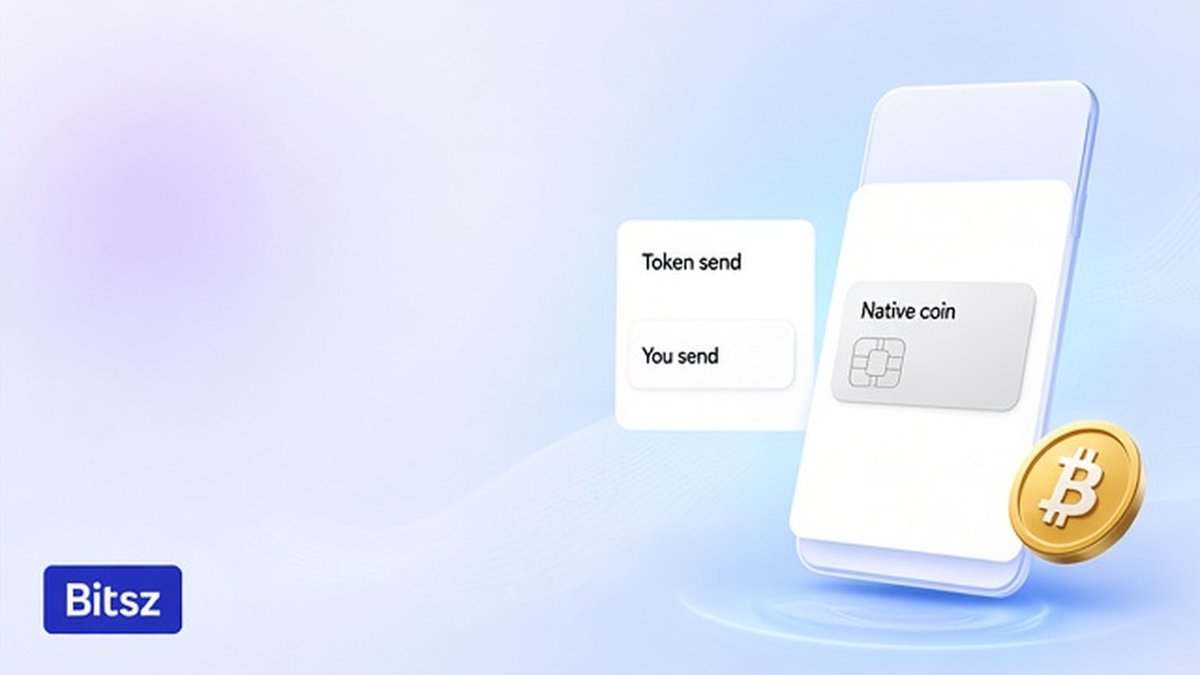
You send is the token, not the gas coin.
Open the order card after Exchange. Source of truth is You send plus the Network chip, not a portfolio total. If You send reads USDT, USDC, or another token, the sending wallet must hold a second balance so the network will accept the broadcast.
A token rides on top of a chain: ERC-20 on Ethereum, TRC-20 on Tron, BEP-20 on BNB Smart Chain. Native coin is the chain’s own money: ETH, TRX, or BNB. If You send is ETH, TRX, or BNB itself, the fee is cut from that same coin. That is an amount problem, not this checklist.
Write the token ticker and the chip name before you touch Send. Do not treat a full USDT line as ready to pay. USDT does not buy Ethereum gas on an ordinary wallet. That is the rule on ethereum.org/gas.
Checklist: match ETH, TRX plus Energy, or BNB to this Network chip
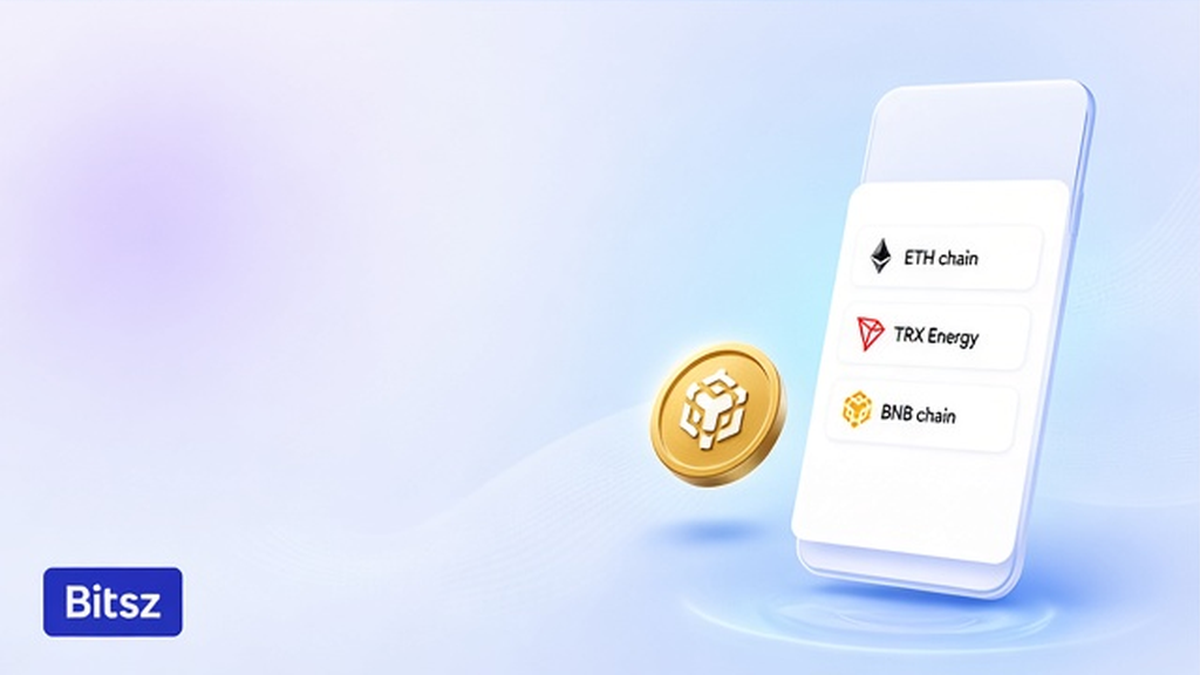
Match ETH, TRX Energy, or BNB to this chip.
Native must sit on the same sending address and the same chain book. The same 0x on Ethereum, Base, and BNB Smart Chain is three ledgers. ETH on Base does not pay Ethereum mainnet gas. BNB listed as ERC-20 on Ethereum does not pay a BEP-20 send.
| Bitsz Network chip | Native on the sending address | Where to confirm the native TxID |
|---|---|---|
| ERC-20 / Ethereum | ETH on Ethereum mainnet, chain ID 1 | etherscan.io |
| TRC-20 / Tron | TRX, plus Energy for the contract and Bandwidth for tx size | tronscan.org |
| BEP-20 / BNB Smart Chain | BNB on chain ID 56, not “BNB as ERC-20” | bscscan.com |
Do this / do not: Match the chip, then fund that native asset on the sending address. Do not jump to “cheap” BEP-20 because ETH ran out. That is a new pair and a new unique deposit, not a gas top-up.
On Tron, Bandwidth is envelope size; Energy is contract fuel. TRON docs: free Bandwidth 600 per account, no free Energy. Shortfalls can burn TRX (current Mainnet table: 0.001 TRX per Bandwidth, 0.0001 TRX per Energy; parameters can move). BNB pays BEP-20 fees on chain ID 56. BscScan Standard on 18 Oct 2026: 0.05 Gwei. Ignore USD columns.
How to read the fee or Energy Required screen before you sign
Read fee or Energy Required before you sign.
The wallet almost always shows an estimate: ETH and gwei, Energy Required, or a BNB fee. Gwei is a tiny slice of ETH (1 ETH = 1 billion gwei). Ethereum.org: a plain ETH send uses 21,000 gas units; an ERC-20 example is 65,000 units. Units are not dollars. Compare the estimate with native and leave a buffer.
Ledger’s token-fee note (updated 6 Oct 2026): you cannot pay Ethereum fees with an ERC-20. Review stays grey until the parent account holds ETH, or BNB on BSC. If Review is grey, stop signing and look at native, not USDT.
On Tron, read Energy Required for this recipient. TRON USDT examples: about 64,000 Energy if the destination already holds USDT, about 130,000 if its USDT is zero. The figure moves with energy_factor. Trezor Suite cites roughly 6 to 13 TRX with no Energy. That is Trezor’s ballpark, not a Bitsz fee. A “pay gas with USDT” wallet mode is not a Bitsz deposit Send.
Step: top up native on the same address, then send the token once
How the gas check runs:
First confirm You send is a token on this order. Then match native gas to the Network chip on the same sending address. Next read the fee or Energy Required screen. Then top up ETH, TRX, or BNB if native is short, wait for that native TxID, and only after that send the token once to the unique deposit.
- Copy You send and the Network chip from this Bitsz order. Do not guess from a combined portfolio number.
- Open the sending wallet on that same chain. Confirm ETH, TRX plus Energy, or BNB on that exact address.
- Start Send, stop at the fee screen, and compare the estimate with native. If Review is grey, do not sign.
- If native is short, send a small ETH, TRX, or BNB amount to the sending address on the matching chain. Never send that native coin to the Bitsz deposit as an “exchange fee”.
- Wait until the native TxID shows in the matching explorer (etherscan.io, tronscan.org, or bscscan.com).
- Send the printed You send amount once, in one payment, to this order’s unique deposit (Terms 2.4).
- Check the Fixed freeze: 12 minutes if Fixed is on (Terms 2.2.1). Fixed can be temporarily unavailable in the widget. Do not split the token into two deposits on this address.
Token gas sits on top of native, so explorer USDT should match You send. When native is ready, send once from the Bitsz swap widget. Do not park ETH on Recipient’s address.
Avoid a second USDT if the token send failed
Open the hash. FAILED, OUT_OF_ENERGY, insufficient ETH, or grey Review with no hash means the token usually never left. On Tron, OUT_OF_ENERGY means Energy or fee_limit ran out. Spent Energy is not refunded. The token transfer rolls back. On Ethereum, a failed ERC-20 can still burn the ETH that was used.
Top up native on the sending address, then try the token once only if this order is still live and the first hash is Failed. Do not send a second USDT while the first is pending. A second payment on the same unique address is not “adding gas”. If the quote died, open a new order and copy a new deposit. Terms 2.2.2 Floating adds 0.5% plus a Bitsz route network fee. That route fee is not your wallet stamp.
Avoid mixing this gas check with a network switch or a stuck order
A failed token send is not a stuck Bitsz order. Stuck starts after a confirmed deposit on the correct unique address. After a hash that actually left, wait with the deposit confirmation checklist. Failed because of gas: fix native here. Do not twin-send.
Empty ETH is not a reason to fire USDT as BEP-20 onto the same 0x. That is a wrong-network send. Use the wrong-network guide, not more gas. Do not send native to the Bitsz deposit so “the exchange can pay the fee”.
If you still need a human, open one official thread on Bitsz support. Pack Order ID, the wallet wording, and the Failed explorer link. No seed. Next: finish the native top-up, send the token once, or let an unused quote expire and rebuild.
FAQ
Can I pay Ethereum gas with USDT?
On an ordinary Ethereum wallet, no. Ethereum.org: all gas fees on Ethereum are paid in native ETH. Ledger (6 Oct 2026): fees cannot be paid with ERC-20 tokens. Keep ETH on chain ID 1 on the sending address. Do not send USDT twice to cover the fee.
How much TRX or Energy does a TRC-20 USDT send need?
Read Energy Required for this recipient. TRON docs: about 64,000 Energy if the destination already holds USDT, about 130,000 if its USDT is zero; the figure moves with energy_factor. No free Energy quota. Trezor cites roughly 6 to 13 TRX with no Energy, not a Bitsz fee. Top up TRX on the same Tron address, then send USDT once.
Does ETH on Base pay Ethereum mainnet gas?
No. Same 0x string, separate balances. An Ethereum-mainnet ERC-20 send needs ETH on chain ID 1. If the chip says ERC-20 / Ethereum, do not withdraw ETH via Base. Check ETH on etherscan.io for that address, not a combined portfolio number.
Should I send a second USDT if the first failed OUT OF ENERGY?
No. Open the TxID on tronscan.org. If it is FAILED / OUT_OF_ENERGY, USDT usually never left. Energy spent is not refunded. Top up TRX on the sending address. If this order is still live, send the token once. If the quote expired, open a new order. Do not park USDT on the old unique address.
Is a failed token send the same as a stuck Bitsz order?
No. Stuck starts after a confirmed deposit on the correct unique address. Grey Review, insufficient ETH, or OUT_OF_ENERGY means the token often never reached Bitsz. Fix native gas, or let an unused quote expire and rebuild.
The order asked for ERC-20. I only have BNB. Can I send USDT as BEP-20 to the same 0x?
No. That is a wrong-network send, not a gas fix. Keep BNB for a BEP-20 order. For this Ethereum order, get ETH onto the sending address on Ethereum, or rebuild on a BEP-20 chip both sides already show.
Should I send ETH to the Bitsz deposit so the exchange can pay the fee?
No. The deposit is for the You send token. Gas is paid by the sending wallet to the network. Top up ETH, TRX, or BNB on your sending address, wait for that native TxID, then send the token to the one-time deposit. See Terms of Use 2.4 and 2.5.
Disclaimer: The material in this article is not financial or investment advice. Everything stated here reflects the author's personal view and should not be treated as a recommendation to trade or invest. We make no warranties regarding the accuracy, reliability or completeness of the information presented. Cryptocurrency markets are highly volatile and can move unpredictably. Before committing any funds, every investor, trader or crypto user should study several independent sources and check the regulations that apply in their own jurisdiction.