How to Check Swap Min and Max Amount Before You Deposit

You size a swap from your wallet balance, round it, or tap send max on an exchange. Fees or a CEX withdrawal (a send from a hosted account) can cut that figure in flight. Bitsz may get less than the live minimum, or you land an oversized send on a tight max. Check min and max on this live Bitsz order before you broadcast. In about ten minutes you will copy You send and size arrival after fees. Then open a smaller fresh order if over max, or send the printed figure once.
Quick answer: Open a live Bitsz order for this pair, network, and rate mode. Copy You send and any min or max on that card. Size the wallet or CEX preview so the arrived amount still meets You send and the live min. If the size is above the live max, create a smaller fresh order with a new address. Send the printed You send once. If the deposit already left at the wrong size, stop; that is a mismatch case, not this checklist.
A swap desk is not a bank clerk who can pad a short payment. The Bitsz homepage widget prints You send (the exact amount this order expects) and You receive, plus Network, Floating or Fixed, and Exchange. Min and max, if shown, are this live order’s smallest and largest deposit. Displayed rates are for reference (Terms 2.2). Pair lists can show empty or 0 limits; a live quote can still print a pair-specific min and max. Read this order, not a screenshot.
The homepage FAQ list asks “Is there a minimum exchange amount on Bitsz?” The public answer body is empty, so copy the printed You send. Do not invent a $2 or 10 USDT Bitsz minimum, or send max in the native coin because the wallet suggested it.
How to read You send and any live min or max on this Bitsz order
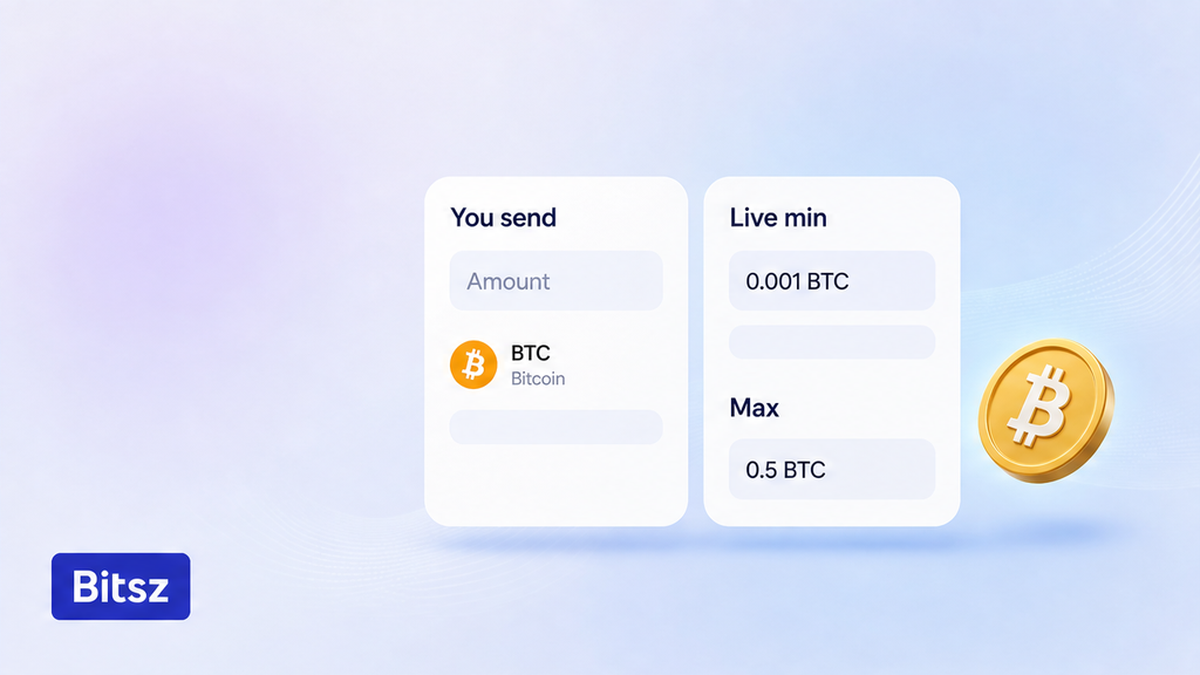
Copy this live card, not a screenshot.
Start with the live screen, then the wallet. Pick the pair and Network. Click Exchange only when ready to send. Write down You send and any min or max chips. If chips are unlabeled, You send is still the amount that must arrive. Empty or 0 catalog limits are not a forever “no limit” promise. Your source is this quote, not a photo from yesterday.
Fixed rate, when available, holds the quoted rate for 12 minutes and charges 1% plus the network fee. If the market moves more than 1.3% before Bitsz sees the deposit on-chain, you may be offered a refund or to continue at market. Floating rate uses 0.5% plus the network fee and locks only when the swap completes. It does not forgive an under-min deposit. Fixed can sit on Temporarily unavailable. Do: send the printed decimals.
How the pre-send workflow runs:
First open a live Bitsz order and copy You send plus any min or max on that card. Then size the wallet or CEX preview so the arrived amount still meets You send and the live min. Next, if the size is above the live max, create a smaller fresh order and copy a new address. Then broadcast the printed You send once. If the deposit already left at the wrong size, stop.
- Open bitsz.io, choose the pair and Network, and click Exchange only when ready to send.
- Copy You send and any min or max on this card; if unlabeled, treat You send as the arrival target.
- Raise the typed amount until the wallet or CEX amount-received preview meets You send and the live min.
- If the intended size is above the live max, create a smaller fresh order and copy the new deposit.
- Save the Order ID, then broadcast the printed You send once, with decimals intact.
- If the deposit already left at the wrong size, stop. Do not send a makeup payment.
- For an already-wrong send, pack Order ID plus the full deposit TxID for official support only.
Step: size the broadcast so the arrived amount still clears the printed minimum
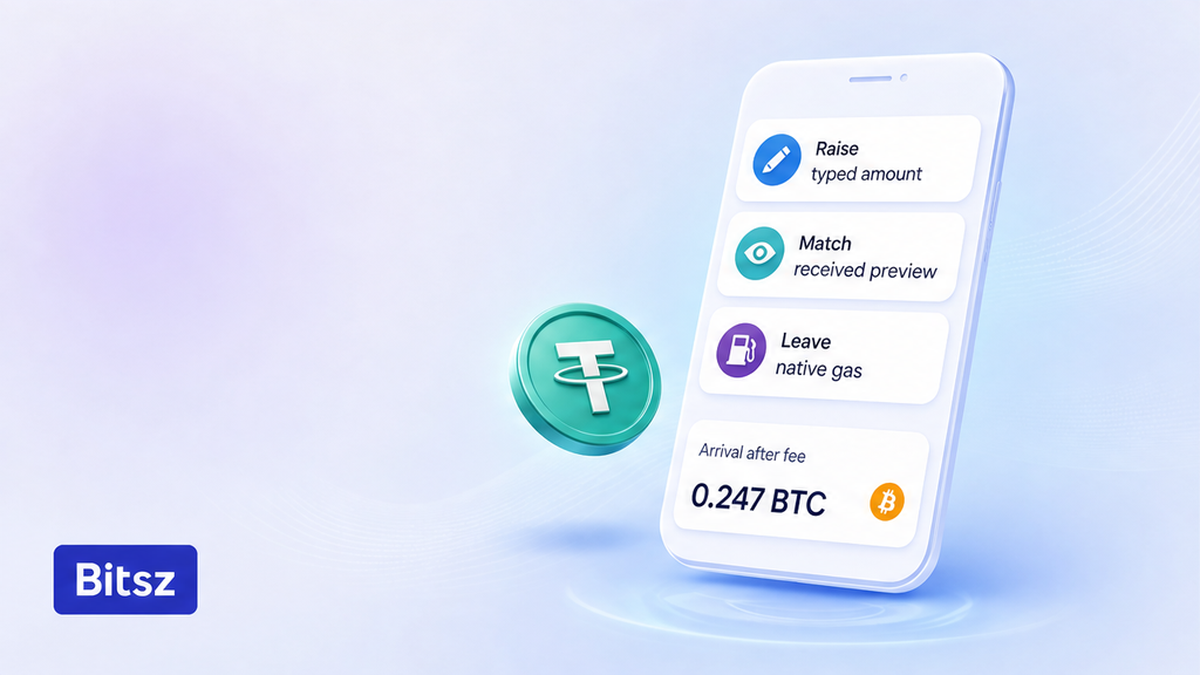
Size arrival after the wallet fee.
Calibrate arrival, not your balance. On a native coin (BTC on Bitcoin, ETH on Ethereum, TRX on Tron), the wallet or CEX often takes the network fee out of the typed amount. What lands can sit under You send and under the live min. On a token such as USDT, gas (the network fee) is usually paid on top in the native coin. Leave ETH, TRX, BNB, or SOL so the token can leave in full.
If you withdraw from a CEX, read amount received or you will receive, not the debit field. Match that preview to You send. Do not guess an extra unit or change Network only to chase cheaper gas; use the network this order already shows.
| Where the coins leave | What to read | Do | Do not |
|---|---|---|---|
| Native coin wallet | Fee often comes out of the typed amount | Raise typed amount until preview still meets You send and the live min | Do not round down or tap send max |
| Token (USDT and similar) | Gas is usually extra, in the native coin | Leave native gas so the token amount can leave in full | Do not spend the last native coins first |
| CEX withdrawal | Amount received / you will receive preview | Match that preview to You send and the live min | Do not treat “I withdraw” as the deposit Bitsz will see |
A small fee haircut is enough to miss a live floor. Another desk’s $2 floor is not a Bitsz-wide minimum. Check this order. If the preview cannot meet You send without draining gas, switch sender or shrink the order. Do not broadcast and hope Floating will top you up.
When the size is above the live max, open a smaller fresh order
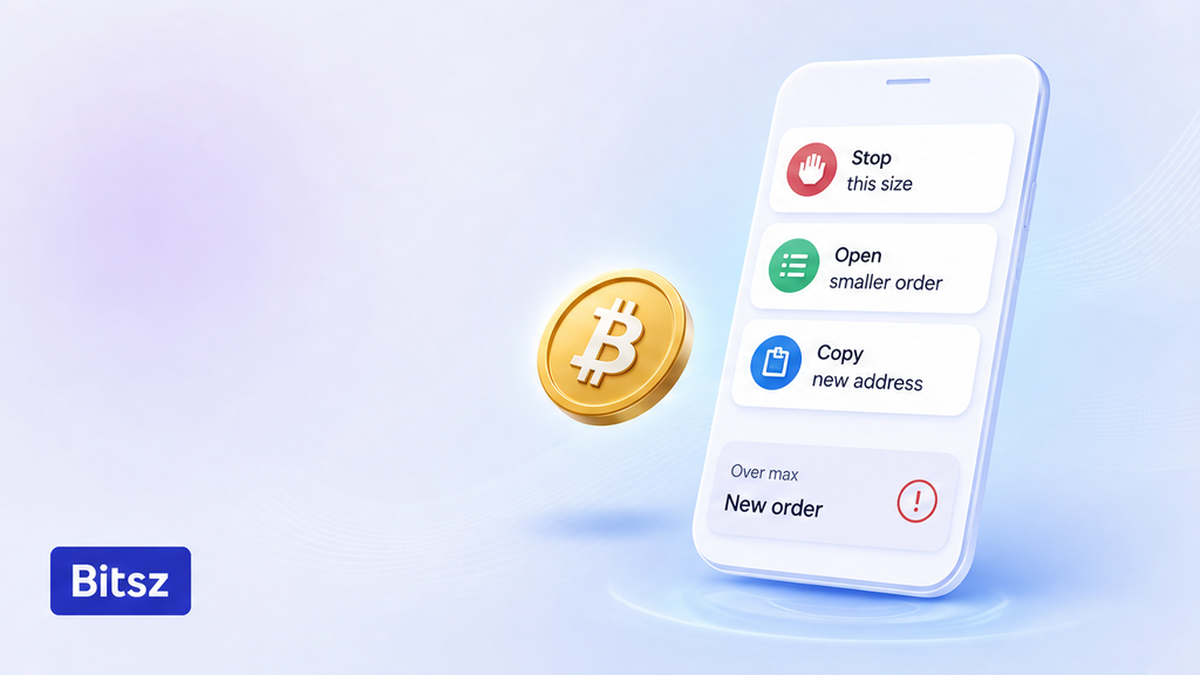
Over max needs a fresh smaller order.
If your intended size is above the live max on this card, stop. Terms 2.4 assign a unique address to each transaction. The homepage how-to says to send funds to the one-time address: this order, this address, one payment. A second transfer to the same string is not a way to park overflow. The chain may still accept the coins. That is not Bitsz folding two deposits into one quote.
Do: open a fresh Exchange, size the new You send inside that live max, and copy the new deposit. Each slice gets its own order and address. Do not split extra onto this deposit or top up the same one-time string. If you already reused an old pay-to string, use the one-time address reuse checklist.
Do this, not that: Size above the live max is a new smaller order, not pieces on this address. Do not wait for a second on-chain receive to count toward the same quote.
Checklist: send the printed You send once and avoid a makeup transfer
When arrival still clears the min and the size sits inside the max, send the printed You send in one transaction. Save the Order ID first. Do not round or send “about that.” Fixed expects the deposit inside the 12-minute window. Floating still wants the printed size; it will not repair an under-min send. Use one broadcast of the full printed amount, not several small on-chain outputs.
If the coins already left at the wrong size, this checklist is over. Do not send a makeup transfer. Cryptocurrency payments typically are not reversible. Terms 6.5 allow the platform to refuse a request and return coins to the sender with no extra fee (processed 30 minutes to 72 hours). That is a manual refuse-and-return path, not a full-refund promise and not the AML 5% track. Pack Order ID plus the full deposit TxID and use Bitsz support or support@bitsz.io. Do not treat homepage “5 min average” marketing as that window. For the already-wrong size, use the amount-mismatch refund checklist.
This min/max checklist vs a mismatch refund, a test-swap, or an unused quote
This article answers only whether the send you still hold will fit this live min and max before you broadcast. A mismatch refund compares You send, the wallet debit, and the TxID after a wrong-size send. A test-swap before a large transfer is a separate small order, then a new large order; Bitsz does not publish an official dollar test size. An unused quote, a CEX withdrawal with no TxID, wrong network, memo, and AML 5% are different jobs, not a cure for under-min.
Do: finish this size check, then send or stop. After you confirm the live card, broadcast once or, if you are over max, open the smaller fresh order. If coins already moved, pack Order ID plus TxID for official support. Terms 6.3 put the duty to verify details before submission on you. Make sure the recipient address and Network still match this card, then send once.
FAQ
Where do min and max appear on Bitsz?
On the live order or widget for this pair, network, and rate mode. If chips are not labeled, treat the printed You send as the amount to arrive. Do not use a screenshot or a catalog row of 0.
Should I round down to a whole number?
No. Send the printed decimals. Rounding down can land under the live minimum after the wallet or CEX fee.
What if the wallet or CEX fee makes the deposit miss the minimum?
Do not broadcast. Raise the typed amount or change the sender until the amount-received preview is still at or above You send and the live min. Leave native gas for tokens.
Can I send a second top-up to the same address?
No. The deposit is one-time (Terms 2.4). Open a new order and copy a new address. If you already sent the wrong size, stop and use the mismatch refund checklist.
Is min/max the same as an amount-mismatch refund?
No. This checklist is before you send. After a wrong-size TxID, do not makeup-send. Follow the amount-mismatch refund checklist and mail Order ID plus TxID to official support.
The size I want is above the live max. What do I do?
Create a smaller fresh order that sits inside that max. Do not split the extra onto this address. Each slice needs its own You send and its own one-time deposit.
Is there one Bitsz-wide minimum?
No published universal floor. Pair pages and the public pairs list can show empty or 0 limits; a live quote may still print a pair-specific min and max. Read this order.
Disclaimer: The material in this article is not financial or investment advice. Everything stated here reflects the author's personal view and should not be treated as a recommendation to trade or invest. We make no warranties regarding the accuracy, reliability or completeness of the information presented. Cryptocurrency markets are highly volatile and can move unpredictably. Before committing any funds, every investor, trader or crypto user should study several independent sources and check the regulations that apply in their own jurisdiction.