
Your coins left the wallet, the Bitsz order still says processing, and the receiving address is empty. A stuck crypto exchange is usually one of three things: the network has not confirmed the send, the service is holding the order for an AML check, or the deposit hit the wrong address, network, or memo. Work this checklist in order. First copy the Order ID, then match the send TxID in an explorer, then choose wait, official support, or an AML documents pack. Do not send the same amount again.
Quick answer: Copy the Order ID and status. Paste the outgoing TxID into the explorer for that same network. If confirmations are still climbing, wait 30 minutes to 72 hours (Terms 6.5). If the deposit is confirmed on the correct address and the order is not Finished, write official support with Order ID plus TxID. If status or chat mentions AML, KYC, or high-risk, treat it as a hold. Do not resend the deposit.
Bitsz is an instant crypto exchange founded in 2023. The homepage widget covers Bitcoin, Ethereum, Tether, BNB, and altcoins. Homepage marketing counters (not an audit): 265 currencies, 5 min average exchange time, $4M exchanged last month, 12k+ satisfied users. Send funds to the one-time address, then track the swap until it is Finished. The binding clock is in the Terms of Use, section 6.5: 30 minutes to 72 hours, with a possible return to the sender and no extra fee. Do not mix the 5 min average with that cap.
How to copy the Order ID and read the status label
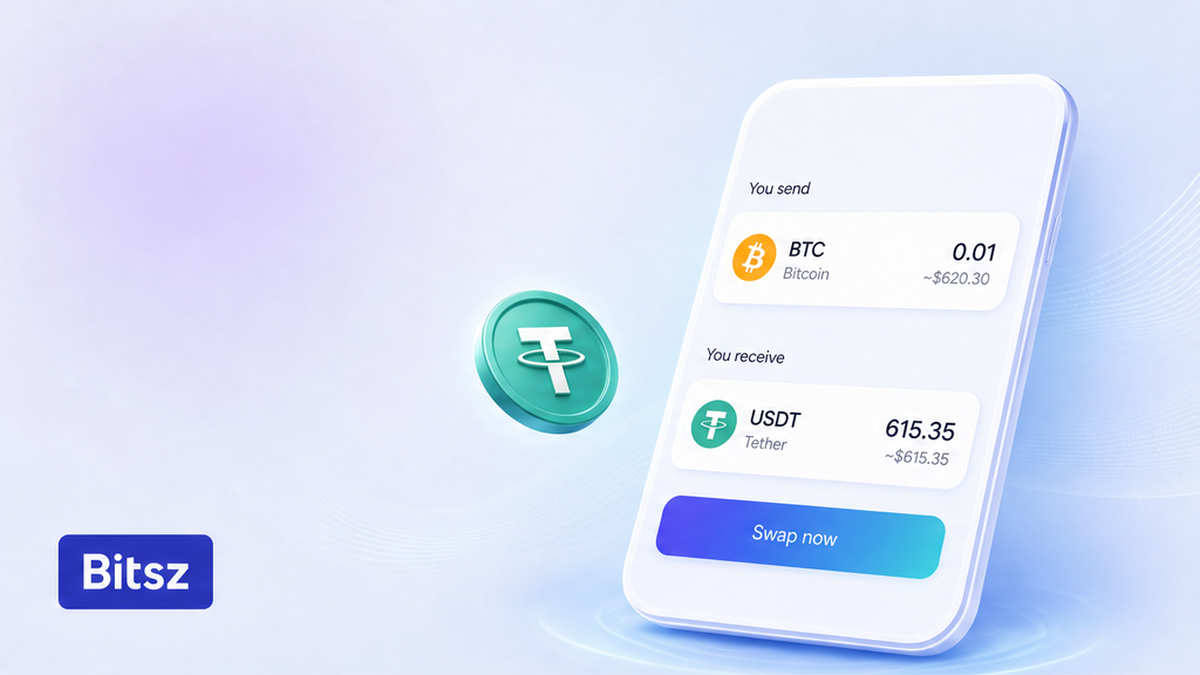
Save the Order ID and status first
Open the Bitsz order you already have. Copy the Order ID (ticket number, not a wallet address) and the status word for word: processing, exchanging, or Finished. Finished means the payout should be heading to the recipient address you entered. Processing only means “not Finished yet.” Behind the widget, states also include created (open ticket), kyc (identity or AML check), trading (swap in progress), withdraw (payout sending), and refund (coins going back). You do not need an API login.
Do: save Order ID, status, pair, networks, and recipient address first. Do not: open a second widget order “to speed it up.”
How to match the send TxID to the deposit address
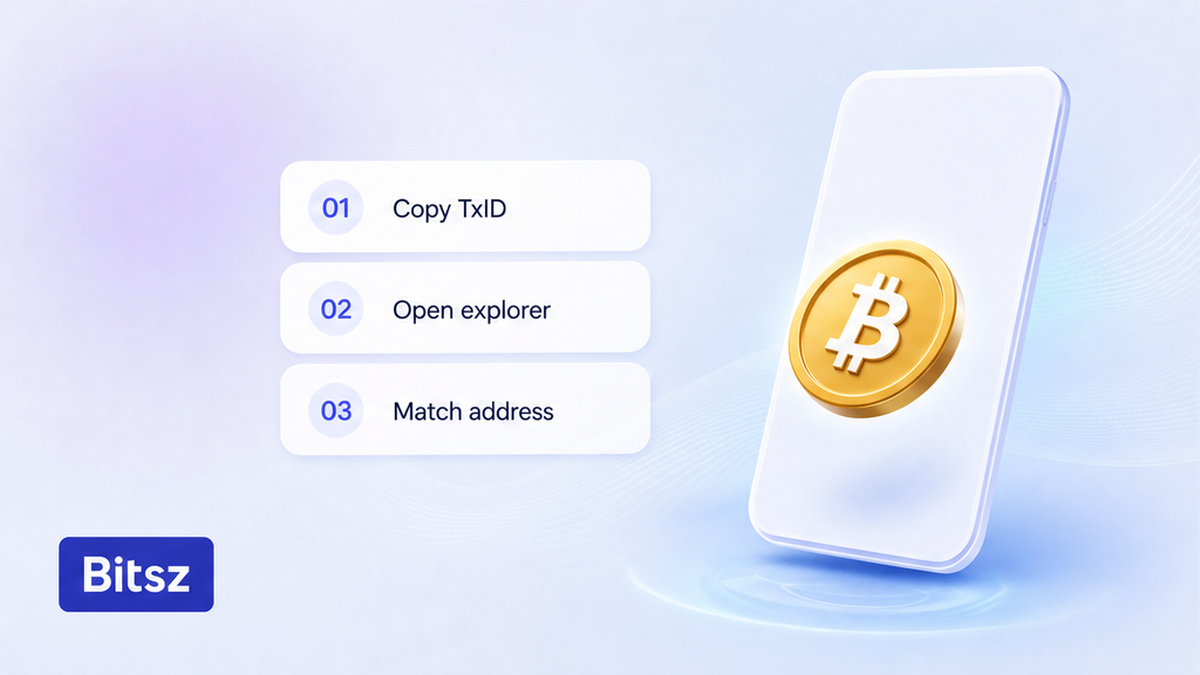
Match the send hash in the explorer
In the sending wallet, find the outgoing transfer to the Bitsz one-time deposit address. Copy its TxID (transaction hash): the public receipt the blockchain writes when coins move. No TxID yet means the send has not reached a public network. Paste the hash into the explorer for the same network: Bitcoin on mempool.space, Ethereum or ERC-20 on etherscan.io, TRON or TRC-20 on tronscan.org. USDT on TRC-20 (Tether on TRON) is not USDT on ERC-20 (Tether on Ethereum). Match address, asset, amount, and confirmations. A destination tag or memo is the extra “apartment number” some coins need besides the address. If it is missing, credit can delay or funds can be lost. Recovery is not guaranteed.
Do: keep the explorer URL for support. Do not: resend because the first TxID is still at 0 confirmations.
Checklist: network delay vs AML hold vs address mistake
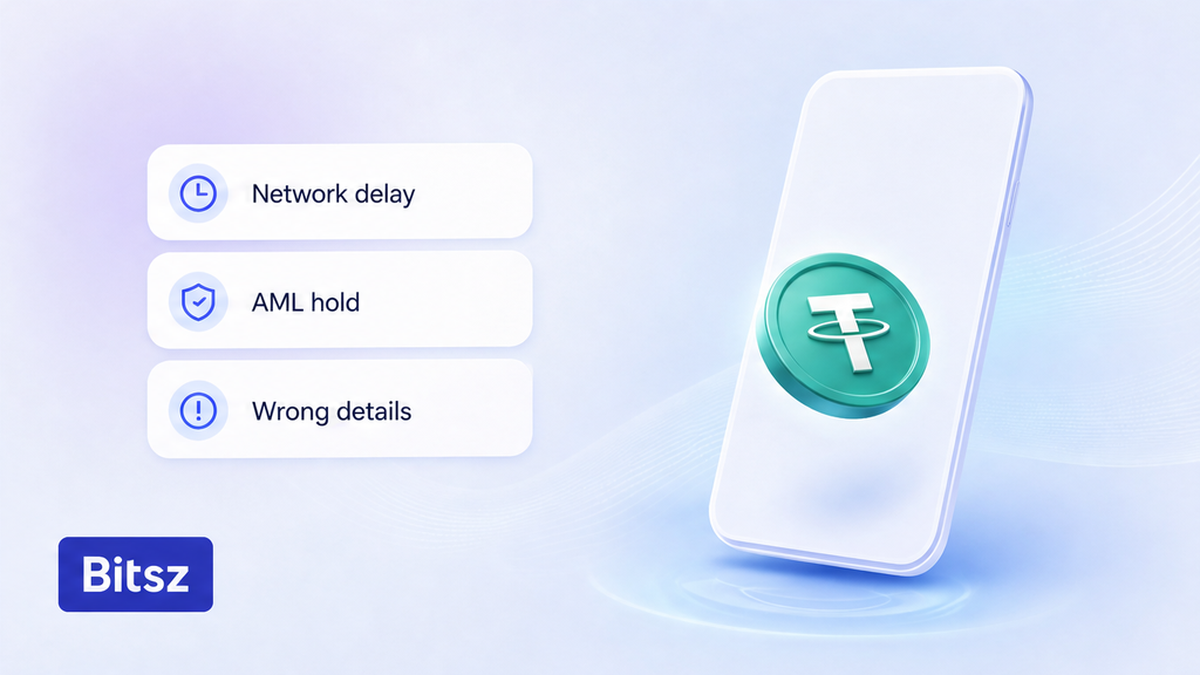
Pick delay, AML, or details
AML is an anti-money-laundering review of where coins came from, not “the chain is slow.” KYC is know-your-customer: email, photo ID, and a selfie-liveness check through AMLBot Forms (Safe3 UAB). Homepage speed copy is not a no-check promise. Bitsz is non-custodial: it does not hold your coins as a wallet. Terms allow delays for compliance or technical issues.
| What you see | Branch | What to do |
|---|---|---|
| 0 or few confirmations | Network delay | Wait. Bitcoin: about 10 minutes to 1 confirmation if the fee is enough; 6 confirmations about 1 hour; 0 conf means not in a block yet. |
| Confirmed on the correct address; not Finished | Service-side | Wait inside 30 minutes to 72 hours, then write official support if status does not move and there is no payout hash. |
| Wrong address, network, or missing memo/tag | Details error | Write official support now. Do not assume a refund. |
| AML, KYC, high-risk, or a document request | AML hold | Not a glitch. Use only Bitsz / AMLBot Forms links. Never pay an “unlock fee.” |
HIGH-RISK labels on the homepage (Darkmarket, Sanctions, Scam and others) can temporarily block an order for AML/KYC. Risk above 40% or labels such as DARK SERVICE, SCAM, STOLEN, MIXING, SANCTIONS, and GAMBLING can freeze an order until full KYC. Analytics: TRM Ecosystem, Elliptic, AMLbot. Ask Live Chat about a possible block before you create an exchange. Support can run a free address risk check; clients do not get detailed graphs. Displayed rates are for reference. Fixed: 1% plus network fee, frozen 12 minutes; if the market moves more than 1.3% before the deposit is on-chain, refund or continue at market. Floating: 0.5% plus network fee, not locked until funds arrive, recalculated only downward. Fixed can be temporarily unavailable in the widget.
Do: pick one branch with explorer evidence. Do not: treat every delay as AML, or every AML request as a fake chat.
When to wait and when to write support
Wait while confirmations are still rising, inside 30 minutes to 72 hours. Homepage copy also says 24/7 Customer Support; that is marketing. Write support when the deposit is confirmed on the correct address and status stands still, or when the window has passed with no payout hash. The service is not for EU/EEA persons; follow official docs.
Workflow:
First copy the Order ID and status. Then open the send TxID in the matching explorer. Next classify network delay, AML hold, or a details error. Then wait inside 30 minutes to 72 hours, or write official support with a full packet.
- Copy Order ID and status from the Bitsz order page.
- Find the outgoing TxID; do not open a second order.
- Paste the TxID in the same-network explorer and match address, asset, amount, confirmations.
- If confirmations are climbing, wait; if details are wrong, write support now.
- If the deposit is confirmed and the order is not Finished, prepare the support packet.
- If AML, KYC, or high-risk appears, follow only official document links.
- After a positive AML result, choose refund or resume on the original details.
Do: wait on climbing confirmations. Do not: message chat every ten minutes at 0 Bitcoin confirmations.
Avoid fake chats and build the support packet
Use one official path: the Bitsz support page, support@bitsz.io, or Live Chat on the site. The public Telegram channel t.me/bitsz_io is a public feed, not a private operator who messages you first. Partnership mail is marketing@bitsz.io, not the stuck-swap desk.
- Order ID
- Deposit TxID
- Explorer URL for that TxID
- Pair and both networks
- Payout address you entered
- Screenshot of the current status
Never send a seed phrase, a “connect wallet” click, or an off-site unlock payment. Real AML forms go through Bitsz / AMLBot Forms links. There is no documented Cancel button. If the platform refuses the request, Terms 6.5 allow a return to the sender with no extra fee.
Do: keep replies inside support@bitsz.io or site chat. Do not: forward the packet to a stranger who wrote “support” in Telegram.
Choose refund or resume windows after an AML review
Read the AML policy before you guess clocks. KYC review is individual and not longer than 30 days if the liquidity provider has not frozen the assets. Refund of blocked assets is only after a successful AML review. Assets that fail AML are not exchanged and not returned. If requested AML data is not sent within 30 calendar days, a refund is impossible.
After a positive review, pick one path. Refund: 5% fee (not above the liquidity or network fee) to the original sender address, paid within 7 business days. Resume: continue at the average market rate on the original order details, within 36 hours after you agree; new payout details are not allowed. High-risk labels can add an analysis fee up to 5%, but not more than $100 USD.
If the order is already Finished and you need a new swap, use the widget on the Bitsz homepage. A pair walkthrough after a clean Finished ticket is How to convert BTC to LTC. Do not start that flow while this order is still processing.
Do: answer AML requests inside 30 calendar days. Do not: change the payout address on a resume, and do not treat a failed AML result as a delayed Finished.
FAQ
How long can a Bitsz swap take?
Homepage marketing lists a 5 min average. Terms 6.5 allow 30 minutes to 72 hours. Wait while confirmations climb. Write official support if the deposit is confirmed and status does not move, or if 72 hours passed with no payout hash.
What if Bitcoin shows zero confirmations?
Zero confirmations means the tx is not in a block yet. Open mempool.space, paste the TxID, check the fee. One confirmation averages about 10 minutes when the fee is enough; six is about an hour. Do not resend.
Can I cancel an exchange order?
Do not invent a Cancel button. Terms 6.5: the platform may refuse a request and return coins to the sender with no extra fee. Ask official support with the Order ID.
Should I send the deposit again if the swap is still processing?
No. A second transfer is a second problem. Match the first TxID first. Recovery of a confirmed miss is not guaranteed.
How do I know it is an AML hold, not the network?
Official status or chat mentions AML, KYC, high-risk, or documents. A pending explorer page is not AML by itself. Use only Bitsz / AMLBot Forms links. Never pay a private “unlock” invoice.
What do I send to support for a stuck crypto swap?
Send Order ID, deposit TxID, explorer URL, pair, networks, destination address, and a status screenshot to support@bitsz.io or Live Chat. Never send a seed phrase.
Disclaimer: The material in this article is not financial or investment advice. Everything stated here reflects the author's personal view and should not be treated as a recommendation to trade or invest. We make no warranties regarding the accuracy, reliability or completeness of the information presented. Cryptocurrency markets are highly volatile and can move unpredictably. Before committing any funds, every investor, trader or crypto user should study several independent sources and check the regulations that apply in their own jurisdiction.