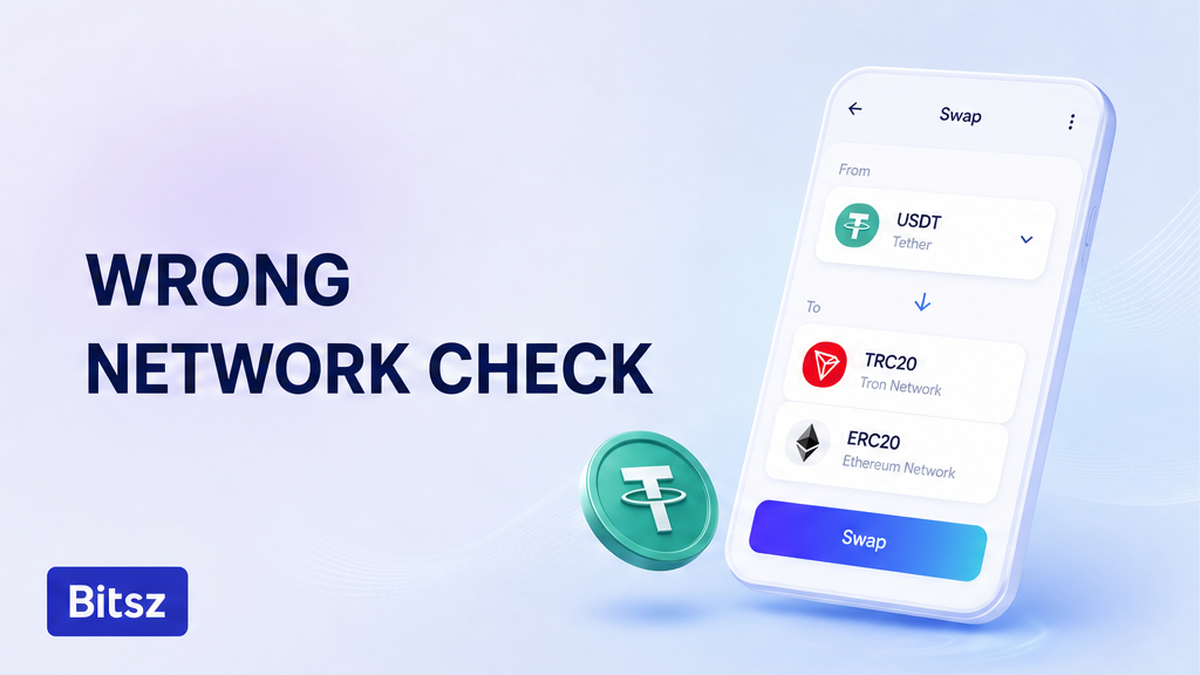

You sent USDT, the receiving wallet still shows zero, and the first impulse is to send the same amount again. Stop. USDT is only the token name. TRC-20, ERC-20, or BEP-20 is the road it travels, and those roads do not share one balance. First freeze extra sends. Then copy the TxID from the screen that broadcast the transfer. Then open that chain’s explorer and classify who controls the destination. You leave with a support packet, not a Bitsz promise to reverse the coins.
Quick answer: Stop extra sends. Write down ticker, both networks, amount, from/to addresses, and the TxID as text. Open the explorer for the chain that confirmed the hash. If the destination was a Bitsz order deposit, send one packet to official support. Bitsz does not promise recovery of USDT sent on the wrong network.
An empty balance after a “successful” send is ticker versus network. Tether issues USDT on many blockchains as separate deployments. After a confirmed on-chain transfer, the sender usually cannot cancel it.
Bitsz is an instant crypto exchange (established in 2023). The homepage widget asks for Network next to You send / You receive. Make sure that field matches the live Receive screen. This page is triage after the send.
Confirm ticker vs network before you assume the funds are lost
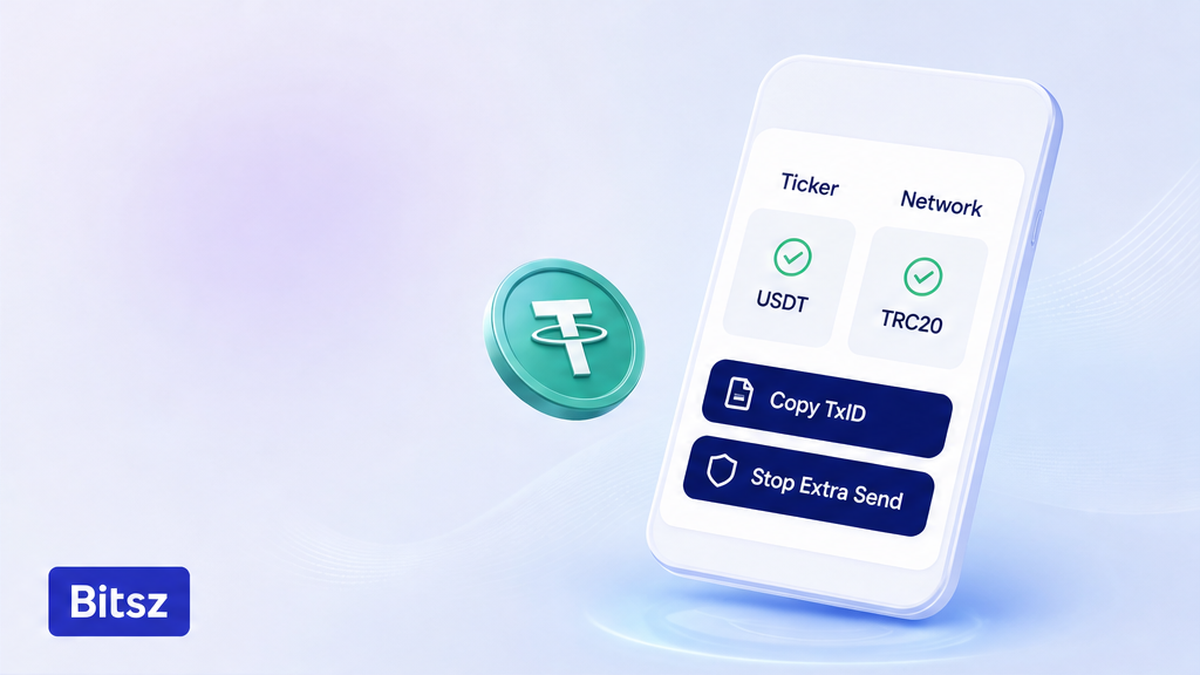
Match ticker then match chain
USDT names the asset. It does not name the ledger. TRC-20 is USDT on Tron. ERC-20 is USDT on Ethereum. BEP-20 is USDT on BNB Smart Chain. Copy both network labels from screens, not from memory. Do not send a second payment “to push” the first one. If you do not have a TxID yet, wait inside the sending app. Do not duplicate the send.
How to triage:
First stop extra transfers. Then capture ticker, both networks, amount, addresses, and TxID. Then open the explorer of the confirmed chain. Then send one packet to official support.
- Step 1: Stop further sends. Do not top up the same deposit address.
- Step 2: Capture ticker, both networks, amount, from/to, date, and Bitsz Order ID if you had an order.
- Step 3: Save screenshots of the withdrawal screen and the deposit instructions. Keep seed phrases off the ticket.
- Step 4: Open the explorer for the chain that confirmed the hash (Tronscan, Etherscan, BscScan, or Solana Explorer). A missing hash is diagnosis, not a reason to send again.
- Step 5: Classify who controls the to-address: your wallet, a Bitsz order deposit, a CEX deposit, or someone else. That decides who you write. It does not promise a return.
- Step 6: Pack one official ticket with Order ID, TxID as text, both networks, from/to, amount, and the explorer link.
Do: start with a freeze, then a TxID, then the explorer of the confirmed chain. Do not: treat a green Success stamp as a credit in the app you meant. The destination app only credits the network it is watching.
Why TRC-20, ERC-20, and BEP-20 addresses are not interchangeable
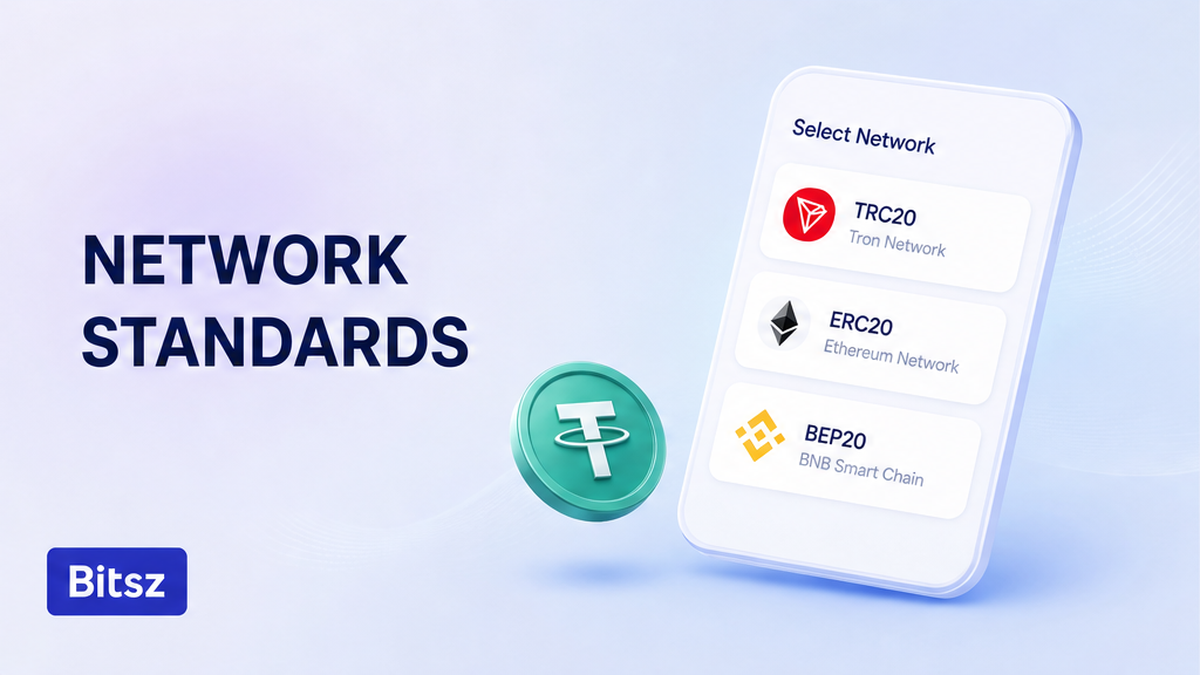
Three rails, three balances
Tron TRC-20 addresses typically start with T (about 34 characters). Ethereum-style addresses start with 0x and are 42 characters. That 0x string is shared by several EVM chains, so a 0x prefix does not prove you used Ethereum. Solana addresses use base58. They look like neither T nor 0x.
Check the token contract against Tether’s official list. Ethereum USDT ERC-20 is 0xdac17f958d2ee523a2206206994597c13d831ec7. Tron TRC-20 is TR7NHqjeKQxGTCi8q8ZY4pL8otSzgjLj6t. Those strings are token contracts, not a Bitsz deposit.
| Network label | How the address usually looks | Explorer for the confirmed hash |
|---|---|---|
| TRC-20 (Tron) | Starts with T | tronscan.org |
| ERC-20 (Ethereum) | Starts with 0x, 42 characters | etherscan.io |
| BEP-20 (BNB Smart Chain) | Same 0x format as Ethereum | bscscan.com |
| Solana USDT | Base58, not T and not 0x | explorer.solana.com |
Verdict: A T versus 0x mismatch is a hard incompatibility. A 0x send on the “wrong” EVM chain can still confirm while another chain’s wallet stays at zero. Use the Network label on the live Receive screen. Avoid guessing from the USDT ticker alone.
If the destination is your own wallet, switch the network in the official app and look again. Do not paste a seed into a “recovery” website.
Do: match prefix, length, Network label, and Tether contract. Do not: treat a shared 0x address as proof you landed on Ethereum. Tether warns that the wrong transport can leave funds unrecoverable. That is an issuer warning, not a Bitsz refund rule.
What Bitsz can and cannot do: a support checklist
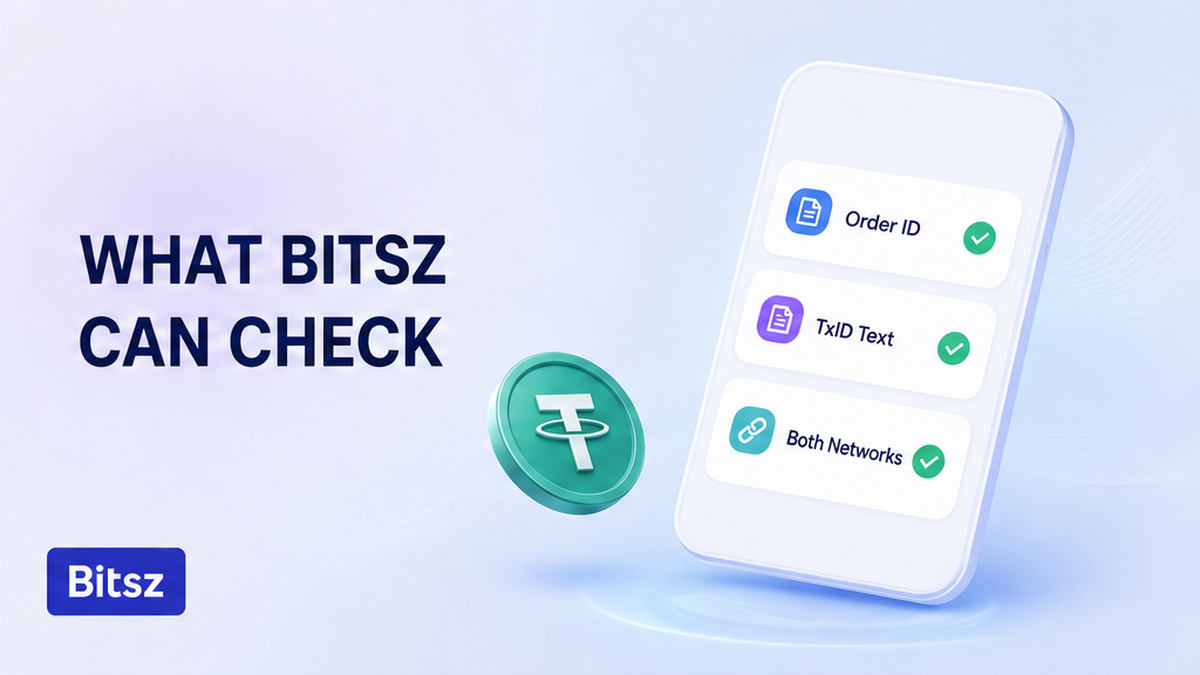
Packet for official support
Bitsz is non-custodial. The site footer states that Bitsz does not hold, store, or manage users’ funds. Instant swap orders use a one-time deposit address. If you paid a different network than the one printed on that order, Bitsz is not running a hot-wallet recovery queue for that hash.
Terms of Use 6.5 says exchanges are processed within 30 minutes to 72 hours. The platform may refuse a request and return coins to the sender with no extra fee. That is a valid-request window, not a promise to fish USDT off an unsupported chain. Read the live text on the Terms of Use page. Do not quote a CEX recovery fee table as if it were Bitsz. Terms 2.6 repeats that Bitsz does not provide custodial services. A delay is not an instruction to send more to the same address.
If a deposit confirmed on the network the order expected, and the order status still sits, use the stuck crypto swap status checklist. Do not apply AML refund language to a wrong-network send.
Do: open one official Bitsz ticket if the to-address was that order’s deposit. Do not: assume a fast email will pull coins off the wrong chain. If the coins went to a CEX deposit, write that exchange’s official form. Their policy is theirs, not a Bitsz SLA.
How to send Order ID, TxID, and both networks to official support
Official Bitsz support is the support page, Live Chat on the site, or support@bitsz.io. Use one of those. If someone DMs you offering to recover the TxID for a fee, stop and use the fake exchange support checklist. Official staff will not ask for a seed phrase.
Build one packet. Paste values as text, not only as screenshots:
- Bitsz Order ID (if you created an order)
- TxID / transaction hash as copy-paste text
- Network used versus network the order or wallet asked for
- From address and to address
- Amount with decimals, plus the explorer URL that shows the confirmed transfer
Check the explorer link yourself before you send the ticket. Native gas (TRX, ETH, BNB, or SOL) is a setting for the next send, not a reason to resend USDT now. If the destination was a listed CEX, open that venue’s official form. Do not import their fees into a Bitsz expectation. If the to-address is a typo or a stranger, only the owner can move the coins. Wrong memo or destination tag is a different checklist.
Do: send one complete packet through official Bitsz channels. Do not: add seed words, duplicate tickets, or a “recovery agent” who wrote you first. The official Bitsz Telegram account is a channel, not an inbound operator for your TxID.
Checklist so the next send matches the wallet
The next transfer is a new job. Do not park a remainder on the old deposit. Bitsz order deposits are one-time details. Open a fresh order, then copy the address from the live Receive screen after the network is selected.
Match three labels in one sitting: USDT ticker, Network in the Bitsz widget versus the wallet Receive screen, and the full address plus native gas.
Avoid a large remainder until a small separate test order on the same route has credited the destination wallet. See the test swap before a large transfer guide. For TRX into USDT on Tron, see how to convert TRX to USDT.
When you are ready for a correct send, use the Bitsz swap widget for a new order. Pick Network from the live screens, not from an old chat screenshot. The widget is not offered as a product for EU/EEA residents. A new order needs a new deposit address.
Do: new order, live Receive screen, Network match, native gas, small test first. Do not: reuse the failed deposit, “top up” the same Tx, or skip the network chip because the ticker already says USDT.
FAQ
Can wrong-network USDT be recovered?
Only if whoever controls the destination on the chain you used can move it. Collect TxID and both networks, then write official support. Bitsz does not promise recovery.
Is a TRC-20 address the same as ERC-20?
No. Tron addresses typically start with T. Ethereum-style addresses start with 0x and are shared by several EVM chains. Match the Network label on the live Receive screen.
Should I send again to “push” the deposit?
No. A second send to the same one-time Bitsz deposit or the same wrong chain usually deepens the mess. Save Order ID and TxID instead.
The explorer shows Success. Why is the wallet empty?
Success means the source chain recorded the transfer. The destination app only credits the network it is watching. Open that network’s explorer, then the official wallet’s network switcher.
I paid a Bitsz order on the wrong Network. Will Terms 6.5 refund me?
Terms 6.5 is the 30 minute to 72 hour processing window and a possible refuse-and-return of a service request. It is not a wrong-network rescue SLA. Send the packet to official support.
Someone DMed me offering to recover the TxID for a fee.
Stop. Official Bitsz support is the support page, site Live Chat, or support@bitsz.io. They will not ask for a seed phrase. Use the fake-support checklist.
How do I avoid this on the next swap?
Copy the USDT address from the live Receive screen after selecting the network. Match the Bitsz Network field. Keep native gas. Then run a small separate test order before a large send.
Disclaimer: The material in this article is not financial or investment advice. Everything stated here reflects the author's personal view and should not be treated as a recommendation to trade or invest. We make no warranties regarding the accuracy, reliability or completeness of the information presented. Cryptocurrency markets are highly volatile and can move unpredictably. Before committing any funds, every investor, trader or crypto user should study several independent sources and check the regulations that apply in their own jurisdiction.