
You tapped Exchange, then froze. The rate looks off, or the recipient feels rushed. The useful fork is not a Cancel chip on the Bitsz widget. It is this: did coins already leave for this order’s deposit address, or do they still sit in your wallet? Before a send, leave the coins where they are and let the unused quote die. After a broadcast, there is no bank undo. Map the stage first, then act once.
Quick answer: If coins never left your wallet, do not pay that deposit address. Close the flow and wait the unused quote out. If you already broadcast, Bitsz has no self-serve undo. Check the same-network explorer, stop a second send, and write official support once with the Order ID plus the full deposit TxID. Terms 6.5 is a platform refuse-and-return to the sender, not a user Cancel control.
Bitsz is an instant crypto exchange established in 2023. The live homepage widget shows You send, You receive, Network, Floating or Fixed, Recipient’s address, and Exchange. On 13 Oct 2026 the widget had no Cancel control. A quote is the offer on screen before you pay. Broadcast means the wallet published the payment. The TxID is that payment’s fingerprint. The Order ID is the Bitsz ticket, not the TxID. Do this: open the wallet and the order page before any new payment. Do not tap Exchange as a replacement.
How the cancel fork runs:
First map the stage: unused quote, pending wallet send, or confirmed deposit. Then, if you never sent, leave the coins in the wallet. Next, if a send is pending, watch the explorer. Then, if the deposit is confirmed, pack one official support packet.
- Step 1: Map the stage before any new payment: unused quote, signed-but-pending, or confirmed deposit.
- Step 2: If there is no outgoing TxID, do not pay this deposit address. Let the unused quote expire.
- Step 3: If a CEX withdrawal is still under review with no TxID, cancel there if the button is live. That is not a Bitsz cancel.
- Step 4: If Send is already tapped, check the same-network explorer for 0 confirms versus 1 or more.
- Step 5: If the deposit is confirmed, collect Order ID, full deposit TxID, network, amount, and Recipient’s address. Write official support once.
- Step 6: Stop a second deposit, a second Exchange click, and any DM that offers to cancel for a fee.
- Step 7: Open a new order only when nothing was broadcast, then copy the deposit from the new card only.
- Step 8: Keep neighbor jobs separate: closed tab, stuck status, and expiry after send are different checklists.
When coins never left the wallet: unused quote vs pending send vs confirmed deposit
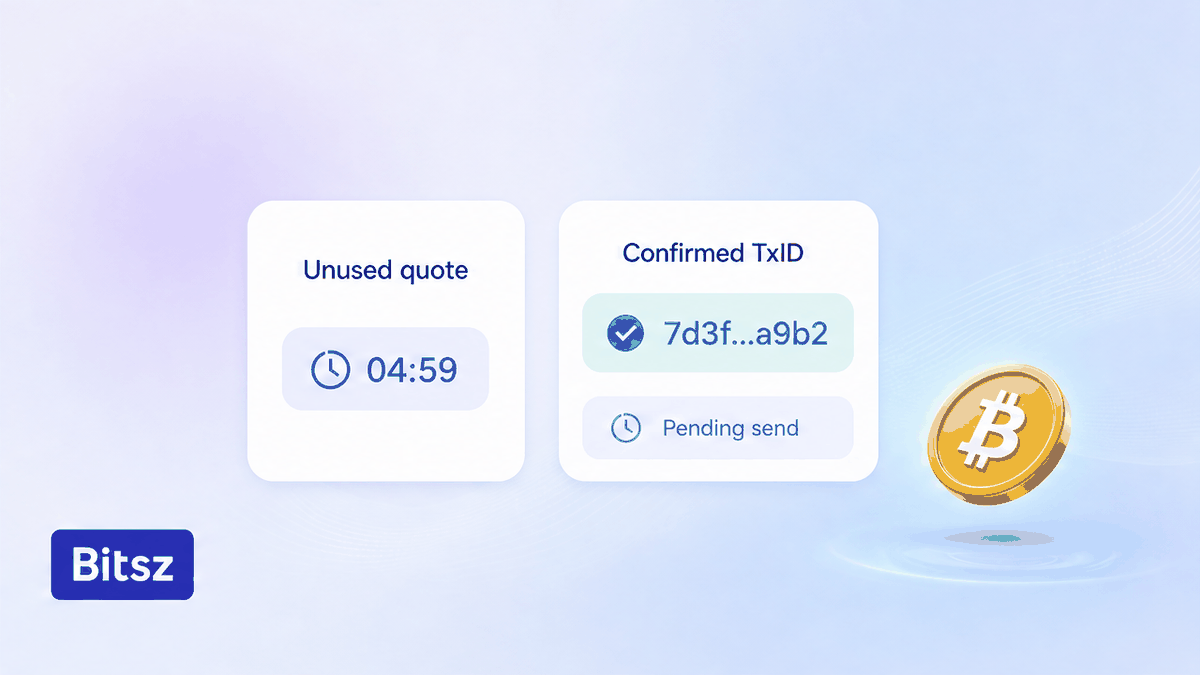
Map the wallet before any new payment.
Three pictures look like “I want to cancel,” and they are not the same job. Stage A is an unused quote: the card is open, the wallet never signed, no outgoing TxID. Stage B is signed-but-pending: you tapped Send, and the explorer still shows 0 confirms in the mempool, the network’s waiting room. Stage C is a confirmed deposit: 1 or more confirms on this order’s unique address. Do this: decide the stage from the wallet and the explorer. Do not skip the map and fire a second payment.
| Stage | What you see | Do | Do not |
|---|---|---|---|
| Unused quote | No outgoing TxID; coins still in the wallet | Do not pay this deposit address; let the quote die | Do not invent a Cancel chip |
| Pending send | Send tapped; explorer shows 0 confirms | Watch the explorer; wallet Replace/Cancel only at 0 confirms | Do not send a second deposit or use a DM accelerator |
| Confirmed deposit | 1+ confirms on this order’s address | Pack Order ID plus the full deposit TxID for official support | Do not expect a bank-style undo |
How to drop an unused quote before you send
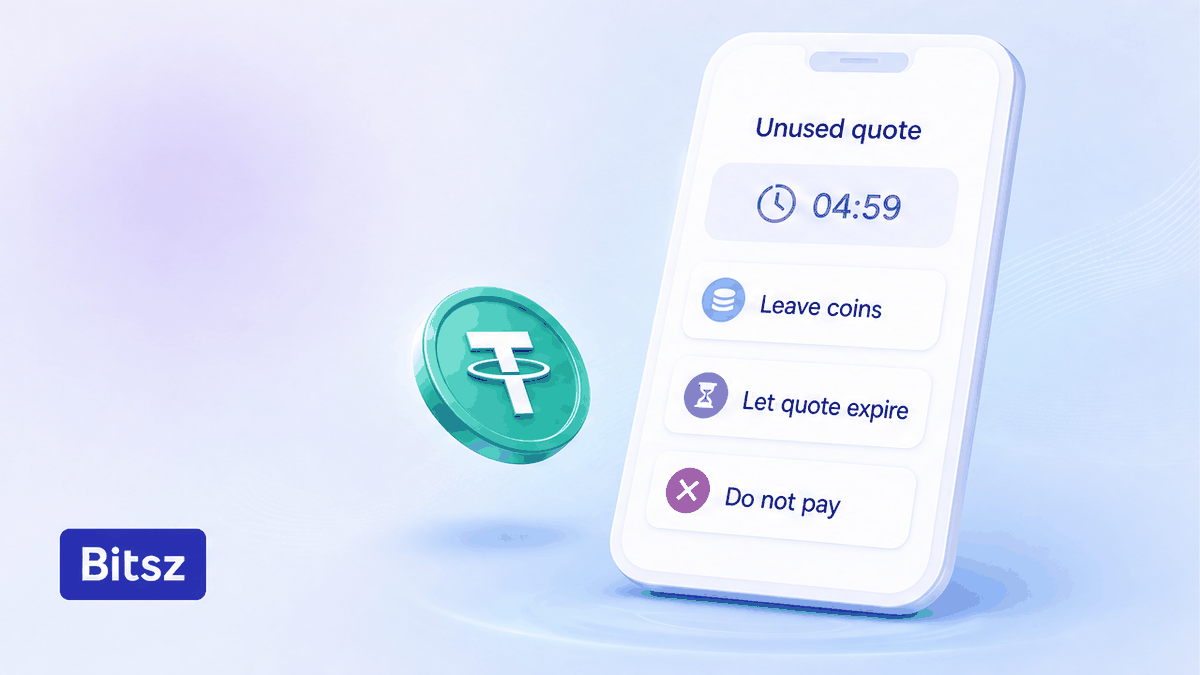
Walk away. Do not copy that address.
If the coins never left, you already have the only safe stop: do not pay. If a swap sits waiting and you never sent, leave it. Close the flow, let the window expire, and do not save that deposit address. The live Bitsz widget has no Cancel control to tap. Do this: keep the coins in the wallet. Do not write support to “close the request” when Send never happened.
A Fixed rate, when the widget offers it, freezes the displayed rate for 12 minutes under Terms 2.2.1 (1% fee plus network fee). If the market moves more than 1.3% before the deposit is seen on-chain, the terms describe a refund or a continue-at-market choice. Floating is not locked until funds arrive (0.5% plus network fee). Fixed can also be temporarily unavailable. Do this: if you are not ready to send, walk away. Do not copy the old address into a later payment.
If coins still sit in a CEX withdrawal with no TxID, cancel on that exchange while status is under review. That is not a Bitsz cancel. See the CEX withdrawal delay before swap checklist. Do this: use the source Cancel if it is still live. Do not open a second Bitsz order while the CEX thinks.
How to pack one official support packet after you broadcast
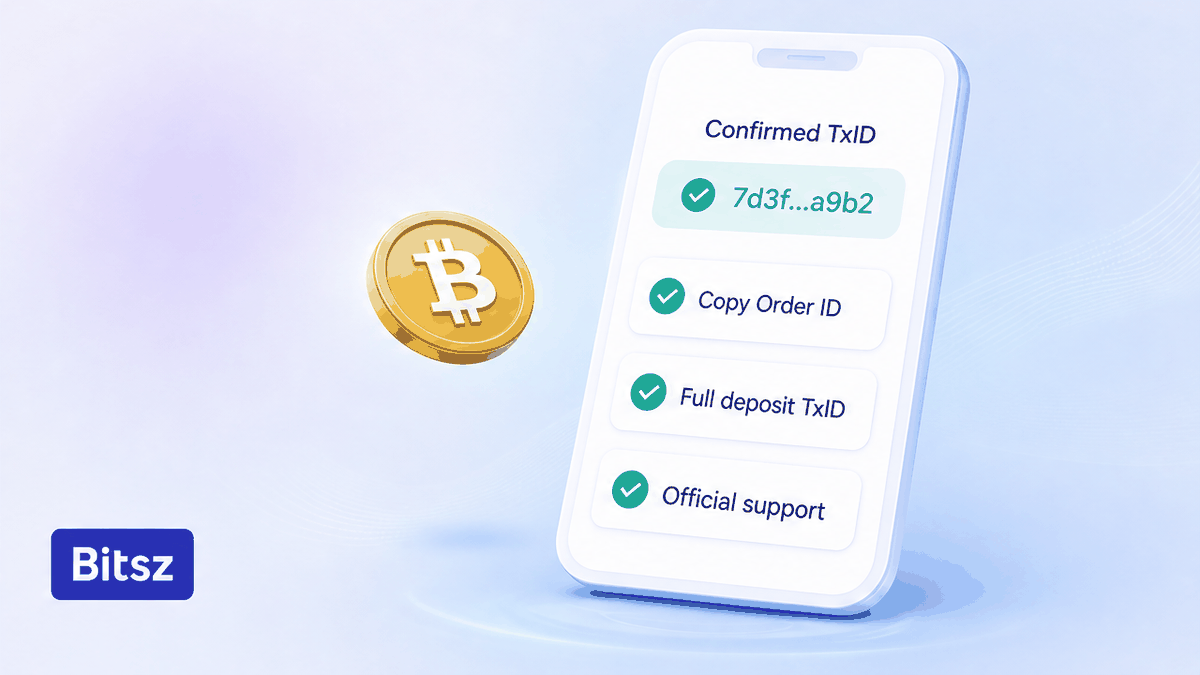
One ticket, one TxID, one official message.
Once the wallet has broadcast, you are not in a bank transfer with a recall form. FTC consumer guidance is blunt: crypto payments typically are not reversible. Bitcoin.org on fees covers the pending case: an unconfirmed transaction waits in the mempool. It may confirm, or drop, and the coins stay spendable if they never left. Some wallets show Replace-by-Fee. That is native wallet UI, not a Bitsz chat command. Exodus (21 Feb 2025) states that a confirmed transaction cannot be reversed. Do this: check the explorer for 0 confirms versus 1+. Do not send a second deposit. Do not install an accelerator from a DM.
Terms 6.5 is the product rule after a request exists, not a user Cancel chip. Exchanges are processed within 30 minutes to 72 hours. The platform may refuse a request and return coins to the sender with no extra fee. That refund is manual and may take up to 68 hours. The homepage 5 minute average is marketing, not that window. Do this: wait for confirms, then collect Order ID, full deposit TxID, network, amount, and Recipient’s address. Send that packet once through Bitsz support, support@bitsz.io, or Live Chat on a bitsz.io page you typed yourself. Official Telegram is a showcase, not a cancel inbox. An AML hold is a different job: the stuck crypto swap status checklist.
After-send verdict: A pending TxID belongs to your wallet and the explorer. A confirmed deposit belongs to official support. Terms 6.5 may let the platform refuse and return coins to the sender. That is not a Cancel chip.
Avoid a second deposit, a second Exchange click, and a cancel-for-a-fee DM
The fastest way to turn a change of mind into two problems is a second send. Terms 2.4 assign a unique address to each transaction. Homepage how-to copy says send funds to the one-time address. A second payment to the same address is a reuse case, not a replacement cancel. See the one-time swap address reuse checklist if that already happened. A new Exchange click mints a new Order ID. It does not void the first ticket. Do this: one ticket, one TxID, one official message. Do not top up the amount.
Anyone who DMs “we can cancel this swap for a fee” is not Bitsz support. Freeze that chat. Type bitsz.io yourself. See the fake exchange support checklist. Do this: official channels only. Open a new swap only when nothing was broadcast, and copy a new address from the new card. Do not pay from an old screenshot.
Closed tab vs stuck status vs expired-after-deposit
This checklist answers one question: can you stop, and at which stage? Closing the tab does not cancel the order. If the URL vanished, recover the same bitsz.io page with the closed swap order tab recover checklist, then return to this fork. If the deposit is confirmed and status sits still, use the stuck-status checklist. If the timer died after you sent, use the expired crypto swap after deposit checklist. Do this: pick the neighbor that matches the symptom.
Do these next steps after you map the stage
Do this: write the stage down, then follow only that row. If nothing left the wallet, walk away from this deposit address and, when you are ready, open a new card on the Bitsz widget and copy the new address once. If a TxID exists, stay on that Order ID and send one official packet if the deposit confirmed. Do not hunt a Cancel chip.
FAQ
Does Bitsz show a Cancel button?
Not on the live homepage widget as of 13 Oct 2026. Labels are You send, You receive, and Exchange. If you have not sent, do not pay that address.
Does closing the tab cancel the order?
No. Closing the tab drops the open page, not the ticket. Recover the same bitsz.io order URL first. If you never broadcast, do not pay that address.
Can I cancel after the deposit is confirmed?
There is no bank-style undo. Collect the Order ID plus the full deposit TxID and write official support. Outcomes follow the Terms, including a possible 6.5 refuse-and-return.
Should I send again to replace a canceled quote?
No. Unused addresses are one-time under Terms 2.4. Open a new order and copy a new deposit address only when ready.
Is Terms 6.5 a self-serve undo?
No. The platform may refuse a request and return coins to the sender with no extra fee. That refund is manual and may take up to 68 hours.
My wallet still says pending. Can Bitsz cancel it?
No. Check the explorer. If your wallet offers Replace or Cancel and confirms are still 0, that is wallet-level. Do not send again.
Someone offered to cancel my swap for a fee. What should I do?
Stop. Use official channels only: /support, support@bitsz.io, or Live Chat on a typed bitsz.io page. Official Telegram is a showcase, not a cancel desk.
Disclaimer: The material in this article is not financial or investment advice. Everything stated here reflects the author's personal view and should not be treated as a recommendation to trade or invest. We make no warranties regarding the accuracy, reliability or completeness of the information presented. Cryptocurrency markets are highly volatile and can move unpredictably. Before committing any funds, every investor, trader or crypto user should study several independent sources and check the regulations that apply in their own jurisdiction.