
You tap Floating because 0.5% looks cheaper, or you wait on a grey Fixed button because a lock feels safer. Either habit can miss the 12-minute window or land a worse You receive. On Bitsz, a fixed vs floating rate crypto exchange choice is the widget order mode, not a bank interest-rate swap. Open the live form, compare both quotes on the same send amount if Fixed is on, then send one exact deposit.
Quick answer: Open the Bitsz homepage widget and find the Floating rate and Fixed rate pills. If Fixed is live, keep You send unchanged and compare You receive. Fixed is 1% plus network, frozen 12 minutes, with a refund-or-market offer if the market moves more than 1.3% before on-chain detect. Floating is 0.5% plus network and is recalculated only downward. If Fixed is Temporarily unavailable, use Floating or pick another pair, then send the exact deposit once.
Bitsz is an instant crypto exchange established in 2023: you send coins and the service sends the other asset back, without an order book. The homepage widget asks for You send, You receive, Network on both sides, Floating rate or Fixed rate, Recipient’s address, then Exchange. Footer copy says Bitsz is non-custodial (it does not hold your funds). Displayed rates are for reference (Terms 2.2). The service is not available to EU/EEA persons.
A fixed swap rate on Bitsz is a short lock on the order you are about to create, not a floating home loan and not a bank swap. A floating rate crypto quote is a starting number that can still change until Bitsz sees your coins and finishes the swap. Other brands publish different lock windows. Use Bitsz Terms for this widget.
Find the Floating and Fixed toggle before you compare quotes
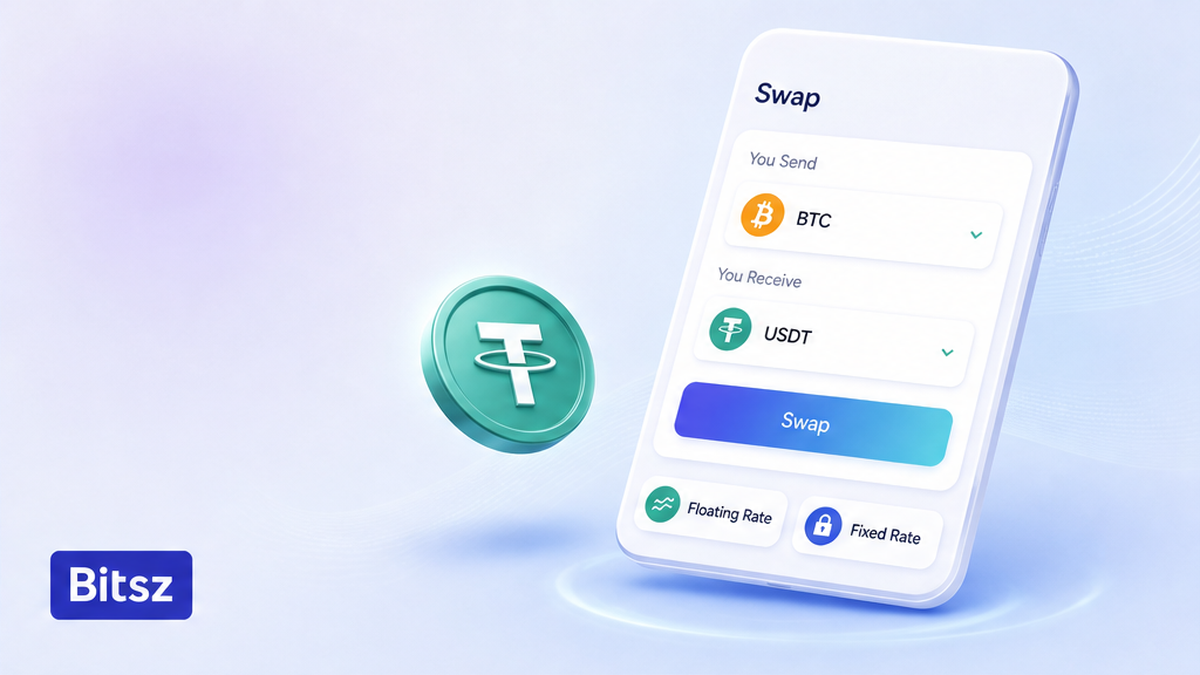
Compare both live pills
Open the Bitsz homepage widget, not a screenshot in a messenger. Write what you send, what you want to receive, and which network sits on each side. Network means the chain the coins travel on. Do this on the live form. Do not start from a chat quote that already picked a mode for you.
Look for two pills labeled Floating rate and Fixed rate. Those pills are the Bitsz fixed floating control. If both are clickable, keep You send the same, switch once, and write both You receive numbers. You receive is the estimated payout after the service line. The number on screen is a reference (Terms 2.2).
Workflow:
First confirm you are on the live Bitsz widget. Then check whether Fixed is clickable. Then compare You receive on one send amount if both modes are on. Then pick a mode. Then send one exact deposit.
Do: compare on one send amount, then choose. Do not: treat the homepage marketing line of a 5 min average exchange time as the Fixed lock. That 5 min figure is homepage copy, not Terms 2.2.1. Do not: assume Fixed is present on every pair.
Read what Terms 2.2.1 lock on a Fixed swap
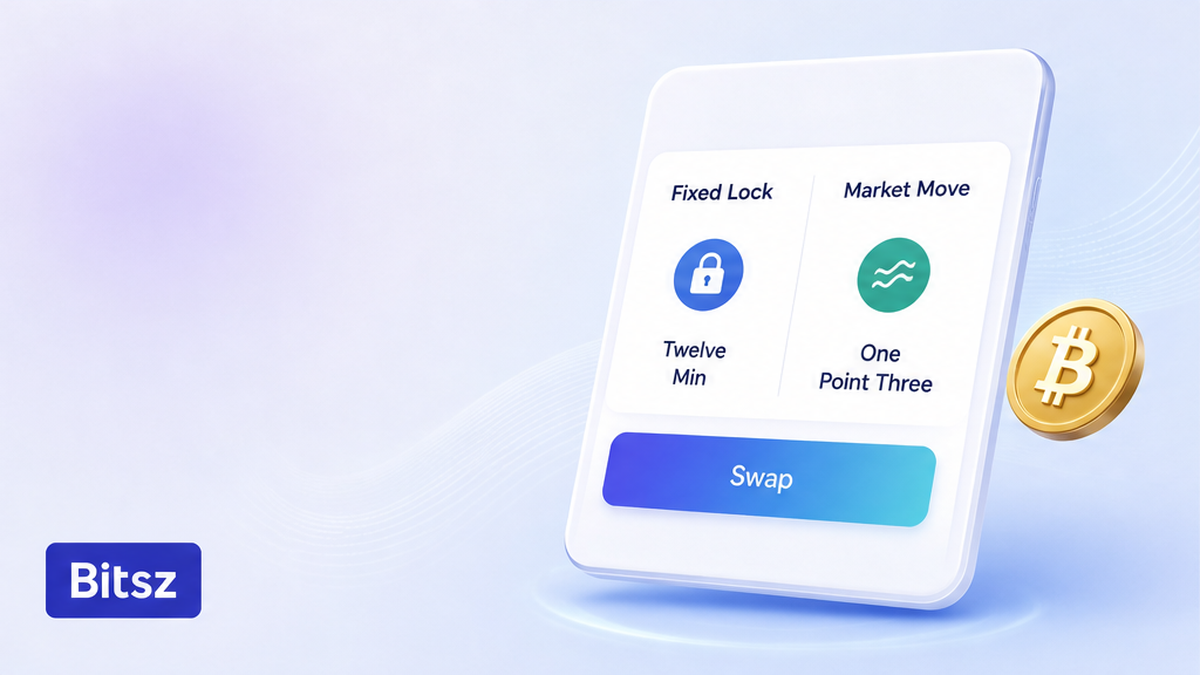
Twelve minutes, one lock
Read the Fixed column before you chase a “safer” quote. Terms 2.2.1 (Bitsz Terms of Use) set a service fee of 1% plus network fee. Network fee is the chain’s own miner or validator cost, paid on top of Bitsz’s 1%. The displayed rate is frozen for 12 minutes. If the market moves more than 1.3% before the deposit is detected on-chain (visible on the public ledger Bitsz watches), you are offered a refund or to continue at market rate.
| Check | Fixed (Terms 2.2.1) | Floating (Terms 2.2.2 and 2.10) |
|---|---|---|
| Service fee | 1% plus network fee | 0.5% plus network fee |
| When the rate is locked | Frozen 12 minutes after the quote | Not fixed until funds arrive and the swap completes |
| If the market moves | Move more than 1.3% before on-chain detect: refund or continue at market | Recalculated only downward |
| Hidden service fees in these clauses | None stated | None stated |
| Use it when | The pill is live and you can send the exact deposit in 12 minutes | Fixed is off, or you cannot hit the 12-minute send |
Verdict: Pick Fixed only if the pill is live and you can send the exact deposit in one payment inside 12 minutes. Pick Floating when you want the 0.5% line and you accept a same-or-worse payout versus the first quote. Do not paste a 10-minute lock from another exchanger onto this widget.
Do: send the exact deposit in one transaction, and leave native coin (the chain’s own gas token) so the chain fee is not shaved off the amount Bitsz expects. Do not: use “send max” if that underpays the order. Bitsz Fixed is 12 minutes, not a 10-minute window from another brand.
Read what Terms 2.2.2 and 2.10 do to a Floating fill
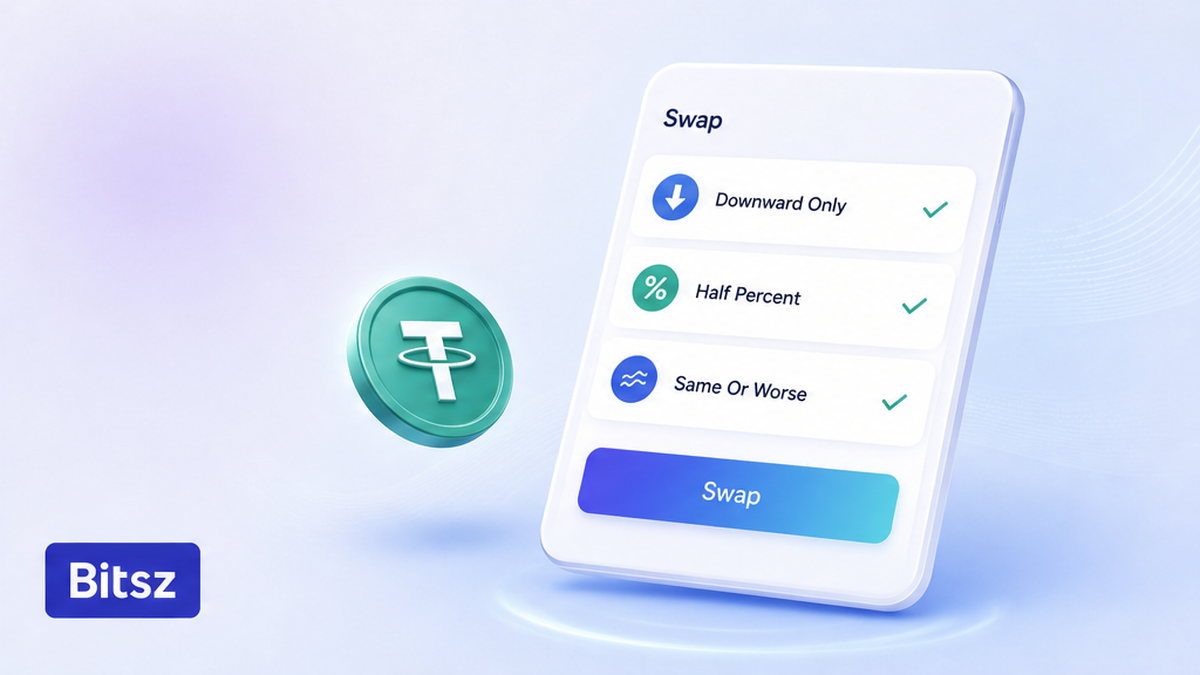
Fill can only drop
Floating rate crypto on Bitsz is the thinner service line when you can live with movement. Terms 2.2.2 say the rate is not fixed until funds are received and the exchange is completed. The service fee is 0.5% plus network fee. Completion means Bitsz has taken in your deposit and finished sending the other asset, not the second you click Exchange.
Terms 2.10 is the part competitor blogs often skip: the floating rate is recalculated only downward. A later fill can be worse than the first You receive. Bitsz does not owe you extra coins if the market rallies while your transaction is still pending. Honest reading: the cheaper-looking 0.5% is not a gift if the fill can only move down.
Do: plan for a same-or-worse receive versus the first quote, and send as soon as the deposit address is on screen. Do not: copy “if the market rises you get more” from another guide. Terms 6.5 say exchanges are processed within 30 minutes to 72 hours. Use that window for waiting after you send. Do not use it as a second lock clock.
Choose Floating when Fixed is temporarily unavailable
On a 2026-09-18 check of the live widget, the Fixed rate control was marked Temporarily unavailable / disabled, and Floating was selected. Treat that as a product state, not a glitch you can refresh away on a timer. Do not promise yourself that Fixed will return after one reload.
A large send does not unlock Fixed by itself. First see whether the pill works on this pair, then read Terms, then size the order. A rehearsal before a large transfer is a separate small same-route test order. A passed test does not freeze 12 minutes on the next ticket. You choose Fixed or Floating again on the new order.
Do: run this order on Floating, or pick another pair the widget can quote. Do not: wait for Fixed “for safety” when the control is grey. The rate mode is set when the order is created. If coins are already in flight, wait on that order.
Work the decision checklist before you click Exchange
Use this checklist on the live widget, then click Exchange once. If a memo or destination tag field appears (an extra ID some coins need), copy it from the same screen. See the memo and destination tag checklist.
- Open the live Bitsz widget and write You send, You receive, both Networks, and the recipient address.
- Check the Floating rate and Fixed rate pills. If Fixed is grey or Temporarily unavailable, use Floating or choose another pair.
- If both pills work, keep You send unchanged, switch once, and write both You receive numbers.
- Choose Fixed only if you need a predictable receive and can send the exact deposit inside 12 minutes.
- Choose Floating if you accept a same-or-worse fill versus the first quote, or if you cannot hit the 12-minute send.
- Leave native coin for the sending fee so the deposit is not short. Do not use send max if it underpays the order.
- Match ticker, network, full address, and memo if the extra ID field is visible. Tick non-EU/EEA only if it is true, then click Exchange.
- Send the exact deposit in one transaction. Save Order ID and TxID. Do not send a second deposit to the same address.
- If you have not sent yet and you want the other mode, create a new order. After send, the rate mode cannot be switched.
- If a 1.3% refund-or-market offer appears, or the status sits still, pack Order ID plus TxID and use the stuck-swap checklist. Do not pay twice.
Do: one deposit, then wait. Terms 2.6 say delays can happen for compliance or technical reasons. A delay is not a signal to send again. If the status sits after you have already sent, follow the stuck crypto swap status checklist with Order ID and TxID.
What next: compare both pills on one send amount if Fixed is live, then send the exact deposit. Open the Bitsz widget and work the checklist above.
FAQ
Is Fixed always cheaper?
No. The service line is 1% plus network fee on Fixed versus 0.5% plus network fee on Floating. Compare You receive on the same send amount. Do not guess from the percentage alone.
What if the market moves during the 12-minute lock?
If the move is more than 1.3% before the deposit is seen on-chain, Bitsz offers a refund or to continue at market rate (Terms 2.2.1). Do not send a second deposit.
Can I switch from Fixed to Floating after I send?
No. The rate mode is set when the order is created. Create a new order only if you have not sent yet. If coins are already in flight, wait on that order.
Fixed is grey or Temporarily unavailable. Should I wait?
Do not treat that state as a promise it will return. Use Floating for this order or choose another pair the widget can quote.
If the market rises on Floating, do I get more?
Not under Bitsz Terms 2.10: floating is recalculated only downward. Plan for a same-or-worse receive versus the first quote.
Does a test swap lock the large-order rate?
No. A test is a separate order. On the large ticket you choose Fixed or Floating again.
Is this the same as a bank interest-rate swap or a floating home loan?
No. This guide is the Bitsz widget rate mode. If a search result talks about loans or IRS-style swap rates, return to the Floating / Fixed pills on the form.
Disclaimer: The material in this article is not financial or investment advice. Everything stated here reflects the author's personal view and should not be treated as a recommendation to trade or invest. We make no warranties regarding the accuracy, reliability or completeness of the information presented. Cryptocurrency markets are highly volatile and can move unpredictably. Before committing any funds, every investor, trader or crypto user should study several independent sources and check the regulations that apply in their own jurisdiction.