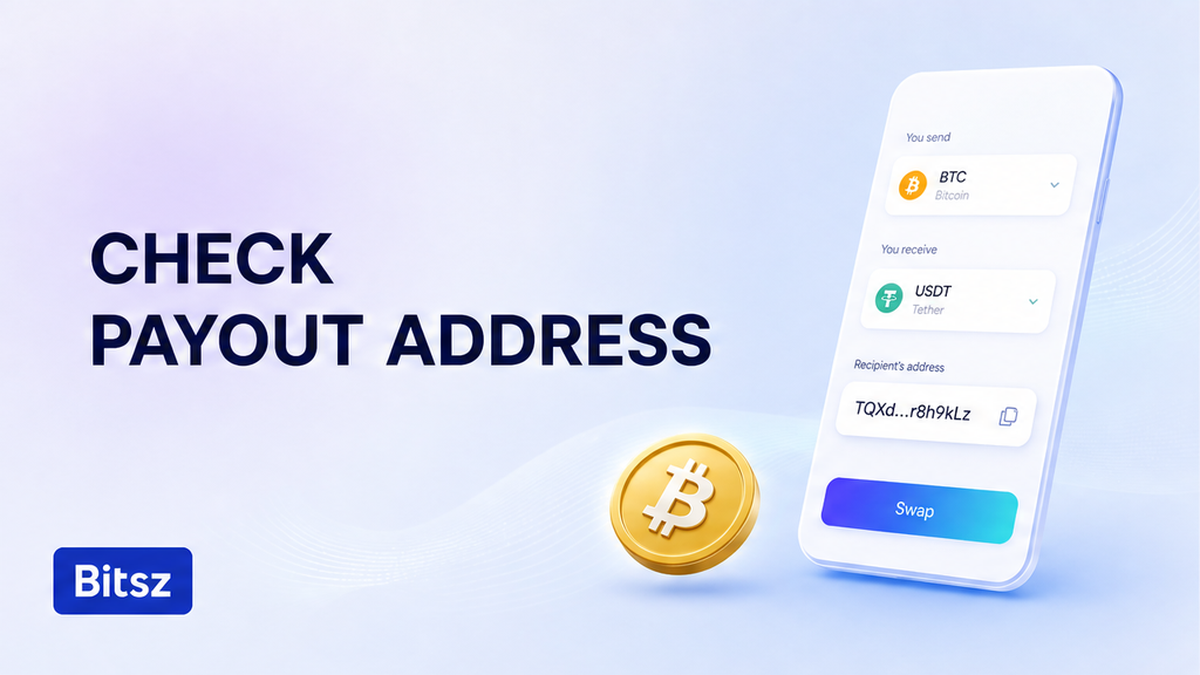

You sit on the Bitsz widget with Exchange one click away, and Recipient’s address already holds the payout wallet. Type that string, paste a cut copy, or grab a lookalike from history, and the order keeps that destination. A later deposit cannot rewrite it. Paste from your own Receive screen, stop on invalid or checksum-fail, recopy without guessing letters, compare the full string, then click Exchange once.
Quick answer: Recipient’s address is your payout wallet, filled before Exchange, not the later Bitsz deposit. Copy from Receive for the same ticker and receive network. If the field or wallet flags invalid format, checksum-fail, truncation, or a history lookalike, do not click Exchange. Recopy, compare the full string including the middle, then click Exchange once. Bitsz does not rewrite a wrong payout after the order exists.
The widget asks for pair, Network, Floating or Fixed (Fixed can be temporarily unavailable), Recipient’s address, then Exchange. After that click, Bitsz prints a one-time deposit. That is where you send You send. It is not payout. The homepage asks what happens if you enter incorrect details. It does not spell a later fix. Bitsz Terms of Use put verifying details on you before you submit.
A checksum (extra check letters so some typos fail a math test) is not proof you own the destination. Do this check before any coins leave your wallet.
How to treat Recipient’s address as your payout wallet before Exchange
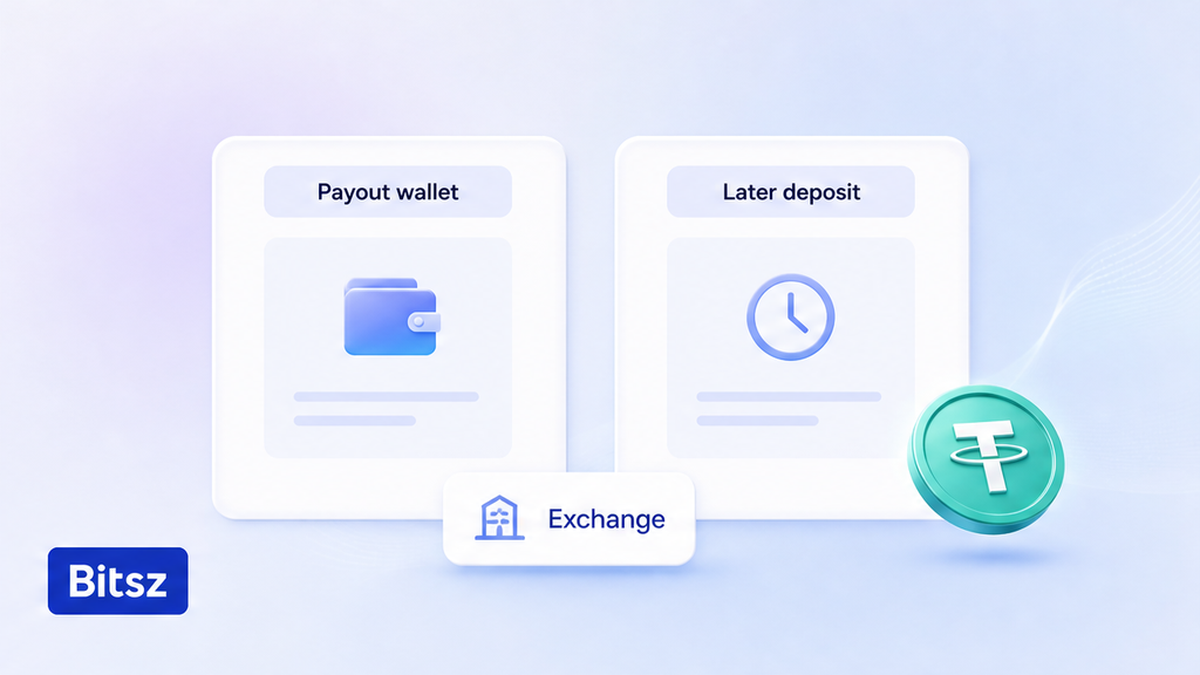
Payout wallet is not the later deposit.
Recipient’s address is where Bitsz will send You receive after the swap. It must be a wallet you control, on the ticker and receive network you picked. Bitsz does not hold your coins in a Bitsz account the way a bank holds a balance. The order captures the payout string at create time.
Do paste an address you can open in your own wallet for that coin and that receive network. Do not paste a Bitsz deposit from a past order. Do not paste a refund or “From” address, a token contract such as USDT on TRC-20 (Tron USDT), or a CEX address saved for another network.
The deposit you will send later appears only after Exchange. A past deposit in Recipient’s address is a payout to an address you do not own as a receiving wallet. Stop and replace it from Receive before you click.
Step: paste from the Receive screen and stop on truncated, typed, or history-poisoned strings
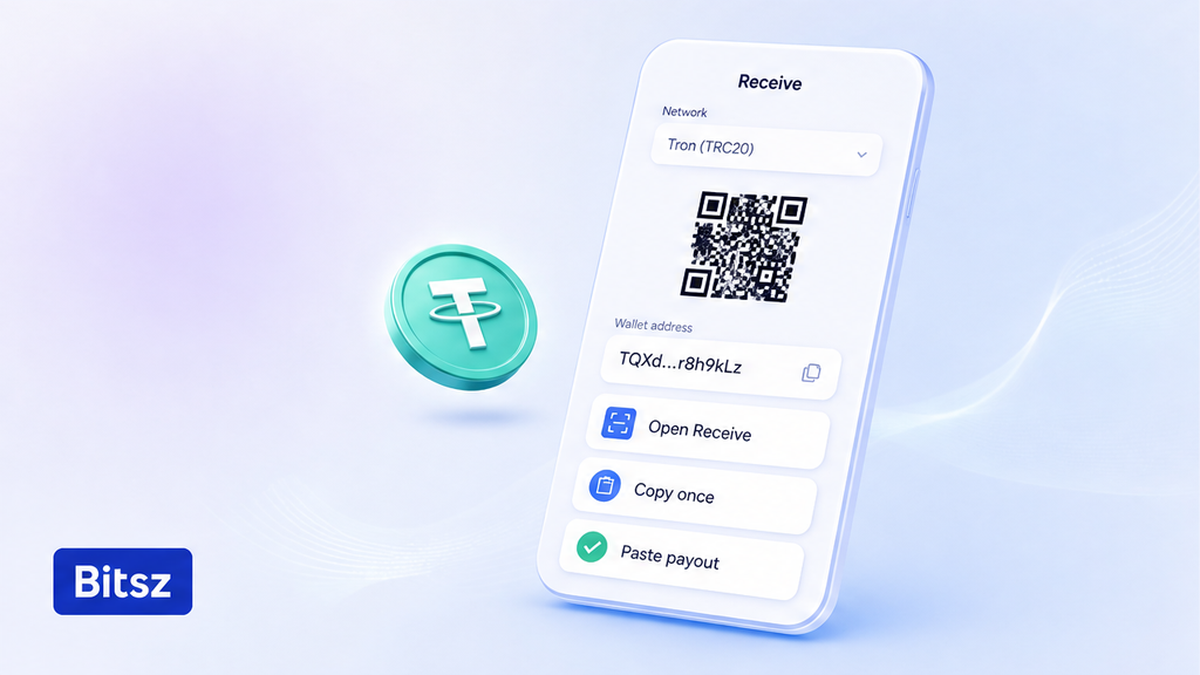
Copy once from Receive, then paste.
Open your wallet on the same ticker and receive network as the widget chip. Go to Receive, the screen that shows your address to get this coin on this network. Skip Send, chats, and cropped screenshots. Copy from Receive or its QR. Paste once into Recipient’s address.
Do use one fresh copy from Receive. Do not type the long string by hand. One mistype can still look plausible. Do not copy from transaction history. Address poisoning (fake dust txs that mimic your address) matches the first and last characters and changes the middle. Do not shorten the paste to first-and-last. A cut tail is a stop: recopy. Do not fill the missing end from memory.
Ledger’s note is the same ritual: copy from Receive, then check every character. This checklist is the payout field before Exchange, not a clipboard hijack after you copy a deposit.
How the paste should run:
First open Receive for this ticker and receive network, then copy once and paste into Recipient’s address, then stop if the string looks cut, typed, or pulled from history, then recopy from Receive. Do not repair a bad paste in the field.
When the field or wallet flags invalid format or checksum, recopy and avoid guessing characters
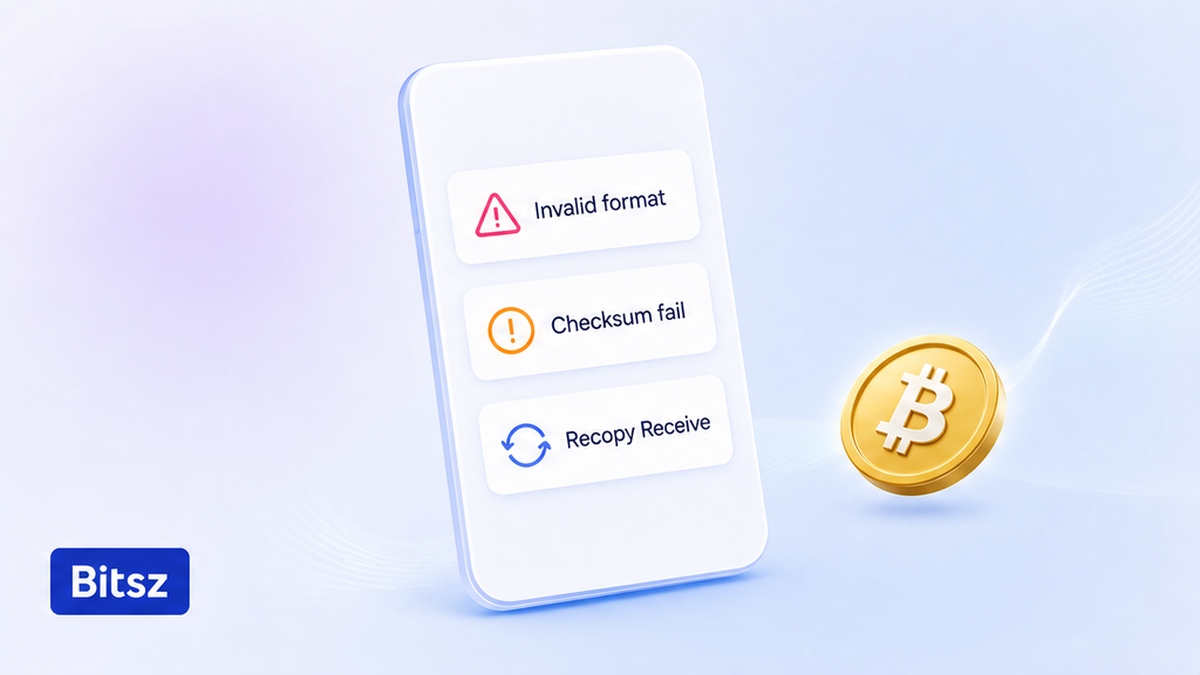
Recopy on checksum fail. Do not guess.
Prefix and length are a fail-check that the string does not even look like the Network family. They are not proof you own the wallet. If length or prefix disagrees with the chip, change the chip or open a different Receive screen, then recopy. Do not click Exchange to “see if it goes through”.
On TRON, including TRC-20 USDT, the paste is Base58Check (a mixed letter-number alphabet that is case-sensitive): 34 characters, starting with T. An ordinary Ethereum-style wallet is 42 characters: 0x plus 40 hex digits. 0x is not proof of Ethereum; the same shape lives on other EVM chains. Bitcoin bc1 should be lowercase. Mixed-case bc1 is a stop. Auto-fixing a letter can turn a bad string into a different valid one.
A checksum catch means the spelling failed a math check. It does not mean “this is my wallet” or “this is the right network”. Lowercase hex has no checksum, so a typo can still sneak through. Do not change Tron or Solana case by guess. A case-changed Solana string can name a different account.
Do recopy from Receive if the field or your wallet flags invalid, checksum, mixed-case bc1, or a cut string. Do not edit characters or “fix” case at random. Do not run the string through an unknown converter. Bitsz checks the payout string before the order is created. If anything flags the string, treat that as a stop.
Checklist: compare the full string to Receive, then click Exchange once
After a clean paste, compare the field to Receive character by character, including the middle. When the full string matches, tick the non-EU/EEA box plus Terms, AML, and Privacy, then click Exchange once. Save the Order ID. Do not click Exchange again because the field blinked. Do not edit payout after Exchange. The order already stores that destination.
- Open the Bitsz homepage widget, pick the pair, and set the receive Network chip.
- Open your wallet Receive screen for that same ticker and receive network.
- Copy from Receive or its QR and paste once into Recipient’s address.
- Stop if the paste is truncated, typed by hand, or taken from transaction history, then recopy from Receive.
- Stop if the field or wallet flags invalid format, checksum-fail, or mixed-case bc1. Recopy. Do not guess letters or case.
- Compare every character to Receive, including the middle, then confirm prefix and length match this network family.
- Tick the non-EU/EEA and Terms boxes, click Exchange once, and save the Order ID.
- If Exchange already fired with a bad payout, do not send You send to that order’s one-time deposit.
If the bad click already happened, do not send You send and do not open a second swap until you know whether a deposit left. Write one packet through official Bitsz support: Order ID, what sat in Recipient’s address, and a Receive screenshot. Do not send a seed. Terms 2.5 and 6.3 put incorrect addresses on the user. A refuse-and-return to the sender (Terms 6.5) does not rewrite Recipient’s address. Do not expect Bitsz to fix a wrong payout after Exchange.
This payout check vs clipboard hijack, a refund address, or a memo
Do keep this checklist on the payout field before Exchange. Neighbor problems look similar. They are not the same job. Do not flatten clipboard malware, a refund rail, or a memo into one panic paragraph.
| Check | What it is | When you fill it | Do / do not |
|---|---|---|---|
| Recipient’s address | Where Bitsz sends You receive | Before Exchange | Paste from Receive. Do not click Exchange on invalid or truncated strings. |
| One-time deposit | Where you send You send | After Exchange | Do not paste a past deposit into Recipient’s address. Do not send if payout was wrong. |
| Refund / return | Coins back to the sender on the deposit rail | Not this field | Do not use a refund address as You receive. |
| Memo / tag | Extra ID some coins need (XRP, XLM, TON) | A separate field if required | Do not treat memo as the address string. |
Clipboard hijack after Copy is a different job: how to catch a swapped paste after Copy. A refund is not You receive: how to pick the refund rail. A memo is an extra ID, not the payout string: how to add memo or tag.
Verdict: If the pain is “may I click Exchange with this payout string?”, stay here. Recopy from Receive, compare the middle, click once. If Exchange already stored a bad destination, do not send the deposit. Recovery of a wrong payout is not promised.
When the full string matches Receive, create the swap on the Bitsz widget. Send You send only after that click, and only to the one-time deposit printed on that order.
FAQ
Is Recipient’s address the same as the Bitsz deposit?
No. Recipient’s address is where Bitsz sends You receive. The one-time deposit appears after Exchange. Do not paste a past deposit into Recipient’s address.
What if the widget or wallet says invalid address?
Do not click Exchange. Open Receive for this ticker and network, copy again, and paste once. Do not edit characters or checksum case by guess.
Should I type a long payout address by hand?
No. One mistype can still look plausible. Copy from the Receive screen. If the paste is truncated, recopy the full string. Do not fill the tail from memory.
Can I click Exchange and fix the payout later?
No. Creating the order stores the payout destination. If Exchange already fired with a bad string, do not send the deposit. Recovery is not promised (Terms 2.5, 6.3).
Does a checksum mean the wallet is mine?
No. A checksum only catches some typos. It does not prove ownership and it does not pick the receive network. Compare the full string to your Receive screen, including the middle.
I copied the address from transaction history. Now what?
Stop. Poisoned lookalikes match the first and last characters. Recopy from Receive, then compare the middle. If you already clicked, do not send You send.
Is this the same as clipboard hijack or a refund address?
No. Clipboard malware after Copy is the deposit-paste checklist. A refund goes back on the deposit rail, not to You receive. This checklist is the payout field before Exchange.
Disclaimer: The material in this article is not financial or investment advice. Everything stated here reflects the author's personal view and should not be treated as a recommendation to trade or invest. We make no warranties regarding the accuracy, reliability or completeness of the information presented. Cryptocurrency markets are highly volatile and can move unpredictably. Before committing any funds, every investor, trader or crypto user should study several independent sources and check the regulations that apply in their own jurisdiction.