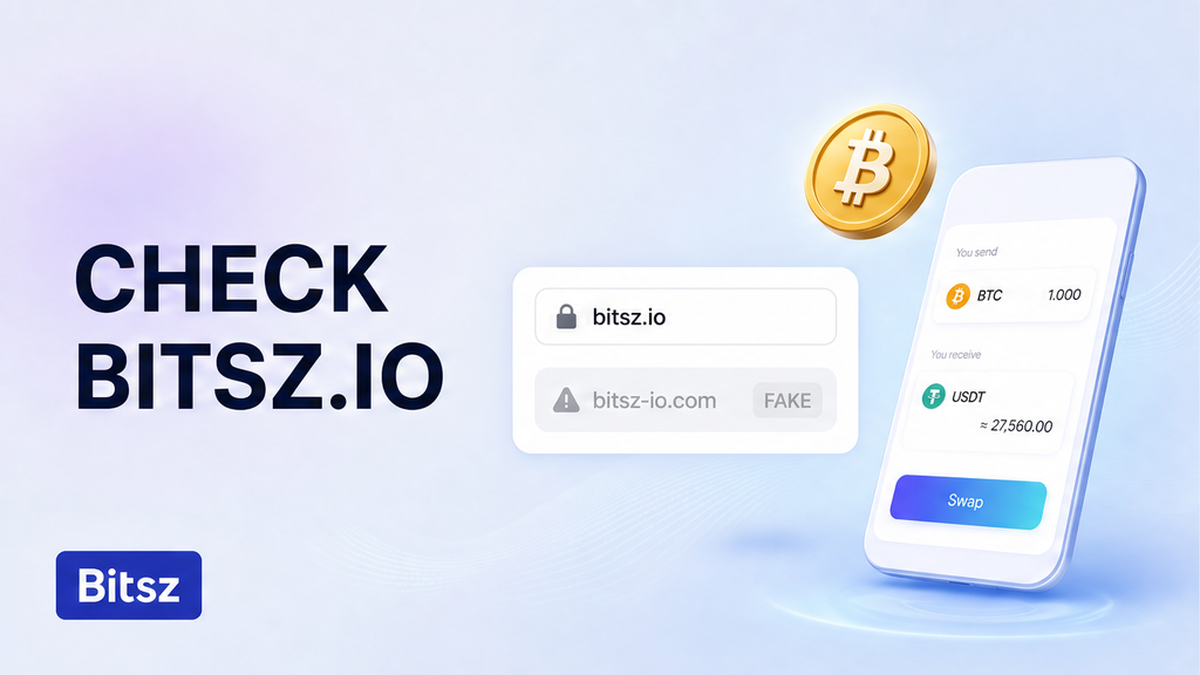

The clone does not need a chat ping. It only needs you to land on the wrong host, copy a deposit address, and send. The widget can look the same. The padlock can still shine. Your official bitsz.io domain checklist before swap is simple: type bitsz.io or open a bookmark you saved after a past check, then read the hostname letter by letter. If the host is not bitsz.io, close the tab before any coins move. If it matches, create the order on that widget.
Quick answer: Type bitsz.io or open your own bookmark. Read the hostname character by character. The padlock encrypts the trip to whatever host is in the bar; it does not prove the operator is Bitsz. If the host is not bitsz.io, do not copy a deposit address. If it matches, create the order on that widget.
A hostname is the name in the address bar, such as bitsz.io. A clone copies a real exchanger so you pay a stranger. This checklist is that bar, before you copy a deposit, not inbound Telegram “support.” If a stranger already messaged you about a stuck swap, also use the fake exchange support checklist. The documented Website in the Terms of Use is bitsz.io. On 29 September 2026, www.bitsz.io returned HTTP 404; the widget lives on apex bitsz.io. Do not invent extra official hosts.
How to open Bitsz only from a typed bitsz.io bookmark, not from a search ad, email, or messenger link
Type the host. Skip ads and links.
Do start from a path you control. Close the tab from a sponsored result, email, messenger, QR, or panic “swap now” note. Then type bitsz.io, or open a bookmark saved after a past hostname check. A bookmark made on a cloned tab is not a bookmark. Search ads are not a hostname check. Banxa, citing an FBI warning from December 2022, notes that criminals buy ads that impersonate crypto platforms. The U.S. FTC says: if a message asks you to click, use a website you already know is real, not the link in the mail.
- Do: type bitsz.io or open a bookmark saved after a past check.
- Do not: click a Google or Bing ad for Bitsz, a QR, or an email button “just this once.”
Workflow: First close the untrusted tab. Then type bitsz.io or open your bookmark. Next confirm the host did not change after load. After that, read the hostname before you touch any deposit field.
How to read the full hostname character by character: bitsz plus .io
Read bitsz and io letter by letter.
Do read the bar from the right. The registered domain is the last two labels before the first slash: here, bitsz and io. No extra word, hyphen, or other zone. A familiar word on the left is bait. Logos and titles do not override the bar. Do not invent example clone hosts. If the name is not exactly bitsz.io, it is not this site. If you see xn-- (Punycode / ICANN SSAC), stop and type bitsz.io again. If the hostname changes after load, stop.
- Do: read every character of the last two labels from a typed or bookmarked bitsz.io.
- Do not: trust a logo, a title, a left-side familiar word, or a host that contains xn--.
How to treat the padlock and HTTPS as encryption only, not proof the host is Bitsz
Padlock encrypts. It is not a Bitsz badge.
HTTPS is the lock before the name. It encrypts the trip to the host in the bar. It does not prove that host is Bitsz. CISA still tells people to check misspellings and the wrong domain extension. Banxa (8 September 2026) says the padlock is not proof the site is genuine and cites PhishLabs: by 2020, four in five phishing pages already used HTTPS. No HTTPS, or a certificate warning, is a stop. Check the hostname anyway.
- Do: require https, stop on a certificate warning, then still read bitsz.io in the bar.
- Do not: treat the padlock as a Bitsz badge. Don’t click through a warning “to finish the swap.”
Stop checklist: do not copy a deposit address if the host differs
Ask only this: is the deposit page Bitsz, or a stranger’s server? That is not fake Telegram support. A clone can sit in a tab with nobody writing to you. Here the rule is the address bar before you copy. Bitsz assigns a unique deposit per order (Terms 2.4). An address on a foreign host is not a Bitsz order. Terms 2.5 cover user mistakes including incorrect addresses. Do not send a “test” to the clone. Do not paste a seed, Connect Wallet, or “unlock” fee.
If a clone already showed a deposit, or coins already left: close the tab, type bitsz.io, and do not send a second payment. Save the URL, bar screenshot, address, and TxID if you broadcast. You may note it via Support or support@bitsz.io. Bitsz does not promise to recover coins sent to a scammer. If an “agent” then writes on Telegram, use the fake-support checklist. Ignore recovery DMs.
- Do: close a non-bitsz.io tab and type bitsz.io before any copy.
- Do not: copy the clone deposit or paste a seed. Don’t expect a Bitsz refund of a payment that never hit a Bitsz unique address.
Pre-send domain checklist, then a tiny test on an order from the verified host
When the bar is exactly bitsz.io, check the widget: You send / You receive, Network, Floating or Fixed, recipient, Exchange. The footer says Bitsz is non-custodial, does not hold funds, shows indicative rates, and is not available to EU/EEA persons. Optional second pass: open BestChange or Trustpilot from a URL you typed, then confirm the landing host is bitsz.io. WHOIS (NameSilo, created 20 May 2024, expiry 20 May 2030) shows the domain is registered. It does not prove the current tab. Always read the bar.
| What you see | Likely class | Do | Do not |
|---|---|---|---|
| Bar is exactly bitsz.io | Official host | Bookmark; create the order here | Skip the character check next time |
| Extra word, hyphen, other TLD, xn--, left-side bait | Clone / typosquat | Close the tab; type bitsz.io | Copy the deposit |
| Padlock on a host that is not bitsz.io | Encrypted phishing | Same stop | Trust the lock |
| Link from a search ad or email | Untrusted path | Ignore the link; type the host | Click “just this once” |
| Inbound Telegram or WhatsApp “support” | Not this article | Use the fake-support checklist | Paste an Order ID into the DM |
| Already sent to the clone address | Wrong payee | Stop a second send; save TxID | Pay a recovery or unlock fee |
| Host is real; large amount next | Size / route | Separate tiny test swap | Send the rest to a used one-time address |
Verdict: If the address bar is exactly bitsz.io, create the order on that Bitsz widget. If anything else is in the host, close the tab before you copy a deposit.
- Step 1: Close any tab from a search ad, email, messenger, or QR.
- Step 2: Type bitsz.io or open a bookmark saved after a past hostname check.
- Step 3: Read the host from the right. Confirm the last two labels are bitsz and io, with no extra word, hyphen, other zone, left-side bait, or xn--.
- Step 4: Require https. Stop on a certificate warning. Do not treat the padlock as a Bitsz badge.
- Step 5: If the host is not bitsz.io, close the tab. Do not copy a deposit address.
- Step 6: If the host matches, confirm You send, You receive, Network, Floating or Fixed, recipient, Exchange.
- Step 7: Create the order on that widget. Copy the one-time deposit only from the order screen on bitsz.io.
- Step 8: For a large send, open a separate tiny test on the same route. Do not send the remainder to the test deposit.
The tiny test is a new order on bitsz.io, not a probe on a clone. See the test swap before a large transfer guide. Finish the hostname check first.
- Do: create the order on the verified widget, then use a separate tiny test for size.
- Do not: skip the hostname check because the UI looks identical. Don’t treat a monitor listing as a substitute for the bar.
What to do next after the hostname checklist
Keep the bookmark. Reuse this pre-send domain checklist. If the bar fails the character check, walk away before you copy. When the host is bitsz.io, use the widget on the official site. That is the only place to copy a Bitsz deposit. For a large amount, run the separate tiny test. If a messenger “agent” appears, freeze that chat and use the fake-support checklist.
- Do: reuse the verified bookmark and repeat the letter-by-letter check after any redirect.
- Do not: skip the bar check because last week’s swap looked fine.
FAQ
Is HTTPS or the padlock enough to prove the site is Bitsz?
No. It encrypts the trip to whatever host is in the bar. Phishing pages routinely have certificates (Banxa citing PhishLabs: by 2020, four in five). If the host is not bitsz.io, close the tab.
Does Bitsz use other domains besides bitsz.io?
The documented Website in the Terms is bitsz.io. Mail uses @bitsz.io. Do not treat another host as Bitsz because the page looks the same. On 29 September 2026, www.bitsz.io returned 404. Type apex bitsz.io.
Should I click a Google ad for Bitsz?
No. Type bitsz.io or use a bookmark saved after a hostname check. The FBI warned in 2022 about criminals buying search ads that impersonate crypto platforms (Banxa).
What if a clone already showed a deposit address?
Stop. Do not send. Close the tab. Type bitsz.io. That address is not a Bitsz order (Terms 2.4). If coins already moved, do not send a second payment. Save the URL, address, and TxID. Bitsz does not promise recovery of coins sent to a scammer (Terms 2.5). If a stranger then messages you, use the fake-support checklist.
Is this the same as fake Telegram support?
No. This page is the address bar before you copy a deposit. Inbound messenger “admins” are the fake-support checklist. Do both checks. Don’t skip the bar because you already ignored a chat.
Can I confirm the site via BestChange or Trustpilot?
Only as a second pass from a URL you typed yourself. After the click, still read the landing hostname. Reviews are not proof of the tab already open.
Disclaimer: The material in this article is not financial or investment advice. Everything stated here reflects the author's personal view and should not be treated as a recommendation to trade or invest. We make no warranties regarding the accuracy, reliability or completeness of the information presented. Cryptocurrency markets are highly volatile and can move unpredictably. Before committing any funds, every investor, trader or crypto user should study several independent sources and check the regulations that apply in their own jurisdiction.