
A Bitsz operator cannot find a swap from the line “I sent USDT yesterday.” Mix the Bitsz Order ID with a blockchain TxID, attach only a screenshot, or paste a seed phrase “so they can trace the coins,” and the first support message stalls. Pack one official support ticket pack with Order ID plus TxID fields on a bitsz.io tab you typed yourself, then send that packet once as text.
Quick answer: Type bitsz.io yourself, then open Live Chat or the support page, or email support@bitsz.io. Paste one text packet: Order ID, exact status chip, You send and You receive with full networks, this order’s deposit address, Recipient’s address, both TxIDs or none yet, matching explorer URLs, and time with timezone. Do not send a seed, Connect Wallet, extra ID files, a second widget, or a second deposit while you wait.
Bitsz is a non-custodial instant swap: the homepage widget creates a one-time deposit for that order. Support does not create the exchange. If a stranger DMed you as “Bitsz support,” stop and use the fake exchange support checklist first. If you closed the order tab, recover that URL with the closed swap order tab checklist. Do not click Exchange again just to “make a ticket.”
How to open official support from a typed bitsz.io tab
Type bitsz.io. Skip inbound DMs.
Start with the host in the address bar. It must read bitsz.io. From that tab, open Bitsz support or Live Chat. Email for this order is support@bitsz.io. Partnership mail marketing@bitsz.io is not an order inbox. WhatsApp, Viber, and Skype are not published as Bitsz support channels.
How the first contact should go: first type bitsz.io yourself, then open Live Chat or the support page from that tab, then paste one packet in that single thread. Do not answer an inbound messenger “agent,” and do not post an Order ID in t.me/bitsz_io. That channel is a showcase, not a ticket inbox. Open Bitsz_support_bot only from the Telegram Support card on the support page.
Do use one official channel. Don’t split the same fragments across email, chat, and a bot.
When to copy the live Order ID and status chip
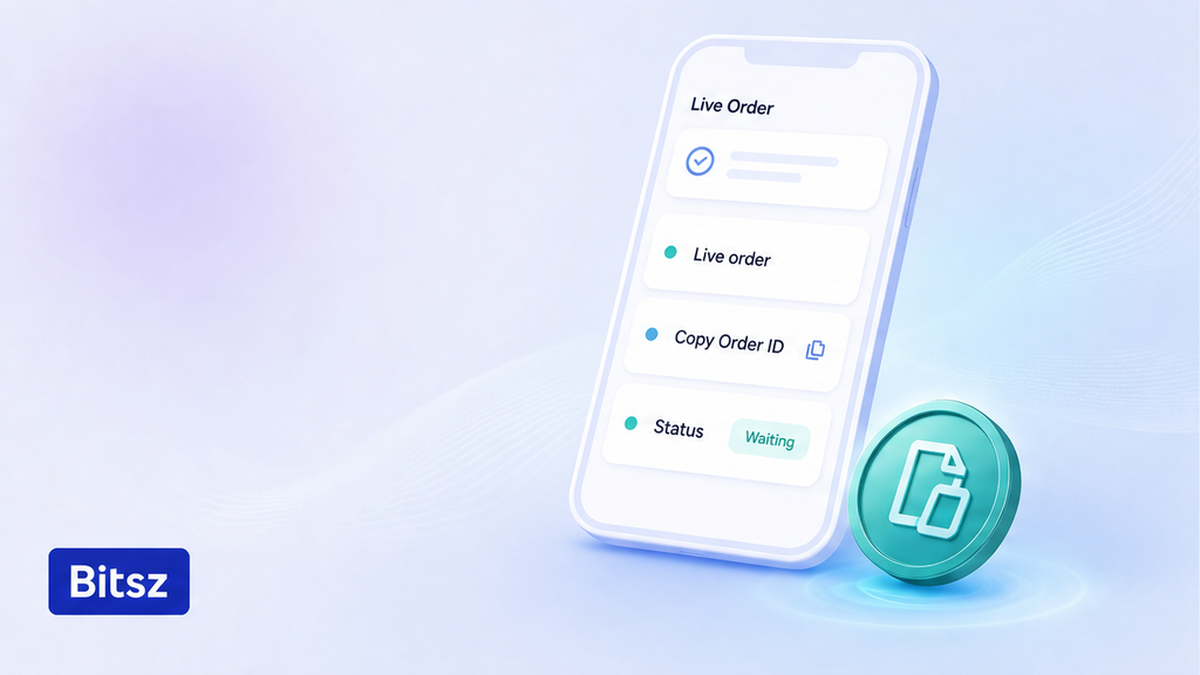
Copy Order ID from the live order.
Copy identifiers only from the live order, not from memory and not from a stranger’s chat. The Order ID is Bitsz’s internal number for this swap, not a blockchain hash. Guests copy it from the exchange page and refresh with F5. If you have a login, open Exchange History for the request number, date and time, and status. Executed there means the swap is complete and funds were sent.
Copy the status chip word for word and the full Order ID. Don’t paste that number into mempool.space, Etherscan, or Tronscan. Don’t invent a number because a chat asked for “the ID.” If the tab is gone, recover the URL first; Bitsz does not publish a public find-by-TxID form.
Order ID vs deposit TxID vs payout TxID
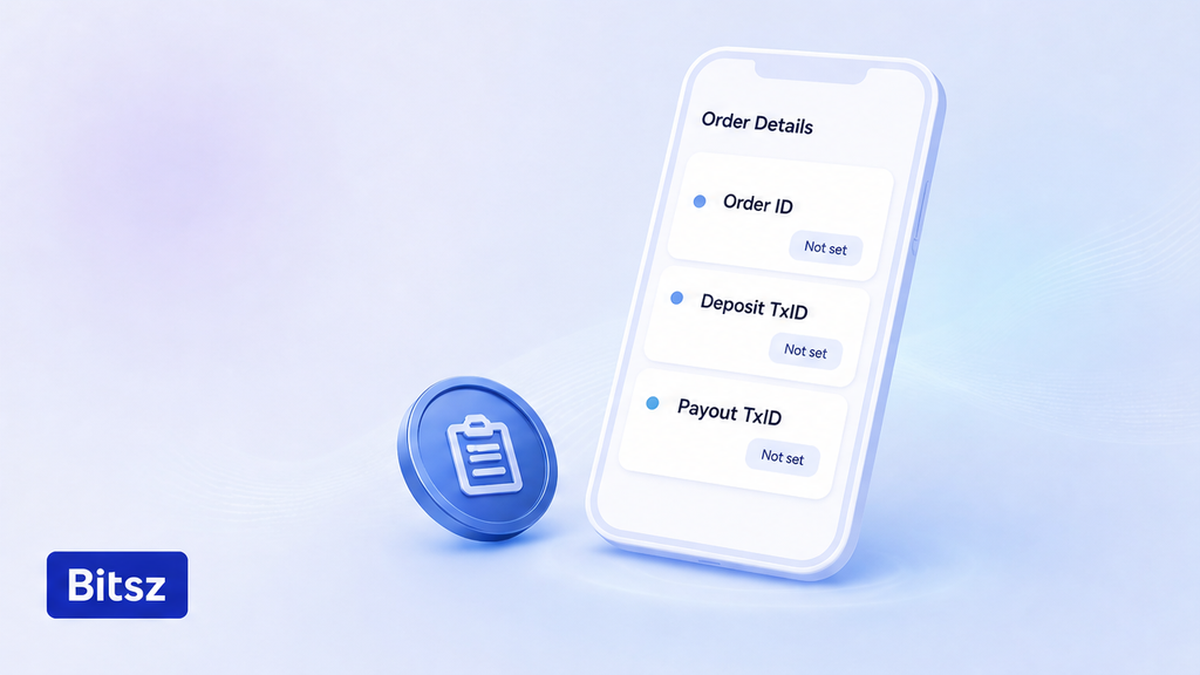
Label Order ID and both TxIDs separately.
One swap often has three identifiers. A TxID (transaction hash) is the public receipt of a blockchain payment: anyone can look it up, and it does not give control of a wallet. That is why a full hash is safe to share and a seed phrase is not. Crypto payments typically are not reversible, so a ticket is not a card chargeback.
| Field | What it is | Where you copy it | What support can do with it |
|---|---|---|---|
| Order ID | Bitsz internal number for this swap | Live order URL or Exchange History | Find this application; never paste into an explorer |
| Deposit TxID | Your send to this order’s one-time deposit | Sending wallet or CEX (exchange), You send network | See if coins reached this unique deposit |
| Payout TxID | Bitsz send to Recipient’s address | Order page when a payout hash exists | See if Bitsz already broadcast the payout |
Verdict: Label the three fields on separate lines. Do not treat a deposit hash as proof of payout. Do not put the Order ID in the TxID slot. If a hash does not exist yet, write none yet. Don’t invent one.
Each Bitsz transaction gets a unique deposit address, so copy the deposit of this order. Incorrect addresses stay on the user.
Checklist: paste one text packet in the first message
Paste text first. A screenshot is a supplement, not the packet. Don’t crop a hash. A valid order can take 30 minutes to 72 hours under the Bitsz Terms of Use (section 6.5). Homepage “1 to 20 minutes” and “5 min average” lines are not a ticket SLA. If there is still no deposit TxID, write none yet. Don’t send a second transfer.
- Type bitsz.io and confirm the host before you open chat or mail.
- Copy the Order ID and the exact status chip from the live order URL.
- Copy You send asset, full network, amount, and this order’s deposit address.
- Paste the full deposit TxID or write deposit TxID: none yet.
- Copy You receive asset, network, amount, and the full Recipient’s address.
- Paste the full payout TxID or write payout TxID: none yet.
- Add matching explorer URLs, the event time with timezone, one fact sentence, and one ask.
- Send once in that official thread; save the chat or ticket ID before you close the tab.
Packet to paste:
Order ID: (full number from the live order URL)
Status chip: (copy the word exactly)
You send: (asset, full network, amount)
Deposit address: (this order only; memo or tag only if the order showed one)
Deposit TxID: (full hash or none yet)
Deposit explorer: (same network; BTC mempool.space, ETH etherscan.io, TRON tronscan.org)
You receive: (asset, full network, amount)
Recipient’s address: (full string)
Payout TxID: (full hash or none yet)
Payout explorer: (same receive network or none yet)
Date and time with timezone. One fact sentence. Please check this order and advise the next step.
Check the explorer URL against the same network as the hash. A TRC-20 deposit (Tether on Tron) does not belong on Etherscan. Network-wait diagnosis is the stuck crypto swap status checklist. Reading a payout hash after Finished is the payout TxID explorer checklist.
Avoid seed phrases, Connect Wallet, and extra KYC on the first ticket
A TxID is public. A seed phrase (the secret word list that controls a wallet) is not. Official Bitsz support does not need a seed, private key, password, 2FA code, API secret, or remote-control app. Don’t pay an “unlock” or “gas” fee to an address that appeared in chat.
- Keep seed, recovery phrase, and private keys out of the ticket.
- Keep passwords, 2FA codes, API secrets, AnyDesk, TeamViewer, and Connect Wallet out of the ticket.
- Keep passport, selfie, and source-of-funds files off the first packet.
- Keep extra KYC off the thread unless this live order already named AML, KYC, or high-risk.
Do attach clean screenshots of the order and explorer with secrets cropped out. Don’t upload ID “just in case.” If this order already asked for documents, switch to the post-deposit KYC documents checklist. If you have not sent yet, a free address risk question is the AML pre-check before you send, not this ticket. See the AML policy for when identity can be requested.
Step after you send: save the ticket ID and wait in the same order
After you send, copy the chat or ticket ID, the timestamp, and the text you pasted. Reply in that same thread with the same Order ID. Don’t open a second widget, a second homepage order, or a second deposit while you wait. Terms 6.5 still applies: a ticket does not move the network. A refused valid order is returned to the sender with no extra fee; the manual refund window is up to 68 hours.
Watch the same request via application status. The swap itself is created on the Bitsz Exchange widget, not by writing to support. Start a new pair there only after this order is Finished, refunded, or clearly closed.
- Save ticket or chat ID, send time, and the packet text.
- Reply only in that official thread.
- Watch the same order URL until Finished or Executed.
- Skip a second widget, a second deposit, and a public-channel post.
FAQ
Is an Order ID the same as a TxID?
No. The Order ID is Bitsz’s internal number on the live order URL. A TxID is a blockchain hash. Paste the Order ID only in support. Paste the TxID in the explorer for that network.
I have a deposit hash but no payout hash yet. What do I send?
Send the Order ID, the exact status chip, the full deposit TxID, the deposit explorer URL, and the line payout TxID: none yet. Do not invent a payout hash or send a second deposit. Processing can take 30 minutes to 72 hours (Terms 6.5).
Should I paste my seed so support can trace the coins?
No. A TxID is public. A seed phrase gives control of the wallet. Official Bitsz support does not need a seed, private key, password, 2FA code, or Connect Wallet. If someone asks for those, stop and use the fake-support checklist.
Can I send the same packet in Telegram DMs or in t.me/bitsz_io?
No. Open support or Live Chat yourself on bitsz.io, or email support@bitsz.io. The public channel t.me/bitsz_io is a showcase, not a ticket inbox. Open Bitsz_support_bot only from the Telegram Support card on the support page.
Do I attach ID photos on the first ticket?
No. The first packet is Order ID, hashes, and public order fields. Add passport, selfie, or source-of-funds files only when this live order or official Live Chat already named AML, KYC, or high-risk.
What if I closed the order tab and I only have a TxID?
Do not click Exchange again. Recover the same bitsz.io order URL first. If you still have no Order ID, send the full deposit TxID, asset, exact network, amount, Recipient’s address, and time with timezone, and write Order ID: not recovered.
Disclaimer: The material in this article is not financial or investment advice. Everything stated here reflects the author's personal view and should not be treated as a recommendation to trade or invest. We make no warranties regarding the accuracy, reliability or completeness of the information presented. Cryptocurrency markets are highly volatile and can move unpredictably. Before committing any funds, every investor, trader or crypto user should study several independent sources and check the regulations that apply in their own jurisdiction.