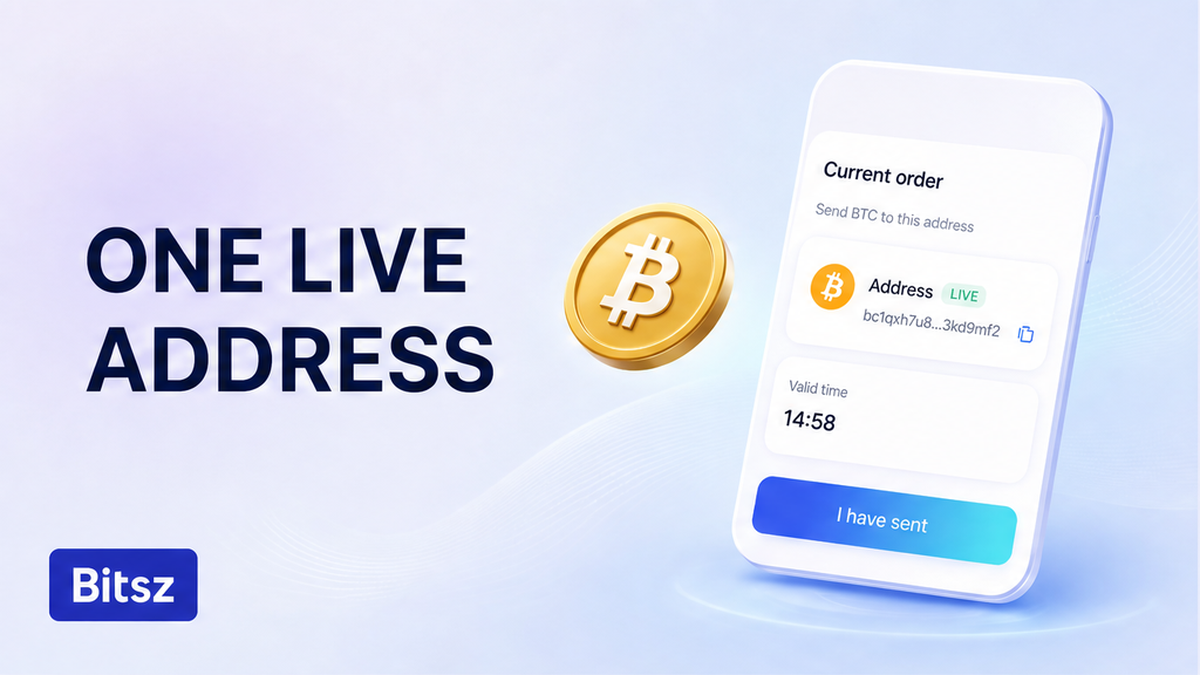

You saved last week’s Bitsz pay-to string the way you save a Binance deposit. Then you paid it again. The chain took the coins. That does not reopen the old order or the old quote. A Bitsz deposit belongs to one live order. Copy the full address only from the current order screen. If you already broadcast to a past unique address, stop and write official support once.
Quick answer: A Bitsz deposit is a one-time address for the current order, not a saved CEX deposit. CEX here means a centralized exchange with a login and an address book. Copy the pay-to string only from the live order screen. An explorer that still accepts last week’s string is not auto-credit. If a TxID already points at that old unique address, stop. Send Order ID plus TxID to official support. Do not send again.
Bitsz is an instant crypto exchange (homepage: established 2023). The widget asks for You send, You receive, Network, Floating or Fixed rate, and Recipient’s address. Recipient’s address is where Bitsz pays you. The deposit is where you pay this order. Do not swap those two. Do not replace the deposit with a saved Binance or CEX.IO book entry.
Terms of Use 2.4 (live page fetched 2026-10-01) assigns a unique address per transaction. The homepage how-to says send to the one-time address, then track until Finished. That is not a personal Bitsz balance.
How to treat a Bitsz deposit as one live order, not a saved CEX deposit
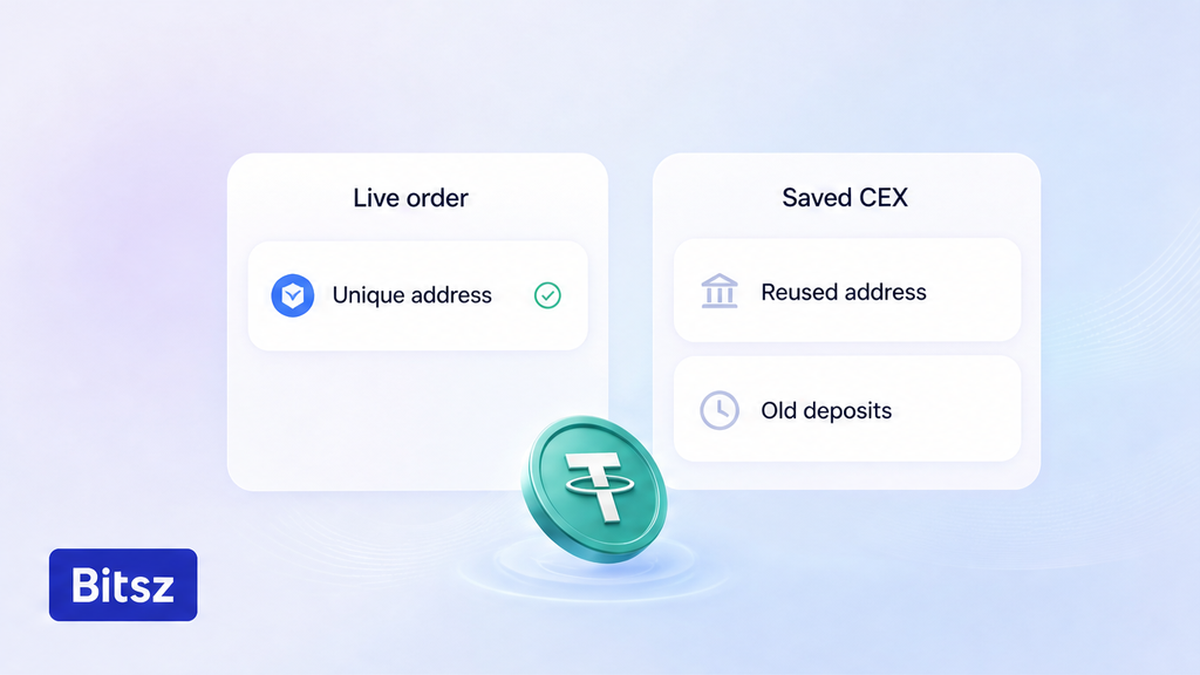
Live order only. Do not save last week's string.
A CEX deposit is tied to an account. You log in, open Deposit, and the site often shows “your” address for months. Some CEX desks later rotate it and still describe delayed credit. Bitsz does not publish that model. Terms 2.4 issues one address per order. The homepage calls it a one-time address.
Do treat the string as an instruction for this order only. Do not save “Bitsz USDT” in a whitelist or CEX book. A later send can still land on-chain (the network accepted it). That is not proof Bitsz still matches that locker to your old order, old quote, or auto-credit.
| Point | Saved CEX deposit (Binance / CEX.IO habit) | Bitsz order deposit |
|---|---|---|
| Tied to | An account you keep | One transaction / one order (Terms 2.4) |
| Typical habit | Save it and reuse it | Copy again from the current order |
| If the old string still receives | That CEX may describe delayed credit | Explorer can still receive; Bitsz does not publish auto-credit |
| Next swap | Same saved address until that CEX says otherwise | New order, new one-time address |
Verdict: Start with a new Bitsz order when you swap again. Do not pay a saved “Bitsz” string because a CEX book still lists it. CEX.IO’s 2026 rotations and Binance retired-deposit screens are their products. Do not import One-click arrival as a Bitsz rule.
If you have not broadcast yet, open a fresh order on the Bitsz widget and copy only that screen. Check Floating or Fixed on the live order. Fixed can be temporarily unavailable. Last week’s rate screenshot is not the quote (Terms 2.2).
How to copy the swap deposit from the current order only
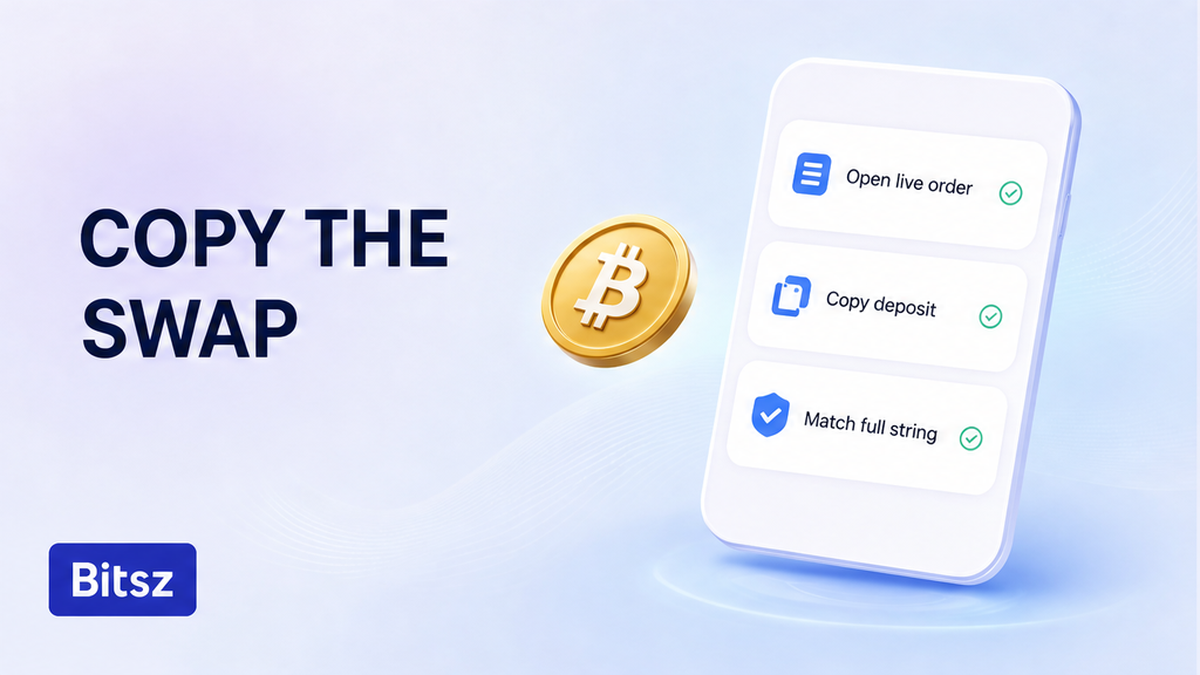
Copy the deposit only from the live order screen.
To check a one-time swap deposit address before reuse, use the order screen after Exchange on bitsz.io. Do not use a photo, chat paste, wallet Recent, CEX whitelist, or last week’s explorer. Those copies go stale when the old order is not live.
Deposit address versus Recipient’s address
Make sure you can name both fields. Recipient’s address is the payout wallet you typed so Bitsz can send You receive. The deposit is the unique pay-to string for this order. Use the deposit when you send. Do not paste a CEX deposit into either field.
Check the full string, including the middle. First and last characters lie. The network chip (the printed network name, such as TRC-20 or ERC-20) must match the send. This page is not a network-choice guide. If the chip is wrong before you send, stop and fix the order.
Workflow: First create the current order on bitsz.io. Then copy the deposit from that live screen and match the full string. Next confirm it is this order’s deposit, not Recipient’s address and not a saved CEX entry. After that, send the exact amount shown on this order, once.
- Treat the Bitsz deposit as one live order, not a saved CEX deposit.
- Open the current order on bitsz.io and copy the pay-to string only from that screen.
- Check the full string, including the middle characters.
- Confirm it is this order’s deposit, not Recipient’s address and not a CEX book entry.
- Do not treat a second on-chain accept as the old order, old quote, or auto-credit.
- If a TxID already points at last week’s unique address, stop. Do not send again.
- Send one official packet: Order ID if you have it, deposit, network chip, TxID, explorer URL.
- If you have not sent yet, run the pre-send checklist, then a tiny test on a fresh order.
Do not trust a host that is not bitsz.io. Do not paste Order ID into a stranger chat.
Compare a second on-chain send with the old order and old quote
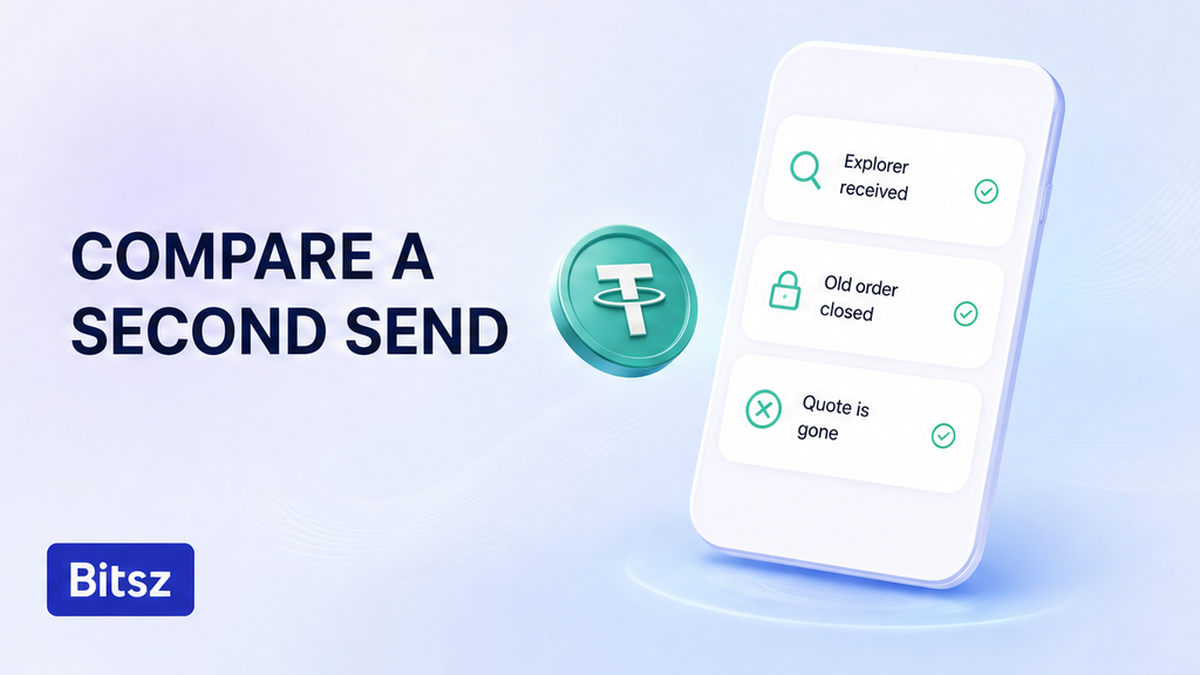
A chain accept is not the old order or old quote.
Public swap notes (AllSwap one-time deposit FAQ, updated 2026-07-22) treat “one-time” as a matching rule, not a chain reject button. An explorer can still show a live receiver. That does not restore the old order, old Fixed lock, or automatic processing.
Fixed, when offered, freezes the quote for 12 minutes (Terms 2.2.1). Reusing last week’s unique address does not keep that lock. Floating (Terms 2.2.2) is not fixed until funds arrive and the exchange completes. Terms 2.10: floating is recalculated only downward.
Do treat a successful second transfer as a new matching problem. Do not assume Binance-style delayed credit. Bitsz does not publish a One-click arrival button. Terms 2.6: no custodial services. A delay is not a CEX balance you can top up. If an explorer still lists last week’s deposit, do not send again “because it still works.”
Checklist if you already sent to last week’s unique address
If the coins already left toward an old unique address, stop. Do not send a second payment “to complete it.” Do not open a parallel Bitsz order for the same coins. Do not use replace-by-fee tricks to bind a new order.
This is not an expired-after-this-order case. If you paid the current order after its timer, use the expired crypto swap deposit checklist. If the deposit already sits on this order’s correct address and status is processing or AML, use the stuck swap status checklist. If the problem is how much you sent, use the amount-mismatch checklist.
What belongs in the support packet
Write official Bitsz support once at bitsz.io/support or support@bitsz.io. Add the Order ID of the order whose address you used, or say that order is gone. Add the deposit string, network chip, amount, full TxID, and explorer URL. Do not send seed phrases. Do not file the case in the Telegram showcase t.me/bitsz_io.
Terms 2.5 and 6.3 put address mistakes on you. Terms 6.5 allows a possible refuse-and-return to the sender’s address with no extra fee. Live Terms: a refund is processed manually and may take up to 68 hours. That is a possible path, not a promised clawback.
Pre-send reuse checklist, then a tiny test on a fresh order
If there is no outgoing TxID to the old string, ignore last week’s screenshot. Avoid paying it “just in case.” Start with a new order. Copy only the new deposit. Run this checklist before Send.
- Deposit copied from the live current-order screen, not from Notes or explorer.
- Full string matches, including the middle.
- It is the deposit, not Recipient’s address, not a CEX book entry.
- Network chip matches the send. If not, stop and create a new order.
- Amount matches this order. If the three figures disagree, stop. That is an amount page.
- Host is bitsz.io. No leftover on a test deposit “like a CEX balance.”
For a large send, run a tiny test on that new order, then open another new order for the large amount with a new one-time address. Size-of-test steps live on the test swap before a large transfer guide. Do: new order, new address, exact amount. Do not park extra coins on the test locker. After Finished, open a new order on the Bitsz homepage widget. Copy the new one-time address. Do not reuse the last one.
FAQ
Can I save a Bitsz deposit like Binance?
No. Copy from the current order only. Bitsz assigns a unique address per transaction (Terms 2.4). The homepage how-to says send to the one-time address. Remove any stored “Bitsz USDT” whitelist entry.
Does an explorer still showing the address mean I can send again?
No. An explorer can show a live receiver. That does not restore the old order, old quote, or automatic matching. Open a new order and copy the new deposit.
What if I already sent to last week’s swap address?
Stop. Do not send a second time. Save the Order ID if you still have it, the full TxID, the network chip, and the amount. Write official support once. Do not assume Binance One-click arrival or a guaranteed refund. Terms 6.5 is a possible return to the sender.
Is a one-time swap address the same as my CEX deposit?
No. A CEX deposit is tied to your exchange account and may stay valid until that exchange rotates it. A Bitsz deposit is issued for one order. Do not whitelist it.
The chain accepted my second send. Will Bitsz auto-credit the old order or a new quote?
Do not assume auto-credit or the old Fixed lock. A second TxID is a second matching problem. Send one official packet. Do not open a parallel order for the same coins.
Is this the same as an expired order after I already paid this one?
No. If you paid this order after its timer, use the expired-after-deposit checklist. This page is for a saved or previous unique address, not this order’s timer.
Disclaimer: The material in this article is not financial or investment advice. Everything stated here reflects the author's personal view and should not be treated as a recommendation to trade or invest. We make no warranties regarding the accuracy, reliability or completeness of the information presented. Cryptocurrency markets are highly volatile and can move unpredictably. Before committing any funds, every investor, trader or crypto user should study several independent sources and check the regulations that apply in their own jurisdiction.