
You are about to send a large USDT or Bitcoin stack through an instant swap. One wrong network, one lookalike address, or one leftover payment to a used deposit can cost the whole amount. A test crypto exchange small amount on Bitsz is a separate order on the same route, not a leftover on the same address. Run that small swap, wait until the destination wallet shows spendable coins, then open a fresh large order and copy the payout address from the Receive screen.
Quick answer: Create a small Bitsz order with the same pair, networks, recipient address, and memo as the large send. Wait for a visible credit in the destination wallet, not only Success in a block explorer. Then open a new large order. Do not send the remainder to the test deposit. Copy the payout address from the live Receive screen, not from history.
Bitsz is an instant crypto exchange established in 2023. The homepage widget asks for You send, You receive, Network on both sides, Floating or Fixed, and Recipient’s address. Footer and Terms say Bitsz does not hold your coins, displayed rates are for reference, and the service is not available to EU/EEA persons.
Why a small same-route test beats a wrong-network send
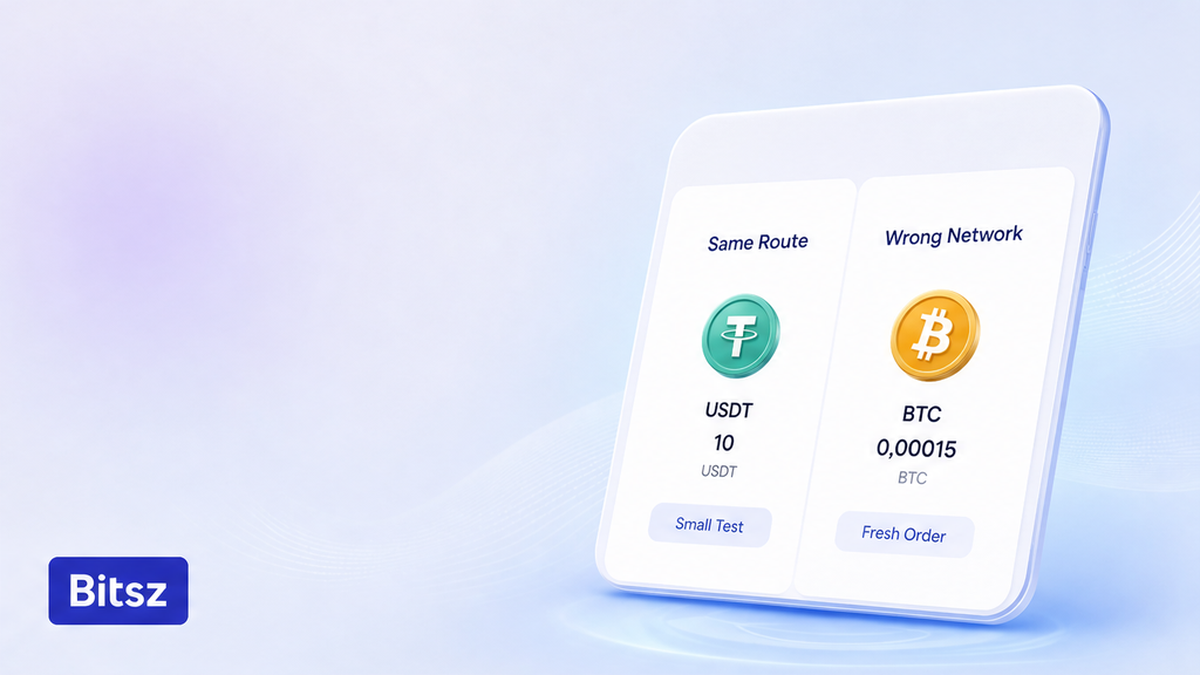
Same route, two orders
USDT is a ticker, not a network. Send USDT on TRC-20 (Tron, addresses often start with T) while the wallet only watches ERC-20 (Ethereum, addresses start with 0x), and the test has already failed. Do run a separate small Bitsz order on the route you will actually use. Do not split the large amount onto the test deposit: Bitsz gives a one-time deposit address per order.
Workflow:
First write the route in plain words, then open a small Bitsz order on that exact route, then wait for a spendable credit in the destination app, then open a fresh large order and recheck ticker, network, full address, and memo.
- Write the route in plain words and open the live Receive screen, not history.
- Build a test order on the Bitsz widget. Use the live minimum and keep native coin for the sending fee.
- Match ticker, network, prefix, and memo if the field is visible. Do not test TRC-20 then go ERC-20 on the large order.
- Send exactly this deposit. Save Order ID and TxID. Do not top up the same deposit address.
- Check the TxID in the same-network explorer, then wait for a spendable credit in the destination wallet.
- If it does not credit, do not raise the amount. Keep Order ID plus TxID for official Bitsz support.
- After a full credit, open a new large order. Recopy the Receive-screen address. Choose Fixed or Floating again.
- Before Send, confirm the same route, exact new amount, leftover gas, and fresh addresses. After Send, pay once and wait Terms 6.5.
There is no official Bitsz dollar test size in the product facts we can cite. If you later convert ETH to BTC, use this same two-order workflow, not a remainder on the test deposit.
How to match ticker, network, address prefix, and memo
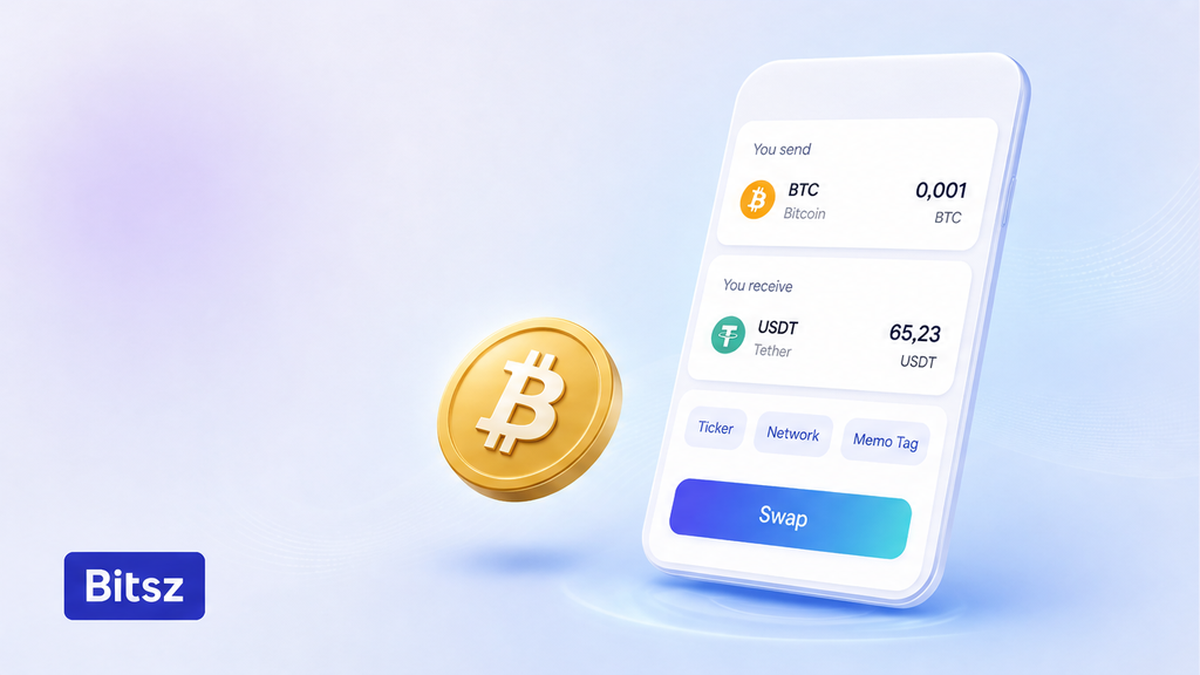
Copy four live fields
The first swap checklist is four fields. Copy them from the live Receive screen, then paste into the Bitsz widget. Check the full address, not the first and last four characters. Do copy Receive-screen details in one sitting. Do not reuse last week’s network because “it is still USDT”.
| Check | Do | Do not |
|---|---|---|
| Ticker | Same asset on the large order | Test USDT, then switch the large order to BTC |
| Network | Same You send and You receive networks | Test TRC-20, then place the large order on ERC-20 |
| Address prefix | T… as a Tron fail-signal; 0x as 42 characters shared by several EVM chains | Treat 0x as proof of Ethereum |
| Extra ID | Copy memo or destination tag if the UI shows the field | Skip a visible extra-ID field |
On Tether’s supported-protocols page (fetched 24 September 2026), official USD₮ ERC-20 uses contract 0xdac17f958d2ee523a2206206994597c13d831ec7 and TRC-20 uses TR7NHqjeKQxGTCi8q8ZY4pL8otSzgjLj6t. Those are token contracts, not a Bitsz deposit. Eco’s USDT guide (updated the week of 24 September 2026) says TRC-20, ERC-20, BEP-20, and Solana USDT are not interchangeable: a T… prefix is a Tron fail-check, and 0x is not unique to Ethereum. If the UI shows a memo, copy it. For extra-ID detail, use the memo and destination tag checklist. Start with the widget on bitsz.io only after the four fields match.
Wait for a full credit checklist, not only explorer Success
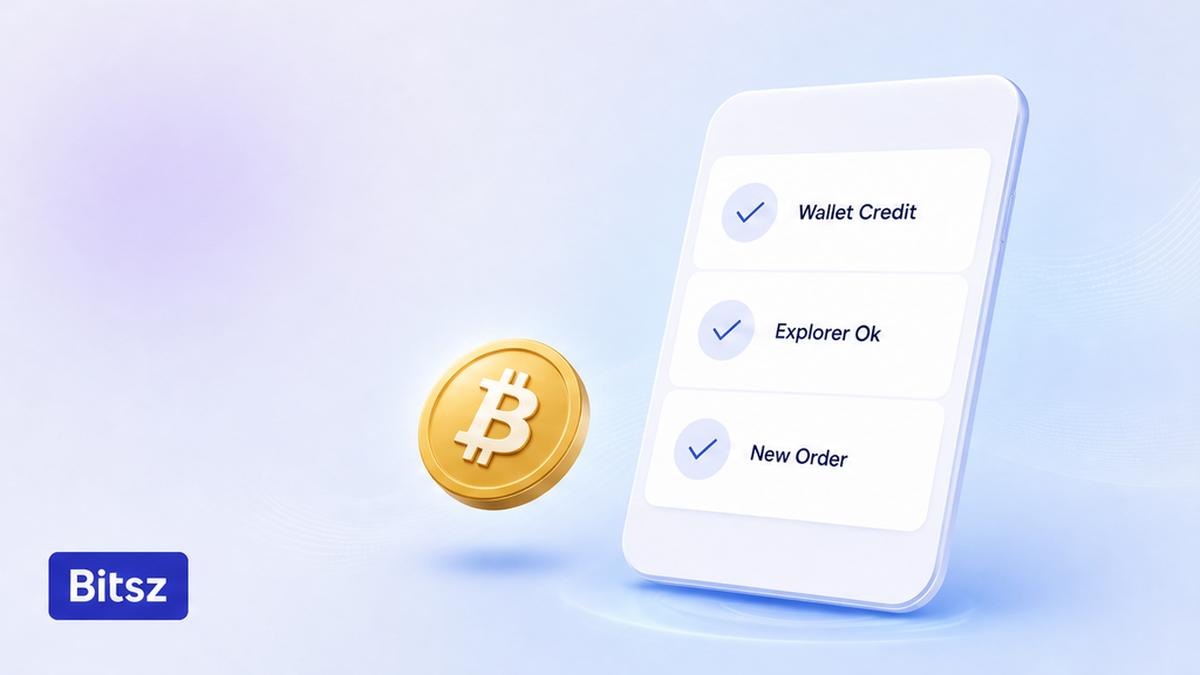
Wallet credit beats explorer
Save Order ID (Bitsz ticket) and TxID (chain receipt) as soon as you send. Check the TxID in the explorer for the same network: Bitcoin on mempool.space, Ethereum or ERC-20 on etherscan.io, Tron or TRC-20 on tronscan.org. Then wait until the destination app shows the asset. Banxa’s test-transaction guide makes the same split: wallet arrival, not only a block explorer. Do wait for a spendable credit. Do not send more while the test is pending.
Terms 6.5 say exchanges are processed within 30 minutes to 72 hours; delays can happen for compliance or technical reasons (Terms 2.6). Homepage marketing quotes a 5 minute average; treat that as homepage copy, not a promise for your test. If the deposit is confirmed on-chain but the Bitsz status still sits there, stop adding funds and follow the stuck swap status checklist. If the test never credits, keep Order ID and TxID and open Bitsz support or site Live Chat yourself (support@bitsz.io). Do not raise the amount. Bitsz does not promise recovery of a wrong-network send. If a messenger ping after a failed test claims to be support, freeze that chat and use the fake exchange support checklist.
Choose Fixed or Floating again on the large order
A successful test does not freeze the large-order rate. Open a new order and pick the rate mode on that screen. Terms 2.2 say displayed rates are for reference. On 18 September 2026 Fixed was Temporarily unavailable in the live widget. Do treat the widget number as a snapshot. Do not assume Fixed is always on.
| Point | Fixed (Terms 2.2.1) | Floating (Terms 2.2.2) |
|---|---|---|
| Fee | 1% plus network fee | 0.5% plus network fee |
| When the rate locks | Frozen for 12 minutes | Not fixed until funds arrive and the swap completes |
| If the market moves | More than 1.3% before the deposit is seen on-chain: refund or continue at market rate | Market rate; Terms 2.10: recalculated only downward |
| Live widget, 18 Sep 2026 | Temporarily unavailable / disabled | Selected |
Verdict: Use Fixed when the widget offers it and you want a 12-minute lock (a move above 1.3% before the deposit is seen on-chain can force a refund-or-market choice). Use Floating when Fixed is off. Read the fee lines in the Bitsz Terms of Use on the new order, not from memory of the test.
A clean test does not clear AML (anti-money-laundering screening). If analytics mark risk above 40%, or labels such as SCAM, MIXING, or SANCTIONS, the large order can freeze until KYC. AML §9 lets you ask Live Chat about the chance of a block before you create an exchange. Do not skip that optional check because the tiny test went through.
Checklist before you raise the amount
After the destination wallet credits the test, that deposit address is finished. The large send needs a new Bitsz order. Blockaid’s March 2026 address-poisoning research is why you recopy the payout address: attackers watch small tests and plant lookalikes in history before the large follow-up. Do copy from the live Receive screen. Do not copy from history between the test and the large send.
- Same pair and same You send / You receive networks as the credited test
- Payout address from the live Receive screen, full string, memo if shown
- New Bitsz order, new deposit address, exact amount for this order only
- Native gas left (TRX, ETH, BNB, or SOL even when sending USDT)
- Fixed or Floating chosen on this screen, with Fixed allowed to be unavailable
- One deposit after Send, then wait the Terms 6.5 window of 30 minutes to 72 hours
Skip leftover-to-same-address advice: that pattern is for wallet sends, not a one-time exchanger deposit. If two network fees would dwarf a tiny test, tighten the full-address check instead of inventing a smaller Bitsz amount. Start with a new order on bitsz.io only when every line above is true.
FAQ
What is a sensible test size for a test crypto exchange small amount?
Use the live order minimum in the Bitsz widget, plus native coin for the sending fee. There is no official Bitsz dollar test size, and a test below the printed minimum does not prove the route.
Do I need a test transaction before swap if I am sending Bitcoin?
Yes when the destination or route is new. If two miner fees would dwarf a tiny test, tighten the full-address check instead of inventing a smaller send, then still wait for a full credit.
Does a USDT test on TRC-20 cover ERC-20?
No. Keep the same You send and You receive networks on the large order. How to check USDT network: ticker plus chain plus full address. A T… address is a Tron fail-check; 0x is not unique to Ethereum.
The explorer shows Success. Can I send the rest?
Only after the destination wallet actually credits the asset. Then create a new Bitsz order. Do not send the remainder to the test deposit address.
Is a Satoshi test the same as this first swap checklist?
No. A Satoshi test is a Travel Rule wallet-ownership check. This guide is a same-route instant-swap rehearsal on Bitsz.
The test never credited. Should I send a larger amount?
No. Keep the Order ID and TxID. Open /support or site Live Chat yourself. Do not raise the amount. Bitsz does not promise recovery of a wrong-network send.
Can I reuse the test rate or Fixed lock on the large send?
No. Open a new order. Fixed may be unavailable, and Floating is not fixed until funds arrive (Terms 2.2.2).
Disclaimer: The material in this article is not financial or investment advice. Everything stated here reflects the author's personal view and should not be treated as a recommendation to trade or invest. We make no warranties regarding the accuracy, reliability or completeness of the information presented. Cryptocurrency markets are highly volatile and can move unpredictably. Before committing any funds, every investor, trader or crypto user should study several independent sources and check the regulations that apply in their own jurisdiction.