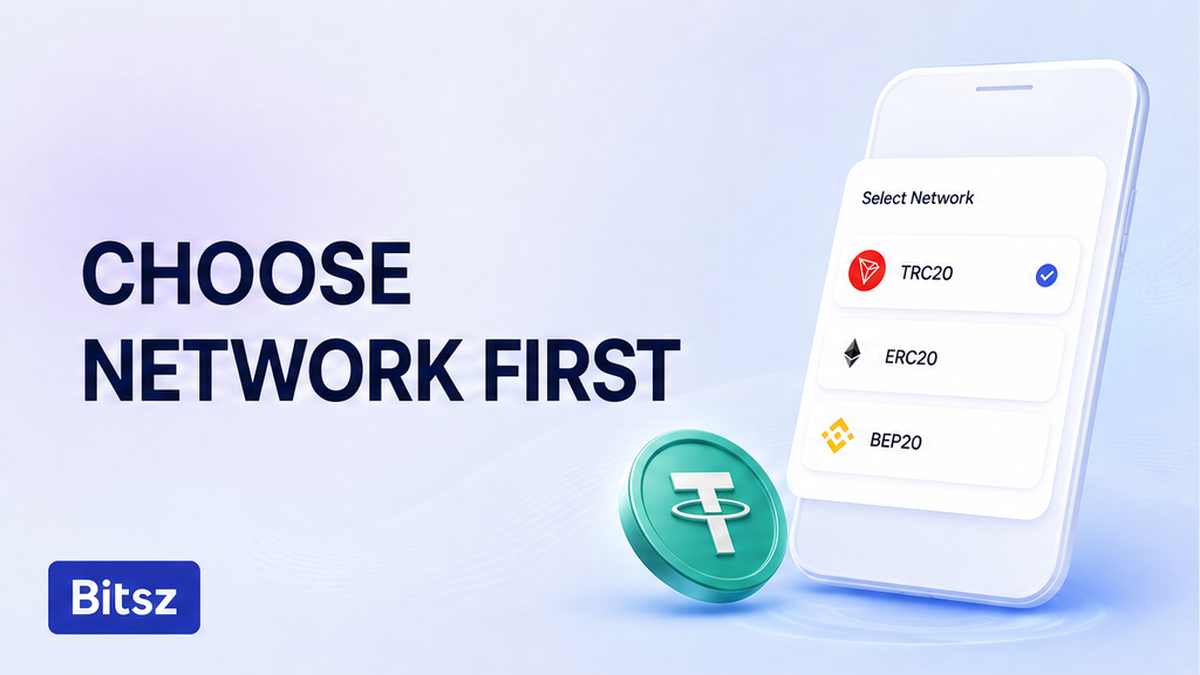

Three USDT chips can sit on one screen: TRC-20, ERC-20, and BEP-20. How to choose TRC20 ERC20 BEP20 before a swap is not a fee race. They share a ticker, not a ledger. If you tap the cheapest chip or paste last week’s 0x address, coins can land on a chain the deposit does not watch. Read the live Network chip on the Bitsz order first. Match that same label in the sending wallet. Then compare fees only among networks both sides already show.
Quick answer: Copy the Network label from the live Bitsz order (You send / You receive) or from the recipient Receive screen. Set the same ticker and chain name in the sending wallet. Fail-check T versus 0x. Keep native gas on that chain (TRX, ETH, or BNB). Compare live fees only among networks both sides already support. If chips disagree, rebuild. Do not send.
Bitsz is an instant crypto exchange. The homepage widget (checked 18 September 2026) prints You send, You receive, and Network. That live chip is the source of truth. Tether’s supported-protocols page says one token on chain X is treated as one on chain Y economically. That is bookkeeping for integrators, not a cross-chain send.
TRC-20 is the token standard on Tron. ERC-20 is the same idea on Ethereum. BEP-20 is the BNB Smart Chain standard, derived from ERC-20, so the 0x address can look identical. Do this: treat ticker, chain, prefix, and gas as four checks. Don’t treat “USDT” as a network.
Read the live Bitsz Network chip before you choose a rail
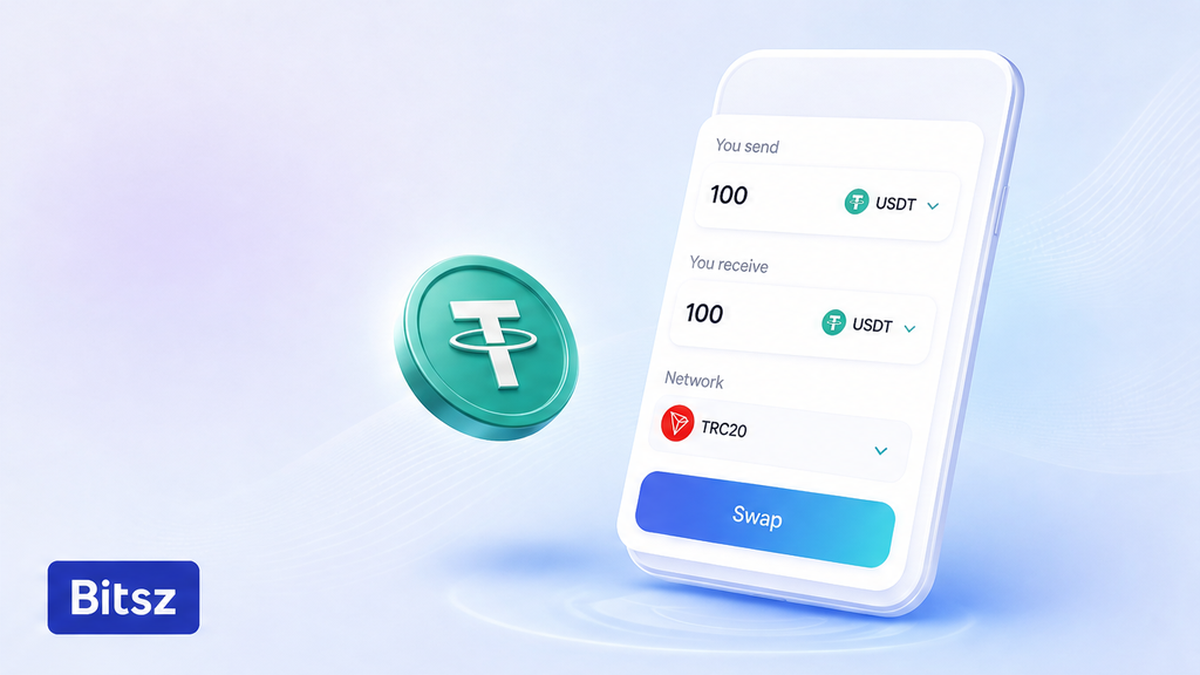
Copy the live Network label
Open a current order. Write down the Network label next to You send and You receive. If you pay someone else, copy their Receive label too.
Do this: refresh the order on the Bitsz homepage widget so the chip is live. Don’t pick a rail because a convert guide called TRC-20 a favorite for fees. Don’t reuse last week’s withdrawal.
Network is not the rate switch. On 18 September 2026 the live widget marked Fixed as temporarily unavailable. If Fixed is grey, don’t wait on it and don’t change chain to “fix” it. Bitsz is non-custodial. A delay is not a reason to resend on another network.
How to choose the rail:
First read the live Network chip. Then set the same ticker and chain name in the sending wallet. Next fail-check prefix and native gas. Then compare fees only inside that intersection. If anything disagrees, stop and rebuild.
Match ticker, chain, address prefix, and native gas when you send
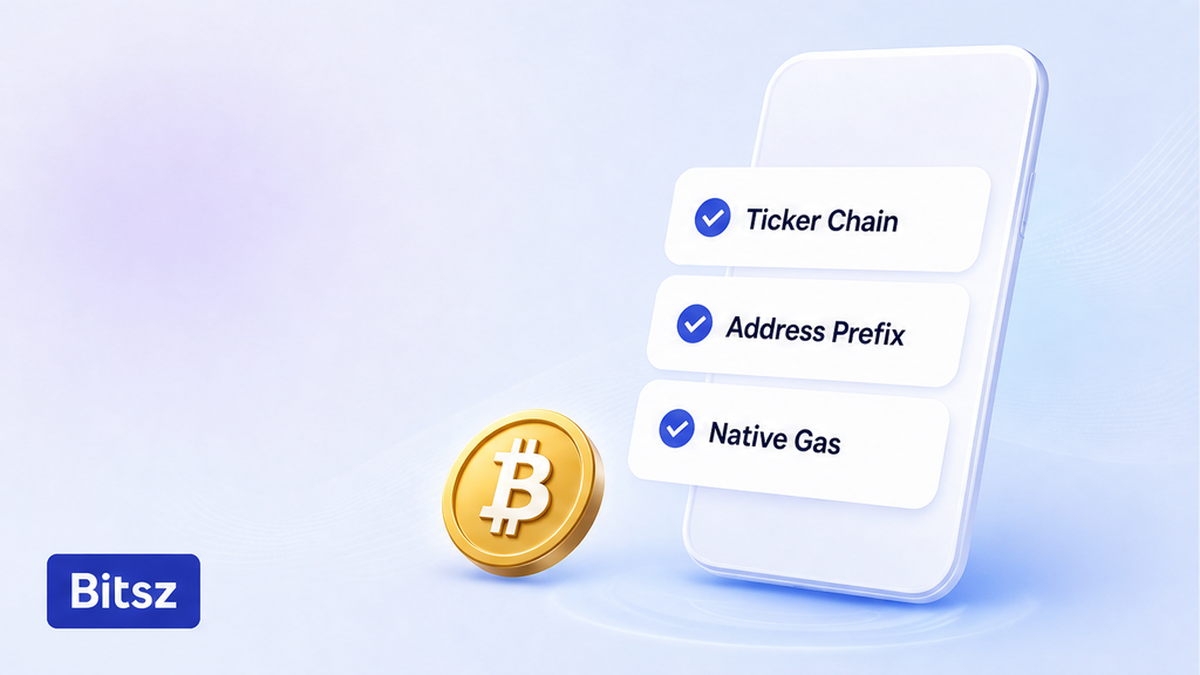
Four fields must agree
Four fields have to agree: asset, chain name, address look, and native gas. Do this: in the sending wallet, pick the same ticker and the same network wording. Don’t paste an address because the box accepted the format. A wallet can accept any 0x string. That is not proof of Ethereum.
Tron addresses usually start with T and run about 34 characters, per TRON account docs. Ethereum-style accounts are 42 characters (0x plus 40 hex), per ethereum.org accounts. A T address versus a 0x address is a hard stop.
A 0x address is shared by several EVM chains. BNB Smart Chain mainnet is chain ID 56, gas BNB, explorer bscscan.com. The string can look right while the book is wrong. Read the Network label, not the letters 0x.
Native gas is paid in the chain coin, not in USDT. Ethereum gas is ETH. ethereum.org cites about 65,000 gas units as an example for an ERC-20 send (units, not dollars). Tron uses Bandwidth plus Energy; Energy has no free daily quota, and a shortfall burns TRX. BEP-20 needs BNB on BNB Smart Chain. Don’t switch rails because gas is short. Top up the named chain, or rebuild.
Tether contracts check the ticker, not a Bitsz deposit. ERC-20: 0xdac17f958d2ee523a2206206994597c13d831ec7. TRC-20: TR7NHqjeKQxGTCi8q8ZY4pL8otSzgjLj6t. The Tether protocols page shows an XAU₮ contract for BSC, not USD₮. Don’t invent an official Tether USDT BEP-20 address. Pick BEP-20 only when both chips say it.
Compare TRC-20 vs ERC-20 vs BEP-20 only among shared networks
Fees last among shared rails
TRC20 vs ERC20 vs BEP20 which network is the wrong first question. First ask which labels both sides already print. Then, inside that list, read the live fee estimate in the wallet. Cheapest is last.
Do this: compare only the intersection. Don’t hardcode a dollar fee from a 2026 blog. Bitsz Terms of Use (checked 18 September 2026) list 1% plus a network fee on Fixed, and 0.5% plus a network fee on Floating. Rates are for reference. The network fee is on-chain, not a USD table here. Fixed locks 12 minutes; a move above 1.3% before the deposit is seen can reprice. Floating is not fixed until funds arrive.
| Label in UI | Chain | How the address usually looks | Native gas | Explorer to verify later | Pick when |
|---|---|---|---|---|---|
| TRC-20 | Tron | starts with T, about 34 characters | TRX (Energy / Bandwidth) | tronscan.org | both sides show TRC-20 / Tron |
| ERC-20 | Ethereum | 0x, 42 characters | ETH | etherscan.io | both sides show ERC-20 / Ethereum |
| BEP-20 | BNB Smart Chain (chain ID 56) | same 0x format as Ethereum | BNB | bscscan.com | both sides show BEP-20 / BNB Smart Chain |
Decision: Compatibility first, live estimate second, cheapest last. If Bitsz prints ERC-20 and your wallet only has cheap BEP-20, that send is the wrong job. Change the chip or the wallet. Don’t hop a third chain to save a fee you never measured.
Coinbase Help says they may not credit an unsupported deposit and do not recover an incorrect-network send. That is not a Bitsz SLA.
Avoid sending if the wallet and the Bitsz deposit chip disagree
Mismatch is a stop. If you broadcast, coins follow the rail you used.
Do this: change the Bitsz Network chip to the rail your wallet can send, or open a Receive screen that matches the order. Then recopy the full address. Don’t paste the same 0x string onto another network. Don’t send a second payment. One deposit per order. Terms 6.5 processes valid exchanges within 30 minutes to 72 hours and may return coins to the sender with no extra fee. That window is not recovery for the wrong chain.
If the UI shows a memo or destination tag, fill it. Use the memo and destination tag checklist when that field is visible. Bitsz is not available to EU/EEA persons. Don’t write support to catch a send you already know is on the wrong rail.
Run a pre-send checklist, then a tiny same-route test
After the chips match, rehearse with a small separate order on the same You send and You receive networks. A TRC-20 test does not cover an ERC-20 payout. Follow the test swap before a large transfer guide. After the test credits, open a new large order. Don’t send the remainder to the test deposit.
Do this: work the steps, then the checklist, then broadcast. If coins already left on the wrong rail, stop extra sends and use the USDT sent to the wrong network checklist. Recovery is not promised.
- Copy the exact Network label from the live Bitsz order or the recipient Receive screen.
- Open the sending wallet and select the same ticker plus the same network name.
- Fail-check the address: T (about 34 chars) for TRC-20; 0x and 42 chars for Ethereum-style.
- Confirm native gas: TRX for TRC-20, ETH for Ethereum ERC-20, BNB for BEP-20.
- Compare TRC-20, ERC-20, and BEP-20 only among networks both sides already show.
- Stop if the wallet and the Bitsz deposit chip disagree. Rebuild. Do not send.
- Recopy the full address after the network is set. Fill memo or tag if shown.
- Send a tiny same-route test, then a new large order. If coins already left on the wrong rail, use the wrong-network checklist.
Pre-send checklist:
- Live Network chip copied from this order.
- Same ticker in the sending wallet.
- Same chain name on both sides.
- T versus 0x prefix matches the rail.
- 0x not treated as Ethereum by default.
- Native gas coin on that same chain.
- Live fee estimate from the wallet, not a blog table.
- Full address recopied after the network picker.
- Memo or destination tag filled if shown.
- One deposit planned per Bitsz order.
- Tiny test on the same You send and You receive networks.
- Mismatch means rebuild, not a hope that support will catch it.
What to do next: choose the network on a live Bitsz order
Start with a fresh pair on the Bitsz widget. Read You send, You receive, and Network. Align the wallet. Run the tiny same-route test, then the large amount on a new order. If you already sent on the wrong rail, open the wrong-network checklist. Make sure you do not add a second deposit.
FAQ
Should I pick the cheapest fee first?
No. First take the intersection of networks both sides already show. Then compare the live wallet estimate among those only.
What if my wallet and the Bitsz order show different networks?
Stop. Do not paste the address across. Change the Bitsz Network chip to match the wallet, or open a Receive screen that matches the order. Then recopy the full address.
Do I need ETH in the wallet to send ERC-20 USDT?
Yes. Ethereum gas is paid in ETH, not in USDT. Keep spare ETH on Ethereum mainnet, not on BNB Chain. Same idea: TRX for TRC-20, BNB for BEP-20.
Is a 0x address enough to prove I am on Ethereum?
No. BNB Smart Chain and other EVM chains use the same 42-character format. Read the Network label. BSC mainnet is chain ID 56 with BNB as gas.
Tether says 1 USDT on chain X equals 1 on chain Y. Can I send across chains?
No. That line is economic equivalence for integrators. Ledgers stay separate. Send only on the network printed on the deposit chip.
I already sent on the wrong network. Will this guide get the coins back?
No. Stop extra sends and use the wrong-network checklist. Bitsz does not promise recovery.
Does a TRC-20 test cover an ERC-20 payout?
No. Keep the same You send and You receive networks on both orders.
Disclaimer: The material in this article is not financial or investment advice. Everything stated here reflects the author's personal view and should not be treated as a recommendation to trade or invest. We make no warranties regarding the accuracy, reliability or completeness of the information presented. Cryptocurrency markets are highly volatile and can move unpredictably. Before committing any funds, every investor, trader or crypto user should study several independent sources and check the regulations that apply in their own jurisdiction.