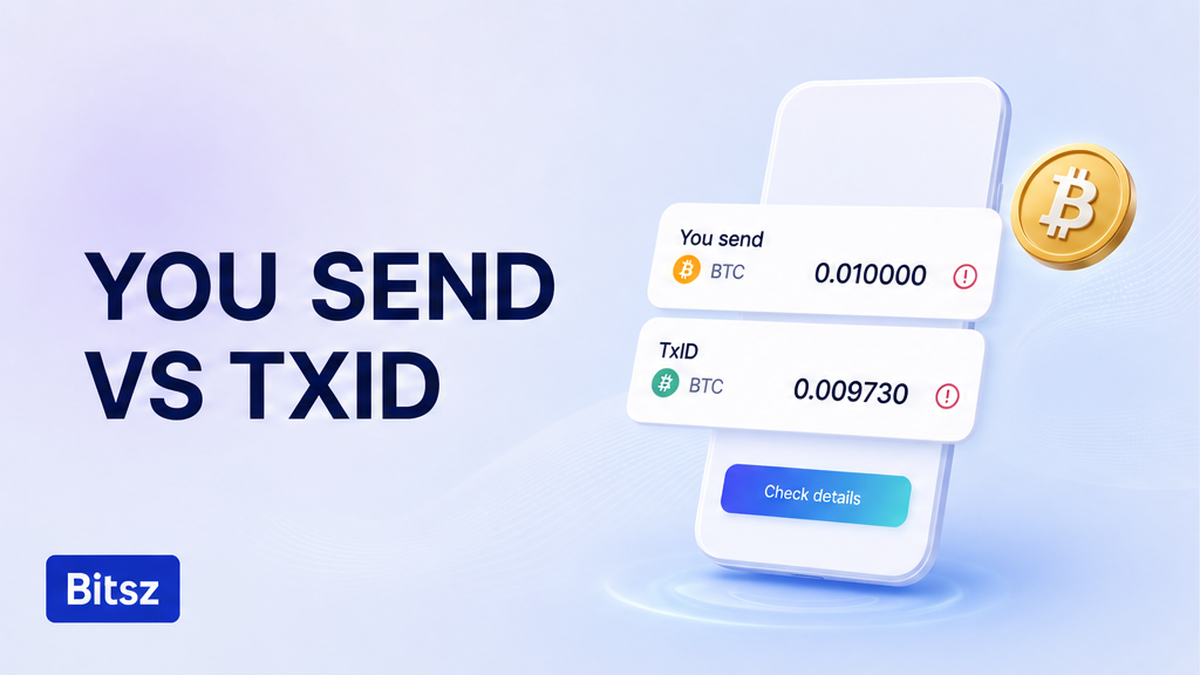

The order sits on a crypto swap amount mismatch, not a “stuck” chain. You send on the live Bitsz order does not match what your wallet billed or what landed on the TxID (the on-chain payment hash). Stop a makeup transfer to the same one-time address. First freeze extra sends. Then copy three figures. Next classify the gap. After that, mail one support packet. This refund checklist does not promise a full return.
Quick answer: Freeze extra sends. Copy You send, the wallet debit, and the explorer landed amount. Wrong network: leave this page. If the three numbers already match, use the stuck-status checklist. If they disagree, classify haircut, underpay, overpay, or split send. Terms 6.5 is refuse-and-return with no extra fee, not an AML 5% refund. Send one Order ID plus TxID packet to official support.
Bitsz is an instant crypto exchange (established 2023). The widget shows You send, You receive, Network, and Floating or Fixed. Each order gets a unique deposit address for one payment on this quote. Read the live order before you send another coin.
Stop before a second deposit – avoid a makeup transfer
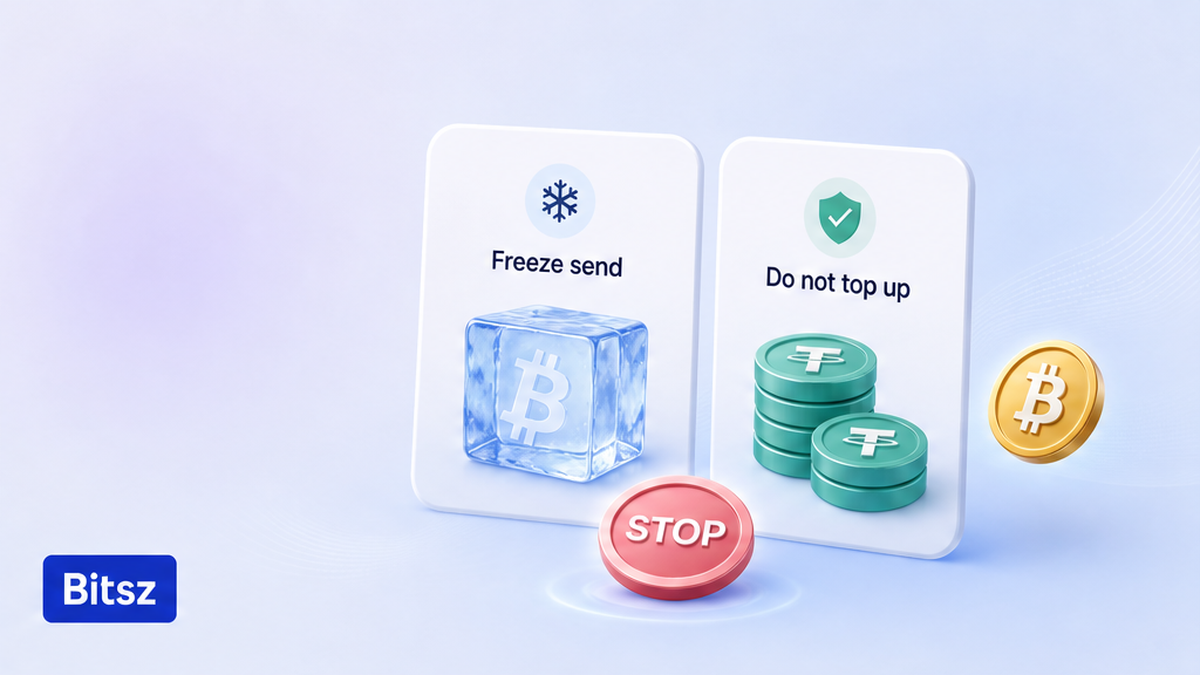
Freeze extra sends. Do not top up.
The usual instinct is “it was a little short, I will send the rest.” On a Bitsz one-time address that second hash is a second match problem: two TxIDs against one quote. Reusing the old deposit on a new order makes the same mess. A TxID is the payment’s fingerprint on the chain; the explorer is its public page. Keep the first hash. Do not “speed it up” with another send to the same address.
How to work the gap:
First freeze extra transfers. Then copy three figures with full decimals. Next confirm the network still matches. After that, classify haircut vs underpay vs overpay vs split. Then read Terms 6.5. Finally send one Order ID plus TxID packet to official support.
- Stop every extra send to this deposit address.
- Do not open a second Bitsz order that reuses the same address.
- Do not pay an “unlock” fee or follow a chat that is not official support.
- Keep the first TxID if a payment exists.
- Write the three figures in the next section before you message anyone.
Do: freeze first. Do not: top up, reuse the old address, or send more because a stranger said so.
Compare three figures: order You send, wallet debit, and on-chain TxID
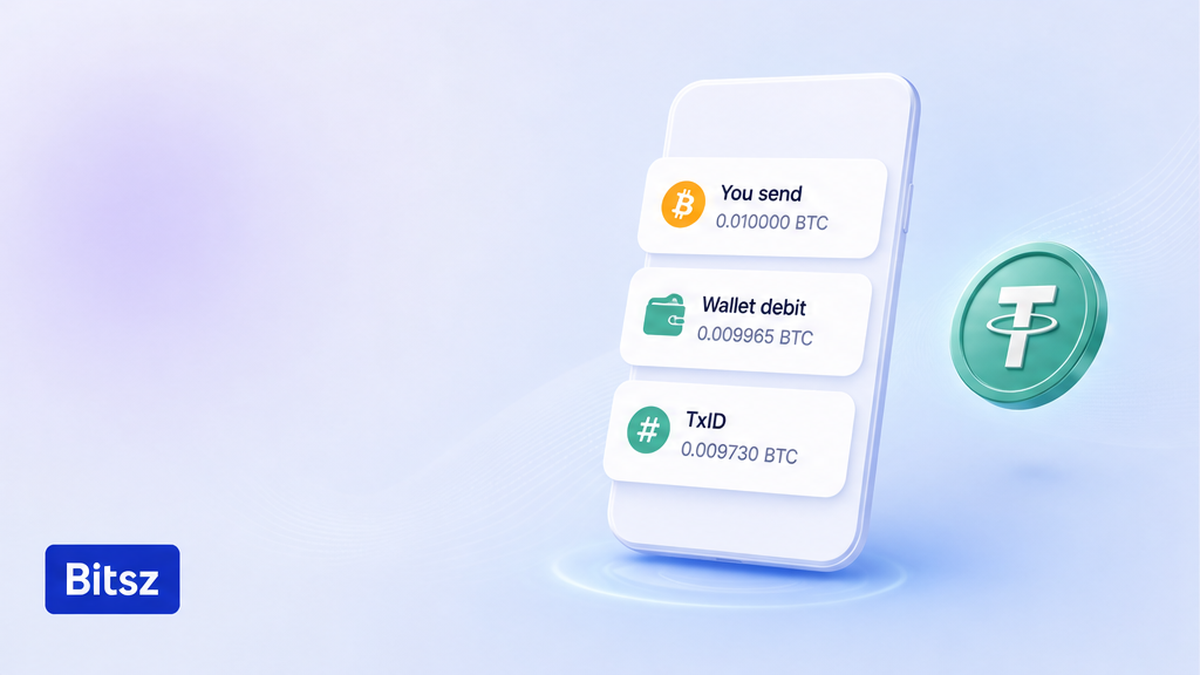
Three figures on one phone screen.
Put three numbers in one note. Copy full strings. Do not shorten a hash to “0x12…”. Decimals matter.
| Label | Where you copy it | What it means |
|---|---|---|
| A. You send | Live Bitsz order screen | The deposit this quote expects, with on-screen decimals |
| B. Wallet debit | Wallet or CEX withdrawal screen | Amount sent, received, or debit – use the UI label |
| C. Landed amount | Explorer on the same network as the order chip | What arrived on the TxID, not the number you typed |
Swap desks often see the number that lands, not the number you typed. A CEX withdrawal can deduct a network fee from the typed sum. That haircut is not a hidden Bitsz service fee.
Two exits first. If the network or address format does not match the order, use the USDT sent to the wrong network checklist. If A, B, and C already agree and the status still sits, use the stuck crypto swap status checklist. Stay here only when quantity disagrees.
Do: copy A, B, and C from live screens. Do not: trust only what you typed.
How to separate a fee haircut from an underpay, overpay, or split send
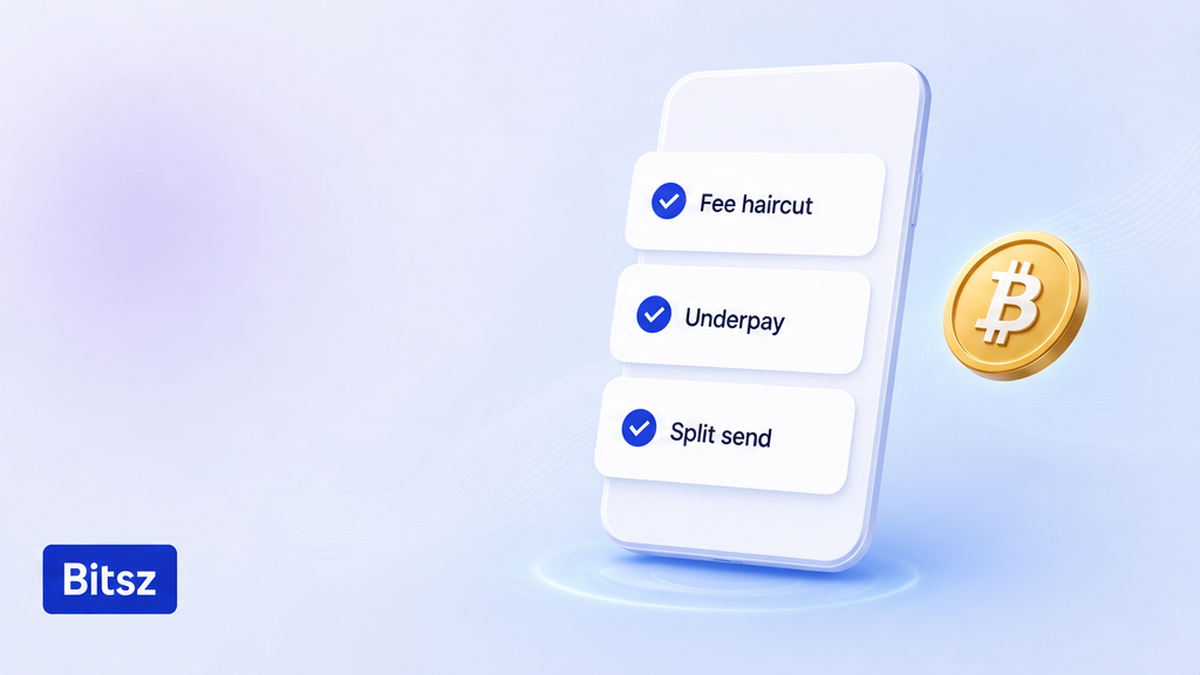
Fee cut is not an underpay.
A haircut is a network fee shaved off what arrives. Native coins (BTC, ETH) often work that way, especially with “send max.” Tokens such as USDT usually pay gas in the native coin (TRX, ETH, BNB) on top. If the token amount on the explorer is short, the gas did not “eat USDT.” You sent less token, or you typed the wrong figure.
Fixed (when the widget offers it) locks a quote for 12 minutes and wants an exact deposit. The Fixed fee is 1% plus network fee. If the market moves more than 1.3% before the deposit is seen on-chain, Terms 2.2.1 offer a refund or to continue at market – that is about the rate, not “send the missing dust.” Floating is 0.5% plus network fee and is not fixed until funds arrive. Bitsz Terms 2.10 recalculates floating only downward; that is not a several-deposit rule. Fixed can be temporarily unavailable (homepage check 2026-09-18), so read the mode on this order. See Fixed vs Floating on Bitsz.
| What you see | Likely class | Do | Do not |
|---|---|---|---|
| You typed You send; explorer slightly less; native coin | Fee haircut / send max / CEX withdrawal | Record both amounts; one support packet | Send the “missing” gas as a second deposit |
| Token on explorer less than You send; gas in TRX, ETH, or BNB | True underpay or a mistyped amount | Same packet | Assume USDT paid the gas |
| Explorer amount more than You send | Overpay | Ask support; 6.5 is refuse-and-return | Assume a larger You receive |
| Two TxIDs to one deposit | Split send | Stop immediately | A third send “to make it even” |
Verdict: Extra coins do not automatically raise You receive. A second deposit against one quote often becomes two payments, not a neat top-up. Do not invent Bitsz “Refund me / Accept current rate” buttons.
Do: classify with the table, then write support. Do not: treat overpay as a bigger payout.
Terms 6.5 checklist: refuse-and-return, not an AML 5% refund
Open the live Bitsz Terms of Use. Section 6.5: exchanges are processed within 30 minutes to 72 hours; the platform may refuse a request and return coins to the sender’s address with no additional fee. That is a possible refuse-and-return, not a 100% clawback or a refund SLA.
Keep three “refund” stories apart. Terms 6.5 is refuse-and-return when the platform will not complete the order, with no extra fee in those cases. Terms 2.2.1 (the 1.3% path) is a Fixed quote that moved before the deposit was seen – refund or continue at market, not “send the difference.” The AML 5% fee with a 7-business-day window applies only after a positive AML review of blocked assets. Do not paste that 5% onto an underpay unless support names AML.
Bitsz does not hold, store, or manage user funds. Terms 2.5 and 6.3 put user-side mistakes on you. Terms 6.4 allows a refusal without explanation. Displayed rates are for reference. A homepage “5 min average” is not a refund timer. EU/EEA residents cannot use it.
Do: read 6.5 as refuse-and-return. Do not: quote AML 5% / 7 days as the underpay fee.
How to send Order ID plus TxID to official support
Build one packet. Send it yourself through Bitsz support and to support@bitsz.io. The official Telegram showcase is not a ticket queue. If a stranger asks for a seed, an “unlock” payment, or a second deposit, stop – use the fake exchange support checklist.
- Copy the Order ID from the live Bitsz order page.
- Copy the order URL if the browser still shows it.
- Paste You send with the same decimals as the screen.
- Paste the wallet debit label and number.
- Paste every TxID in full, not a shortened hash.
- Paste the explorer URL, asset, network, and from/to addresses.
- Write Fixed or Floating as the live order shows it.
- Send that one packet to official support. Do not open a second ticket.
There is no self-serve refund form on the widget for this case. Wait for Bitsz to answer. Do not point a new order at the old deposit while this case is open. Do: one official packet. Do not: Telegram-as-support, a seed phrase, or a third transfer.
How to act after support replies
Follow only what official support wrote. If they send a return TxID, check asset, network, and that it goes to your original sender address. A return is a new on-chain payment; a later network fee can shrink it. Do not assume an overpay surplus raises You receive.
After this order is closed, open a new quote for any large amount. Do not raise the old address. See test swap before a large transfer. When you are ready, use the Bitsz swap widget – not as a top-up into this case. Delays can happen (Terms 2.6). Do: wait for written instructions, then a new order. Do not: send again because waiting feels slow.
FAQ
Should I send the missing difference to the same deposit address?
No. Stop. A second TxID is a second match problem on a one-time Bitsz address. Save the Order ID and the first TxID, then write official support.
Is an amount mismatch the same as a stuck order?
No. If You send, wallet debit, and the landed TxID already match and the status still sits, use the stuck-status checklist. This page is for when those three numbers disagree.
Does Terms 6.5 guarantee a full refund?
No. Exchanges are processed in 30 minutes to 72 hours, and the platform may refuse a request and return coins to the sender with no extra fee. That is refuse-and-return, not a 100% clawback. User mistakes stay on you (Terms 2.5, 6.3).
Is the AML 5% refund the fee for an underpay?
No. The 5% path sits in the AML policy after a positive review of blocked assets. Do not apply it to a short or excess deposit unless support says the order is in AML review.
I used send max and the deposit is short. Did Bitsz take the difference?
Usually not as a hidden Bitsz fee. On native coins the wallet or a CEX withdrawal often subtracts the network fee from what leaves. Compare the explorer landed amount to You send, then send that packet to support. Do not top up blindly.
I sent extra. Will I receive more on the payout side?
Do not assume that. Extra can need a manual match or a return of the surplus, minus a later network fee. Ask official support. Do not send still more.
I already sent a second transfer. What now?
Stop a third. Collect both TxIDs, both explorer URLs, the Order ID, and You send. One official ticket. Do not reuse the old deposit on a replacement order.
Disclaimer: The material in this article is not financial or investment advice. Everything stated here reflects the author's personal view and should not be treated as a recommendation to trade or invest. We make no warranties regarding the accuracy, reliability or completeness of the information presented. Cryptocurrency markets are highly volatile and can move unpredictably. Before committing any funds, every investor, trader or crypto user should study several independent sources and check the regulations that apply in their own jurisdiction.