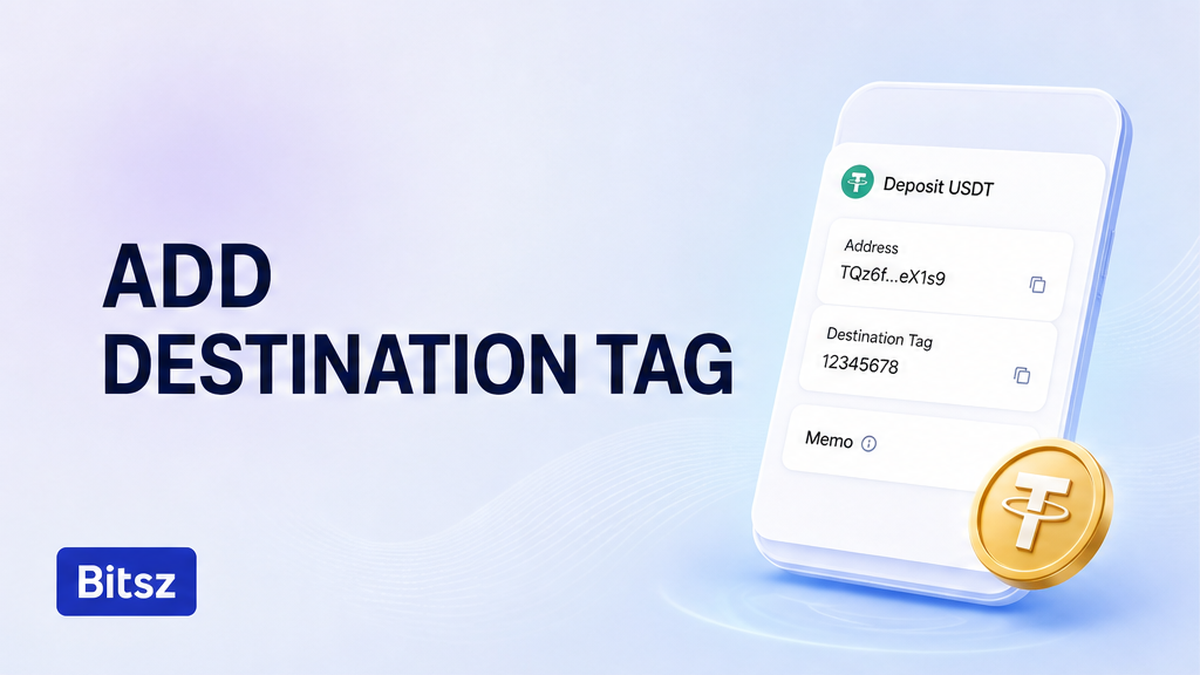

The chain explorer can show a green success while the exchange balance stays empty. That usually means coins hit a shared deposit address and the extra ID never arrived. Here is how to add a destination tag. Copy the live Bitsz address and extra ID as two pastes, match four route fields, then sign. A destination tag, also called a memo or comment, is the apartment number on that building. If you already sent without the tag, do not send a second deposit.
Quick answer: Open a fresh Bitsz order. Copy the one-time deposit address in one paste and the Destination Tag, Memo, Comment, or Message in a second paste, only if the screen shows that extra field. Put each value in its own wallet field. Test a large send. If coins already left without the required tag, write official Bitsz support with the Order ID and TxID. A return is not promised.
Bitsz is an instant crypto exchange founded in 2023. The widget labels include You send, You receive, Network, Recipient’s address, and Exchange. Under the Terms of Use (section 2.4), each transaction gets a unique deposit address. Do not copy an old screenshot.
Cover two directions. You send coins into Bitsz and copy the extra ID the current order printed. Bitsz may also pay out to a wallet that needs a memo from its own deposit screen. Do not mix those two values.
How to add a destination tag without mixing it into the address
Paste address and tag separately
A shared deposit address is the building. The destination tag is the apartment number. The chain can deliver to the building while the exchange still cannot tell which account to credit.
On XRP the extra ID is a Destination Tag: a whole number from 0 to 4294967295. On Stellar (XLM) it is a Memo, and the type must match what the receiver issued (text up to 28 bytes, a numeric ID, a hash, or a return hash). On TON, wallets often label the same field Comment or Message.
The XRP ledger treats DestinationTag as optional on a Payment. An exchange that shares one address does not. If the receiver enabled RequireDest, the network rejects a send with no tag and returns tecDST_TAG_NEEDED (code 143). Without that flag, the send can succeed on-chain and still sit uncredited.
Do this: copy the address and the extra ID as two values. Check the first and last characters of each against the live order. Don’t paste the tag into the address line.
Checklist: which assets on this swap actually show a memo
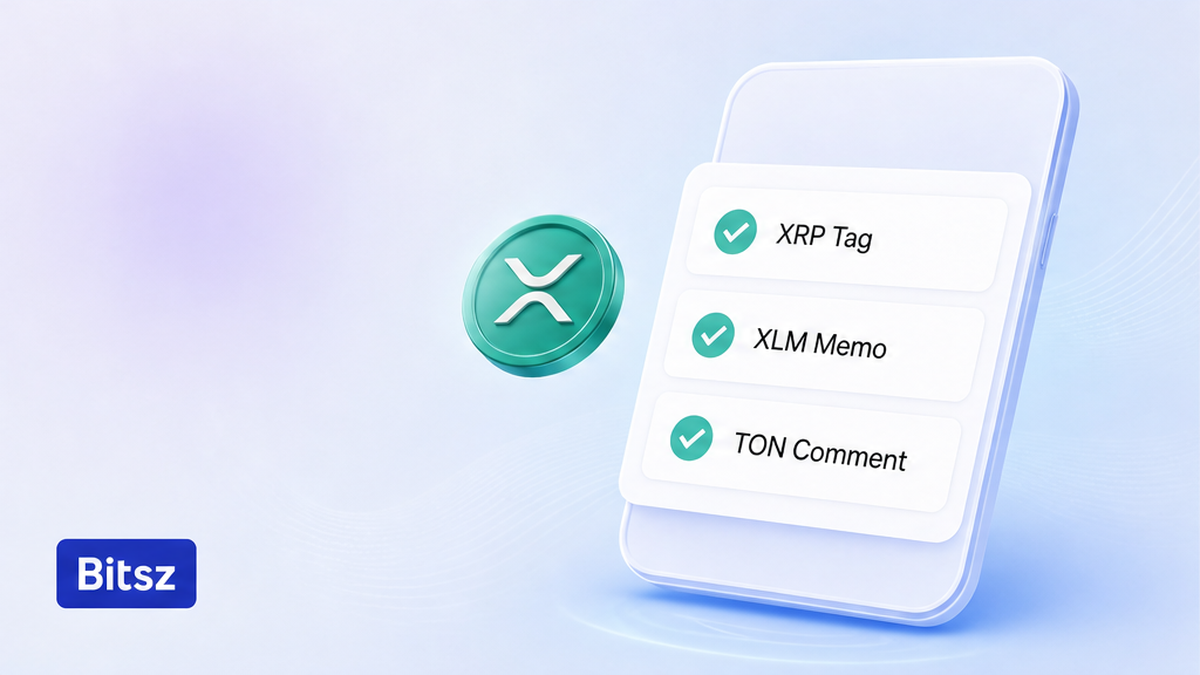
Trust the live extra-ID label
Trust the current Bitsz order screen. XRP often shows a Destination Tag, XLM a Memo, TON a Comment. Bitcoin, Ethereum, and USDT (Tether) on Tron (TRC-20) or Ethereum (ERC-20) usually show none. If the order did not print a memo, do not invent one.
| Asset | Extra ID name | Typical format | When you add it |
|---|---|---|---|
| XRP | Destination Tag | Numbers, 0 to 4294967295 | When the live order or deposit screen shows it |
| XLM | Memo | Text, ID, hash, or return; keep the type | When the receiving side printed a memo |
| TON | Comment or Message | Invoice text on a shared address | Exchange yes; personal Tonkeeper usually no |
| BTC, ETH, USDT | None | No XRP-style tag | Only if the live Bitsz screen shows a memo field |
Ledger’s memo help maps XRP as numbers only and XLM as a string and/or numbers. Pair walkthroughs: XRP to USDT and live XLM to USDT.
Verdict: Follow the live order. If it shows an extra ID, add it. If it does not, send only the address.
Do this: match the asset and the extra-ID label on this order. Don’t reuse a tag from another service or from last week’s swap.
Copying address and extra ID from the live Bitsz order
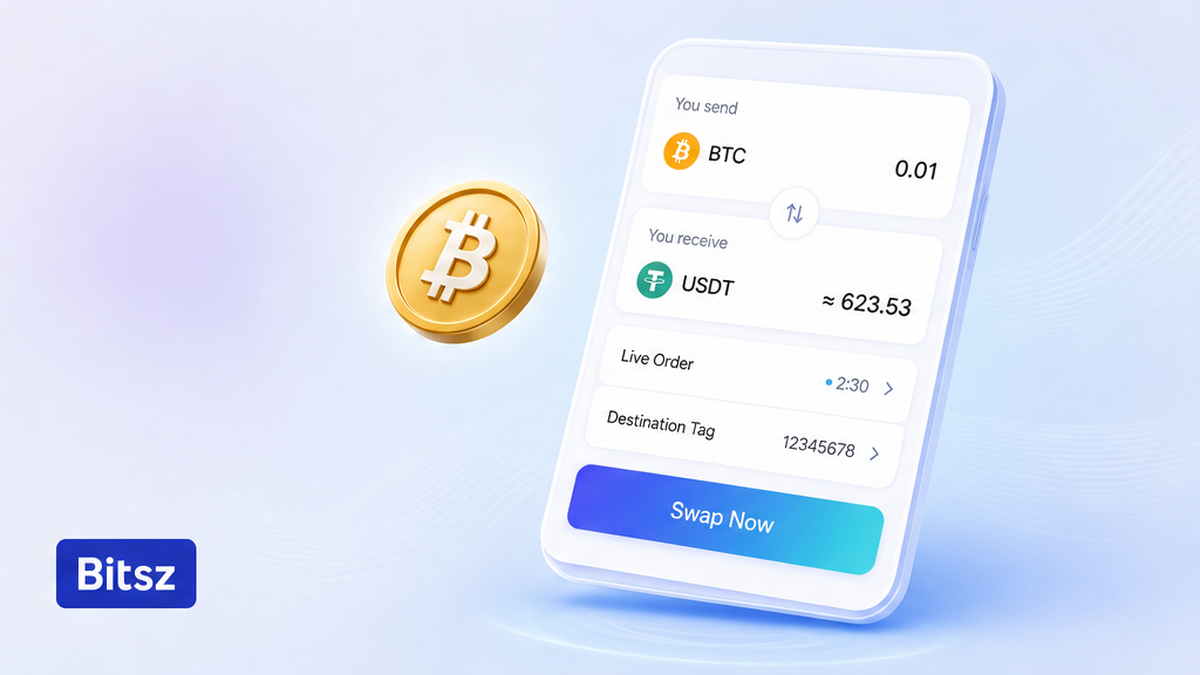
Copy from the open order
Start with a new order on the Bitsz widget. Read the asset and the network. Copy the deposit address as one action. If Destination Tag, Memo, Comment, or Message is on the same screen, copy it as a second action. If no extra ID is shown, do not invent a number.
When Bitsz pays you, the extra ID belongs to the receiving wallet. If you cash out XRP, XLM, or TON to an exchange, paste that exchange’s current deposit address into Recipient’s address and its tag into the memo field. Leave a checkbox such as “My wallet doesn’t require destination tag” checked only when the receiving side shows no extra ID.
Fixed rate can be temporarily unavailable in the widget. That does not change the memo rule. Send funds to the one-time address, then track the order until Finished. TON exchanges often share one address and match users by the comment; a personal Tonkeeper address usually needs none. TON addresses often start with EQ. See the BTC to TON convert guide.
Do this: copy from the order that is open now. Don’t copy from a screenshot, a chat, or an old Order ID.
Avoid splitting packed X-addresses and M-addresses
A classic XRP address starts with r and is 25 to 35 characters. Some wallets give an X-address on mainnet (it starts with X) that packs the classic address and the tag into one string. Stellar has a similar packed form: an M-address starts with M and hides a G-address plus a 64-bit ID.
If the receiver gave an X-address or an M-address, paste it as one value when the wallet accepts that format. Do not decode it by hand. The XRPL destination-tag docs note that a tag by itself does not create a ledger credit. If the wallet rejects the packed format, stop and change the route.
Do this: paste a packed address as a single field when the wallet accepts it. Don’t split an X-address or an M-address into homemade parts.
Pre-send checklist and a tiny test before a large send
How the send should go:
First open a fresh Bitsz order. Then copy the deposit address and the extra ID as two pastes. Next match the wallet fields, or stop on an X-address or M-address the wallet cannot take. Then test a small amount if the size is large. Only after a full credit, sign the main send. If coins already left without a tag, write official support with the TxID.
Coinbase and Crypto.com recommend a small test when the tag is unclear. Wait for a full credit, then scale. Do not send the rest while the test is still unconfirmed.
- Open a new Bitsz order and write down the asset and network.
- Copy the deposit address. If a Destination Tag, Memo, Comment, or Message is shown, copy it separately.
- For a payout to an exchange on XRP, XLM, or TON, paste that deposit address and extra ID into the widget.
- In the sending wallet, put the address only in the address field and the extra ID only in Tag, Memo, or Comment.
- Paste a packed X-address or M-address as one value. Stop if the wallet rejects it.
- On a large or new route, send a tiny test and wait for a full credit before you scale.
- Sign when asset, network, address, and extra ID (if shown) all match. Save Order ID and TxID after Send.
- If the extra ID was already missing or wrong, do not send a second deposit.
Do this: wait for a full credit on the test. Don’t send a second amount to “speed it up”.
Fix a send that already left without the required tag
If the explorer shows success and the order is still empty, this is a credit problem at the receiver. Do not send a second deposit.
Collect the Order ID, the outgoing TxID, the explorer URL, and a screenshot of the tag the order required. Write official Bitsz support on the support page, at support@bitsz.io, or in Live Chat. Do not DM a look-alike account about a “rescue”.
Under the Bitsz Terms of Use, you accept responsibility for incorrect addresses and other user mistakes (sections 2.5 and 6.2–6.3). A return of a missed tag is not promised. Section 6.5 covers processing from 30 minutes to 72 hours. A service refusal can return coins to the sender with no extra fee. That refusal is not a missing-tag rescue.
If the wallet returned tecDST_TAG_NEEDED, funds should still be in the sending wallet. Add the tag from the live order and send again only after that on-chain failure. A clean explorer success with an empty balance needs the receiver, not a second try with the same blank tag. A missing tag is not an AML hold (risk above 40% or labels such as DARK SERVICE, SCAM, STOLEN, MIXING, SANCTIONS, or GAMBLING). If the order is waiting on compliance, use the stuck crypto swap status checklist. When the four fields already match, open a fresh order on the Bitsz widget and save Order ID and TxID after Send.
Do this: send one support pack with facts. Don’t repeat the deposit.
FAQ
Is a destination tag the same as a memo?
Same job, different label. XRP uses Destination Tag, XLM uses Memo, TON uses Comment or Message. Copy the value into the extra-ID field your wallet shows for that coin.
Does BTC or USDT on TRC-20 / ERC-20 need a memo?
Usually no. If the Bitsz order screen does not show a memo, do not invent one.
Do I need a tag when sending to my own Ledger or Tonkeeper?
Usually no: that address is unique to you. If a sending exchange still requires a field, Ledger documents a filler number in the UInt32 range (0 to 4294967295). Never pick a random number when Bitsz displayed a required deposit tag.
Can I recover XRP sent without a destination tag?
The ledger may show success while the receiving service cannot auto-credit. Write official Bitsz support with the Order ID and TxID. Recovery is not guaranteed (Terms 2.5 and 6.3). Do not send again.
Bitsz did not show a Destination Tag on my XRP order. Should I invent one?
No. Send only what the current order printed. If credit fails, collect the TxID and write official support.
What if the network error is tecDST_TAG_NEEDED?
The destination requires a tag and rejected the payment. Funds should still be in the sending wallet. Add the tag from the live order and send again only after that on-chain failure.
Disclaimer: The material in this article is not financial or investment advice. Everything stated here reflects the author's personal view and should not be treated as a recommendation to trade or invest. We make no warranties regarding the accuracy, reliability or completeness of the information presented. Cryptocurrency markets are highly volatile and can move unpredictably. Before committing any funds, every investor, trader or crypto user should study several independent sources and check the regulations that apply in their own jurisdiction.